







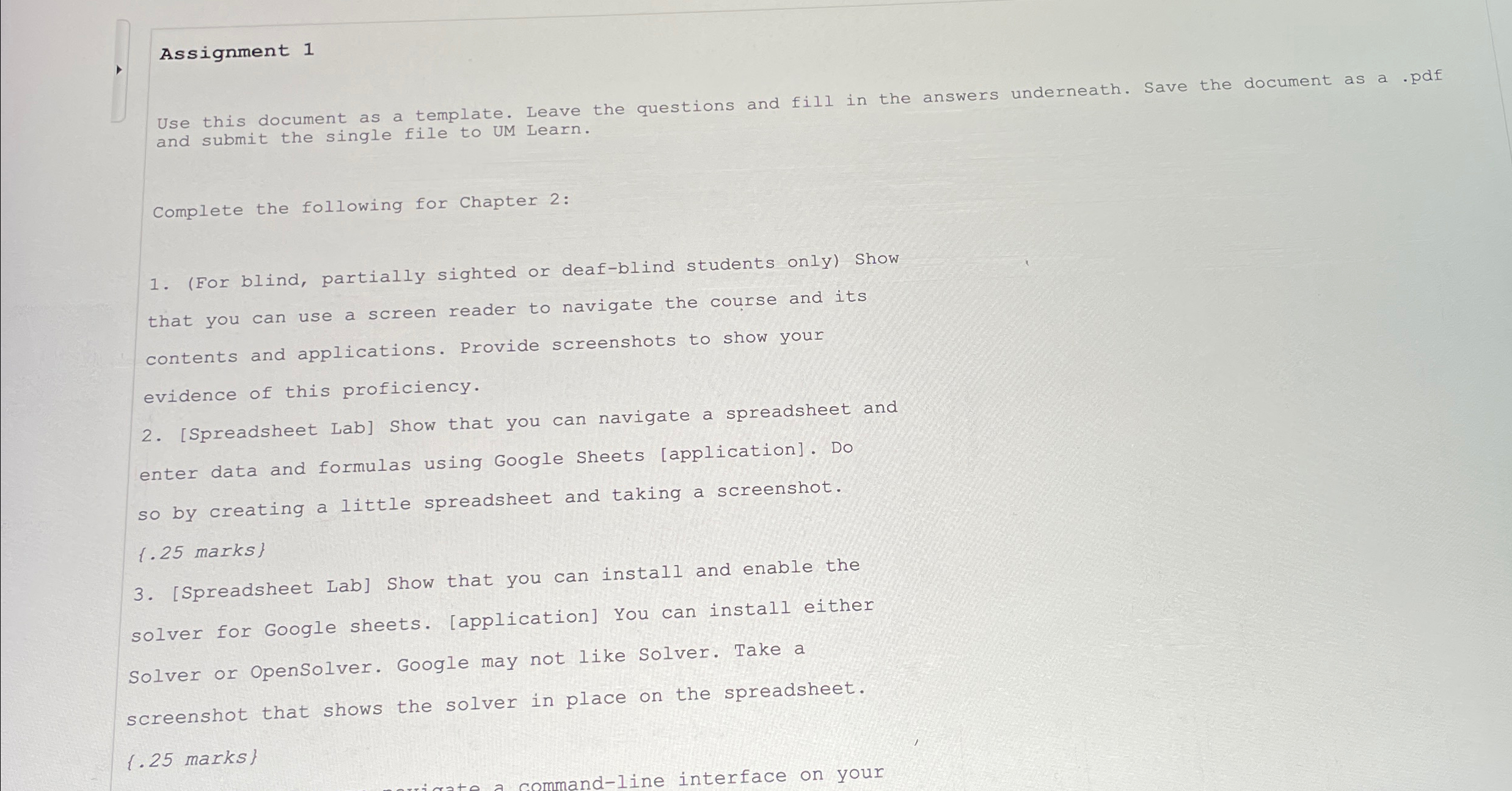
Question: Assignment 1 Use this document as a template. Leave the questions and fill in the answers underneath. Save the document as a . pdf and
Assignment
Use this document as a template. Leave the questions and fill in the answers underneath. Save the document as a pdf and submit the single file to UM Learn.
Complete the following for Chapter :
For blind, partially sighted or deafblind students only Show that you can use a screen reader to navigate the course and its contents and applications. Provide screenshots to show your evidence of this proficiency.
Spreadsheet Lab Show that you can navigate a spreadsheet and enter data and formulas using Google Sheets application Do so by creating a little spreadsheet and taking a screenshot.
marks
Spreadsheet Lab Show that you can install and enable the solver for Google sheets. application You can install either Solver or OpenSolver. Google may not like Solver. Take a screenshot that shows the solver in place on the spreadsheet.
marks
Step by Step Solution
There are 3 Steps involved in it
1 Expert Approved Answer
Step: 1 Unlock

Question Has Been Solved by an Expert!
Get step-by-step solutions from verified subject matter experts
Step: 2 Unlock
Step: 3 Unlock
 Study Help