







Question: Assignment #2 1. Instructions: CYBR 10010 - Scenario 2 - Instructions.docx II. Read over the scenario carefully. III. Go to: https://cve.mitre.org/ and select CVE
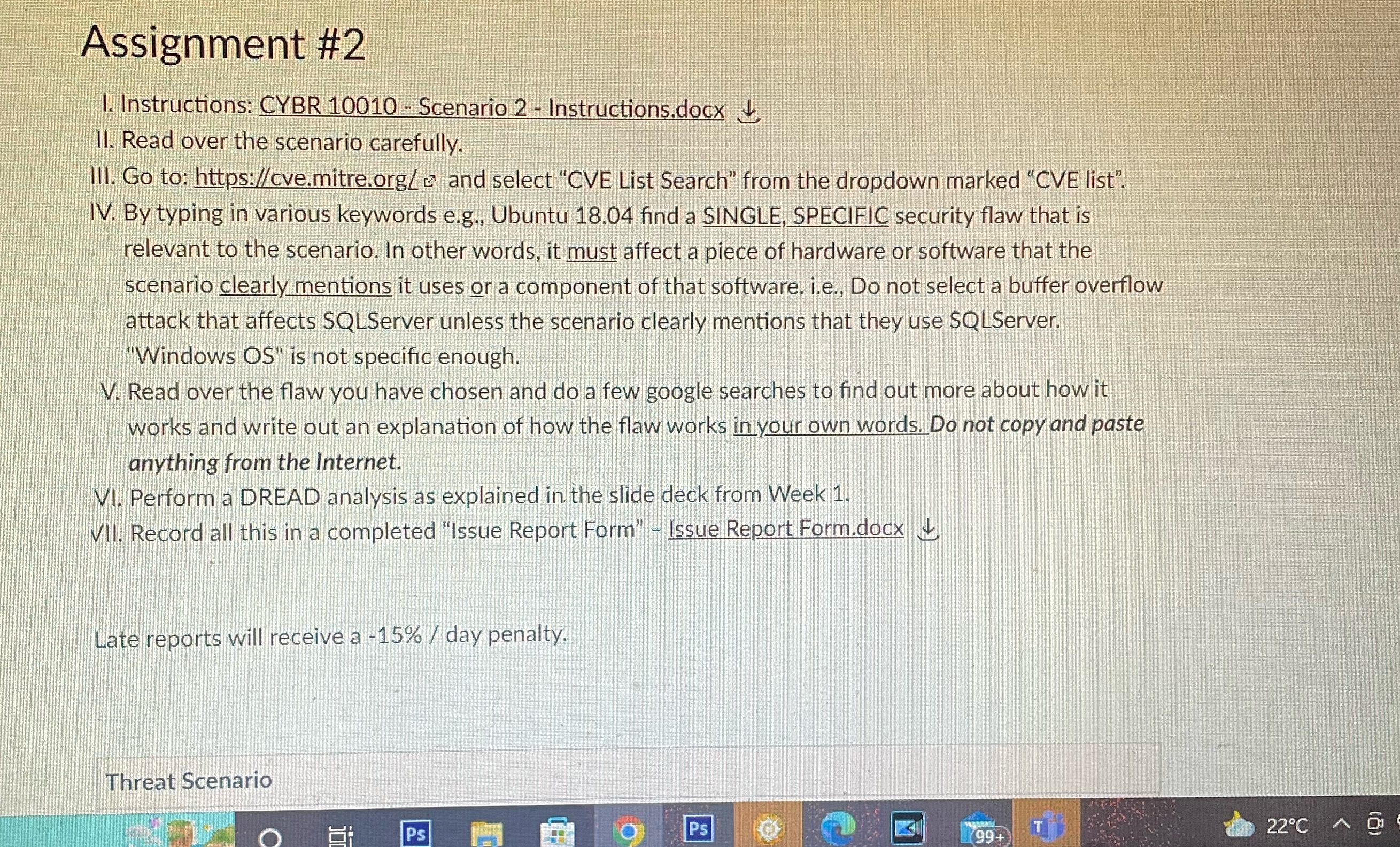
Assignment #2 1. Instructions: CYBR 10010 - Scenario 2 - Instructions.docx II. Read over the scenario carefully. III. Go to: https://cve.mitre.org/ and select "CVE List Search" from the dropdown marked "CVE list". IV. By typing in various keywords e.g., Ubuntu 18.04 find a SINGLE, SPECIFIC security flaw that is relevant to the scenario. In other words, it must affect a piece of hardware or software that the scenario clearly mentions it uses or a component of that software. i.e., Do not select a buffer overflow attack that affects SQLServer unless the scenario clearly mentions that they use SQLServer. "Windows OS" is not specific enough. V. Read over the flaw you have chosen and do a few google searches to find out more about how it works and write out an explanation of how the flaw works in your own words. Do not copy and paste anything from the Internet. VI. Perform a DREAD analysis as explained in the slide deck from Week 1. VII. Record all this in a completed "Issue Report Form" - Issue Report Form.docx Late reports will receive a -15% / day penalty. Threat Scenario Ps T 22C A Ps 99+
Step by Step Solution
There are 3 Steps involved in it

Get step-by-step solutions from verified subject matter experts
 Study Help