







Question: Assignment 2 Visual studio Download the attached file, MathProblem.zip. Extract the files and open the program. Change the form text property to Math Problem. Change
Assignment 2 Visual studio
Download the attached file, MathProblem.zip. Extract the files and open the program. Change the form text property to Math Problem. Change the name of Label1 to lblResult. Change the label text property as shown below. Add a button named btnSubmit with text property Submit. Add a button named btnExit with text property Exit. Your form should look like this:
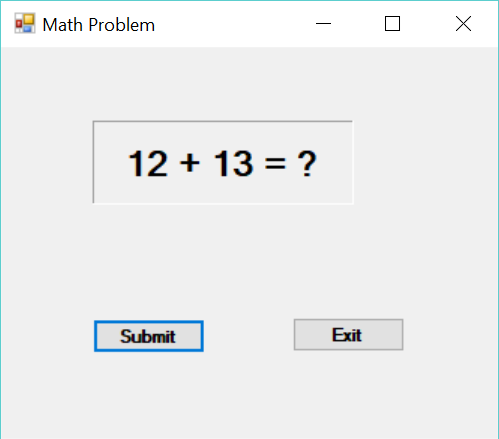
When the program runs, and the Submit button is clicked, the problem should be solved and the answer is shown in lblResult (no math needed just change the Text property). Feel free to change other properties such as Font and TextAlign as you want. You are encouraged to check out any properties you wish as long as the program executes correctly.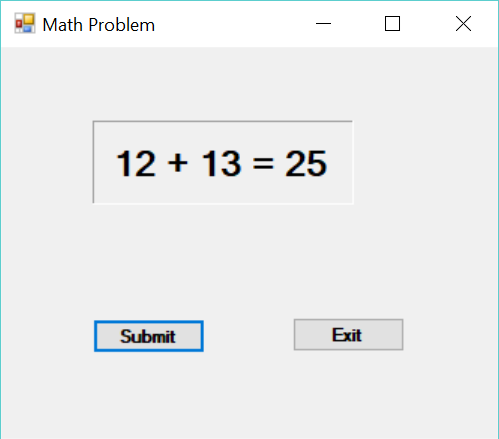
Math Problem 12 + 13 = ? Submit Exit Math Problem 12 + 13 = 25 Submit Exit
Step by Step Solution
There are 3 Steps involved in it

Get step-by-step solutions from verified subject matter experts
 Study Help