







Question: Assignment # 4 - Reaction Time Game In this assignment you will use the InterruptIn, Timer, Serial, and DigitalOut interfaces on the mbed module
Assignment # Reaction Time Game
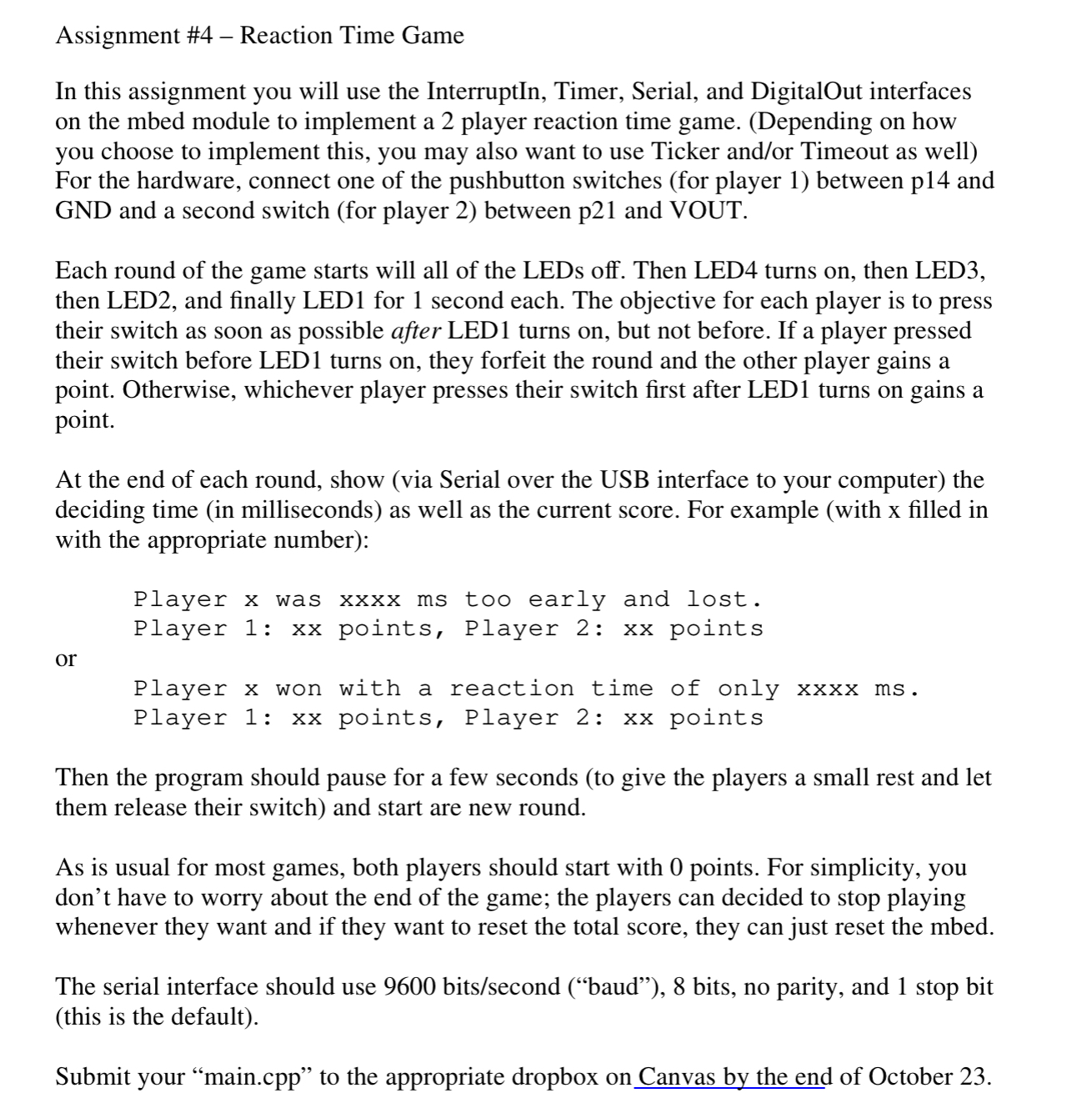
In this assignment you will use the InterruptIn, Timer, Serial, and DigitalOut interfaces on the mbed module to implement a player reaction time game. Depending on how you choose to implement this, you may also want to use Ticker andor Timeout as well For the hardware, connect one of the pushbutton switches for player between p and GND and a second switch for player between p and VOUT.
Each round of the game starts will all of the LEDs off. Then LED turns on then LED then LED and finally LED for second each. The objective for each player is to press their switch as soon as possible after LED turns on but not before. If a player pressed their switch before LED turns on they forfeit the round and the other player gains a point. Otherwise, whichever player presses their switch first after LED turns on gains a point.
At the end of each round, show via Serial over the USB interface to your computer the deciding time in milliseconds as well as the current score. For example with x filled in with the appropriate number:
Player x was xxxx ms too early and lost.
Player : xx points, Player : xx points
or
Player x won with a reaction time of only xxxx ms
Player : xx points, Player : xx points
Then the program should pause for a few seconds to give the players a small rest and let them release their switch and start are new round.
As is usual for most games, both players should start with points. For simplicity, you don't have to worry about the end of the game; the players can decided to stop playing whenever they want and if they want to reset the total score, they can just reset the mbed.
The serial interface should use bitssecond baud bits, no parity, and stop bit this is the default
Submit your "main.cpp to the appropriate dropbox on Canvas by the end of October
Step by Step Solution
There are 3 Steps involved in it
1 Expert Approved Answer
Step: 1 Unlock

Question Has Been Solved by an Expert!
Get step-by-step solutions from verified subject matter experts
Step: 2 Unlock
Step: 3 Unlock
 Study Help