







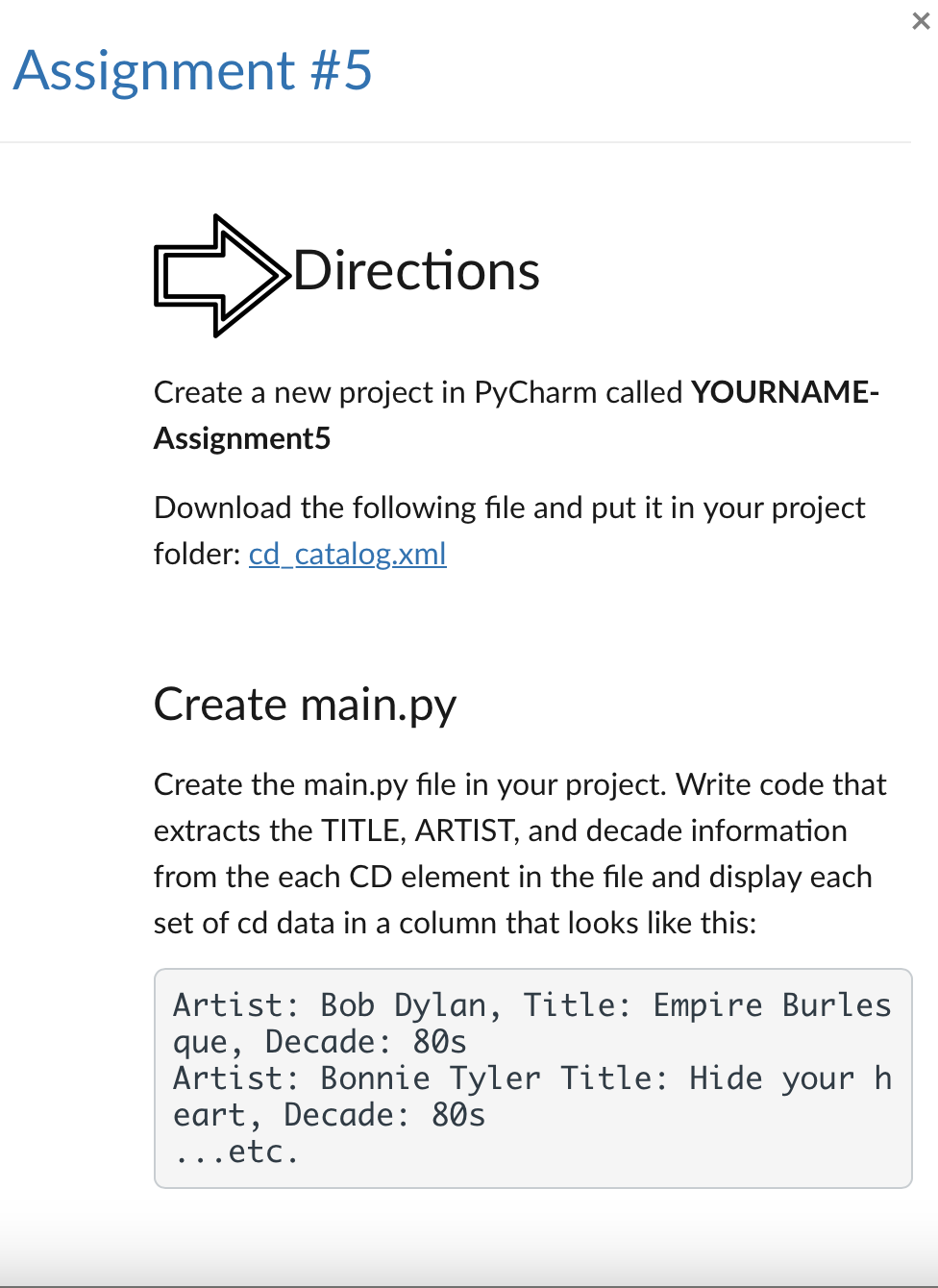
Question: Assignment # 5 Create a new project in PyCharm called YOURNAME - Assignment 5 Download the following file and put it in your project folder:
Assignment #
Create a new project in PyCharm called YOURNAME
Assignment
Download the following file and put it in your project
folder: catalog.xml
Create
main.py
Create the
main.py file in your project. Write code that
extracts the TITLE, ARTIST, and decade information
from the each CD element in the file and display each
set of cd data in a column that looks like this:
Artist: Bob Dylan, Title: Empire Burles
que, Decade: s
Artist: Bonnie Tyler Title: Hide your h
eart, Decade: s
etc.
Step by Step Solution
There are 3 Steps involved in it
1 Expert Approved Answer
Step: 1 Unlock

Question Has Been Solved by an Expert!
Get step-by-step solutions from verified subject matter experts
Step: 2 Unlock
Step: 3 Unlock
 Study Help