







Question: Assignment Instructions 1 2 3 4 Grader has Start Word. Download and open the file named Exp19_Word_Ch04_ML2_StudyAbroad.docx. automatically added your last name to the
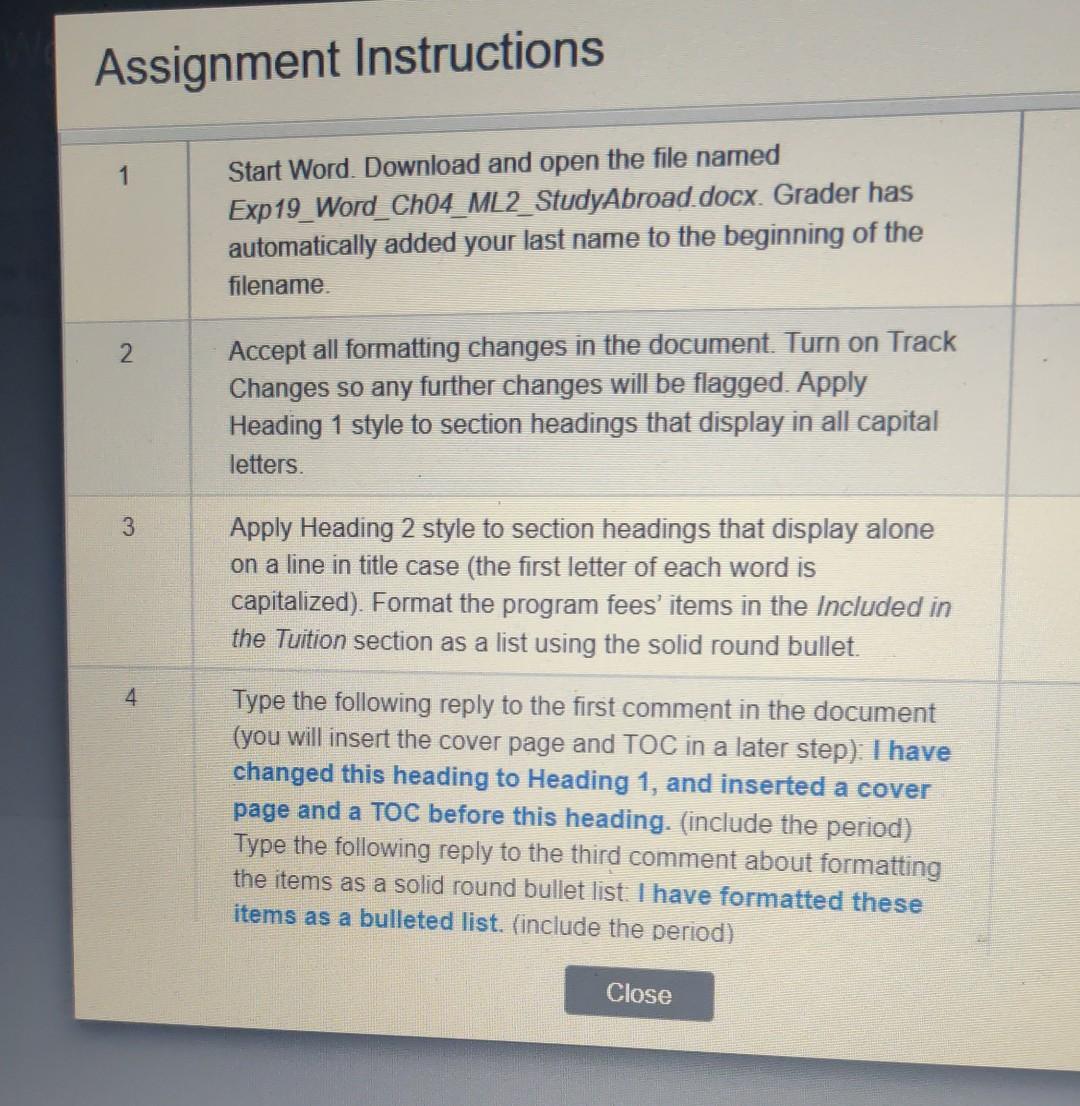
Assignment Instructions 1 2 3 4 Grader has Start Word. Download and open the file named Exp19_Word_Ch04_ML2_StudyAbroad.docx. automatically added your last name to the beginning of the filename. Accept all formatting changes in the document. Turn on Track Changes so any further changes will be flagged. Apply Heading 1 style to section headings that display in all capital letters. Apply Heading 2 style to section headings that display alone on a line in title case (the first letter of each word is capitalized). Format the program fees' items in the Included in the Tuition section as a list using the solid round bullet. Type the following reply to the first comment in the document (you will insert the cover page and TOC in a later step): I have changed this heading to Heading 1, and inserted a cover page and a TOC before this heading. (include the period) Type the following reply to the third comment about formatting the items as a solid round bullet list. I have formatted these items as a bulleted list. (include the period) Close
Step by Step Solution
There are 3 Steps involved in it

Get step-by-step solutions from verified subject matter experts
 Study Help