







Question: Assignment Instructions Illustrate deletion, modification, and insertion anomalies on the STUDENT _ ACTIVITY relation in Figure. Here is the STUDENT _ ACTIVITY table: STUDENT _
Assignment Instructions
Illustrate deletion, modification, and insertion anomalies on the STUDENTACTIVITY relation in Figure.
Here is the STUDENTACTIVITY table:
STUDENTACTIVITY Table
tableStudentIDStudentName,Activity,ActivityFee,AmounttPaidJones,Golf,Jones,Skiing,Davis,Skiing,Davis,Swimming,Garrett,Skiing,Garrett,Swimming,Jones,Golf,Jones,Swimming,
Consider the relation:
PERSON Name Sibling, ShoeSize
Assume the following functional dependencies exist:
Name Sibling
Name ShoeSize
Describe deletion, modification, and insertion anomalies for this relation.
Using the data in Figure and adding ShoeSize, we get the following relation:
ShoeSize Table
tableNameSibling,ShoeSizeChauEileen,CChauJonathan,CGreenNikki,BJonesFrank,EJonesFred,EJonesSally,E
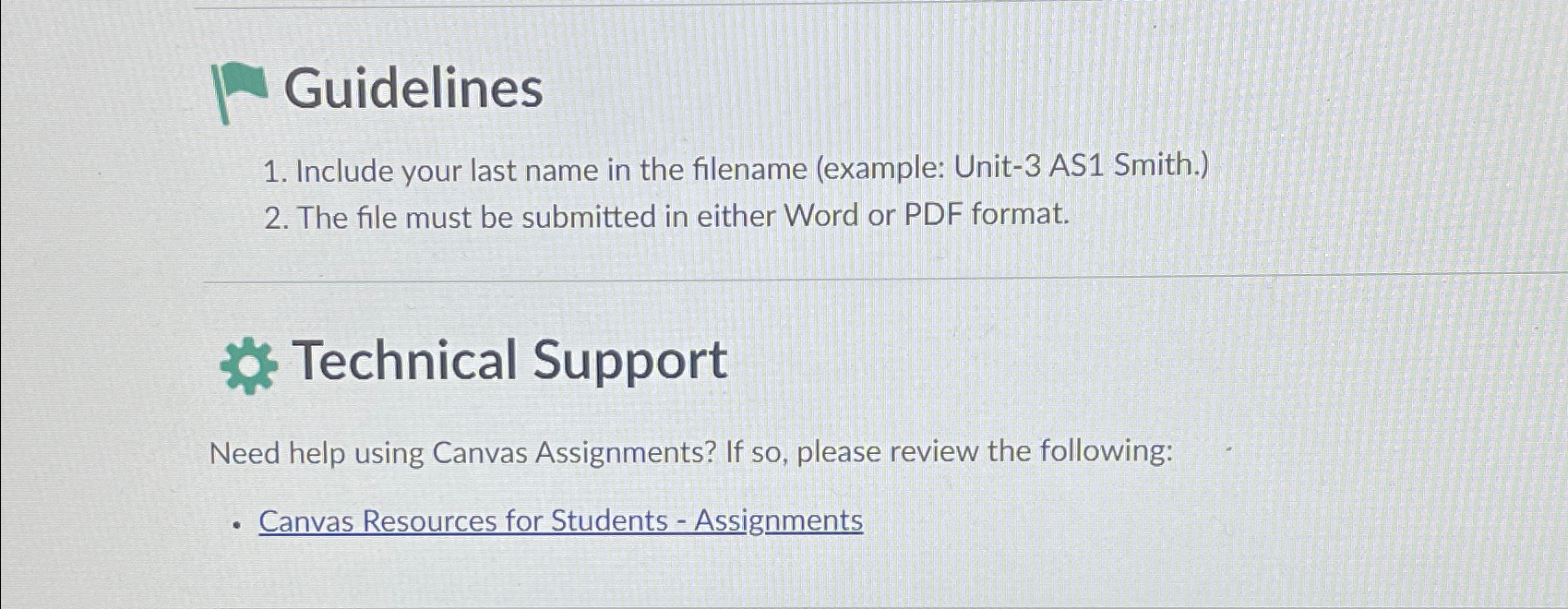
Guidelines
Include your last name in the filename example: Unit AS Smith.
The file must be submitted in either Word or PDF format.
Technical Support
Need help using Canvas Assignments? If so please review the following:
Canvas Resources for Students Assignments
Step by Step Solution
There are 3 Steps involved in it
1 Expert Approved Answer
Step: 1 Unlock

Question Has Been Solved by an Expert!
Get step-by-step solutions from verified subject matter experts
Step: 2 Unlock
Step: 3 Unlock
 Study Help