







Question: Assignment Overview In this assignment you will use Viv ado 16.4 Web pack to write and simulate some simple VHDL files. There are two main
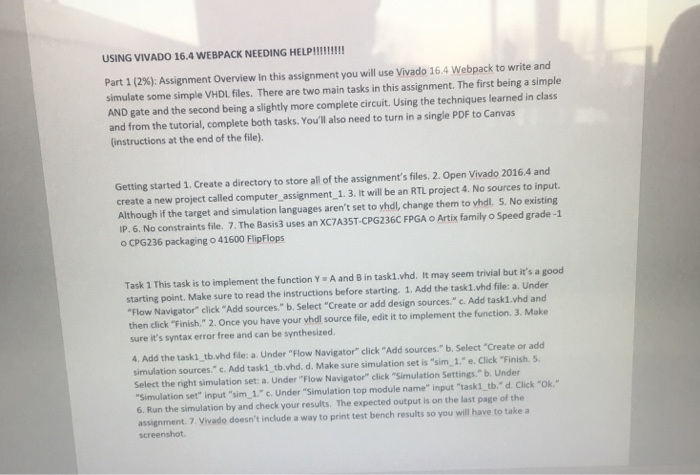
Assignment Overview In this assignment you will use Viv ado 16.4 Web pack to write and simulate some simple VHDL files. There are two main tasks in this assignment. The first being a simple AND gate and the second being a slightly more complete circuit. Using the techniques learned in class and from the tutorial, complete both tasks. You'll also need to turn in a single PDF to Canvas (instructions at the end of the file). Getting stalled Create a directory to store all of the assignment's files. Open Vivado 2016.4 and create a new project called computer assignment_1. It will be an RTL project No sources to input. Although if the target and simulation languages aren't set to vide, change them to vide No existing IP. No constraints file. The Basit3 uses an XC7A35T CPG236C FPGA O Artix family o Speed grade -1 O CPG236 packaging o 41600 Flip Flops Task 1 This task is to implement the function Y = A and B in task1.vhd. It may seem trivial but It's a good starting point. Make sure to read the instructions before starting. 1. Add the task1.vhd file: Under "Flow Navigator" click "Add sources." Select "Create or add design sources." Add task1.vhd and then click "Finish " Once you have your vide source file, edit it to implement the function. Make sure it's syntax error free and can be synthesized Add the task1_tb had file: a Under "Flow Navigator" click "Add sources" Select "Create or add simulation sources" Add task1_tb.vhd Make sure simulation set is "sim_1." Click "Finish Select the right simulation set a. Under "Flow Navigator" click "Simulation Settings." Under "Simulation set" input "sim_1" Under "Simulation top module name" input "task1_tb." Click "Ok." Run the simulation by and check your results. The expected output is on the last page of the assignment Vivado doesn't include a way to print test bench results so you will have to take a screenshot. Assignment Overview In this assignment you will use Viv ado 16.4 Web pack to write and simulate some simple VHDL files. There are two main tasks in this assignment. The first being a simple AND gate and the second being a slightly more complete circuit. Using the techniques learned in class and from the tutorial, complete both tasks. You'll also need to turn in a single PDF to Canvas (instructions at the end of the file). Getting stalled Create a directory to store all of the assignment's files. Open Vivado 2016.4 and create a new project called computer assignment_1. It will be an RTL project No sources to input. Although if the target and simulation languages aren't set to vide, change them to vide No existing IP. No constraints file. The Basit3 uses an XC7A35T CPG236C FPGA O Artix family o Speed grade -1 O CPG236 packaging o 41600 Flip Flops Task 1 This task is to implement the function Y = A and B in task1.vhd. It may seem trivial but It's a good starting point. Make sure to read the instructions before starting. 1. Add the task1.vhd file: Under "Flow Navigator" click "Add sources." Select "Create or add design sources." Add task1.vhd and then click "Finish " Once you have your vide source file, edit it to implement the function. Make sure it's syntax error free and can be synthesized Add the task1_tb had file: a Under "Flow Navigator" click "Add sources" Select "Create or add simulation sources" Add task1_tb.vhd Make sure simulation set is "sim_1." Click "Finish Select the right simulation set a. Under "Flow Navigator" click "Simulation Settings." Under "Simulation set" input "sim_1" Under "Simulation top module name" input "task1_tb." Click "Ok." Run the simulation by and check your results. The expected output is on the last page of the assignment Vivado doesn't include a way to print test bench results so you will have to take a screenshot
Step by Step Solution
There are 3 Steps involved in it

Get step-by-step solutions from verified subject matter experts
 Study Help