



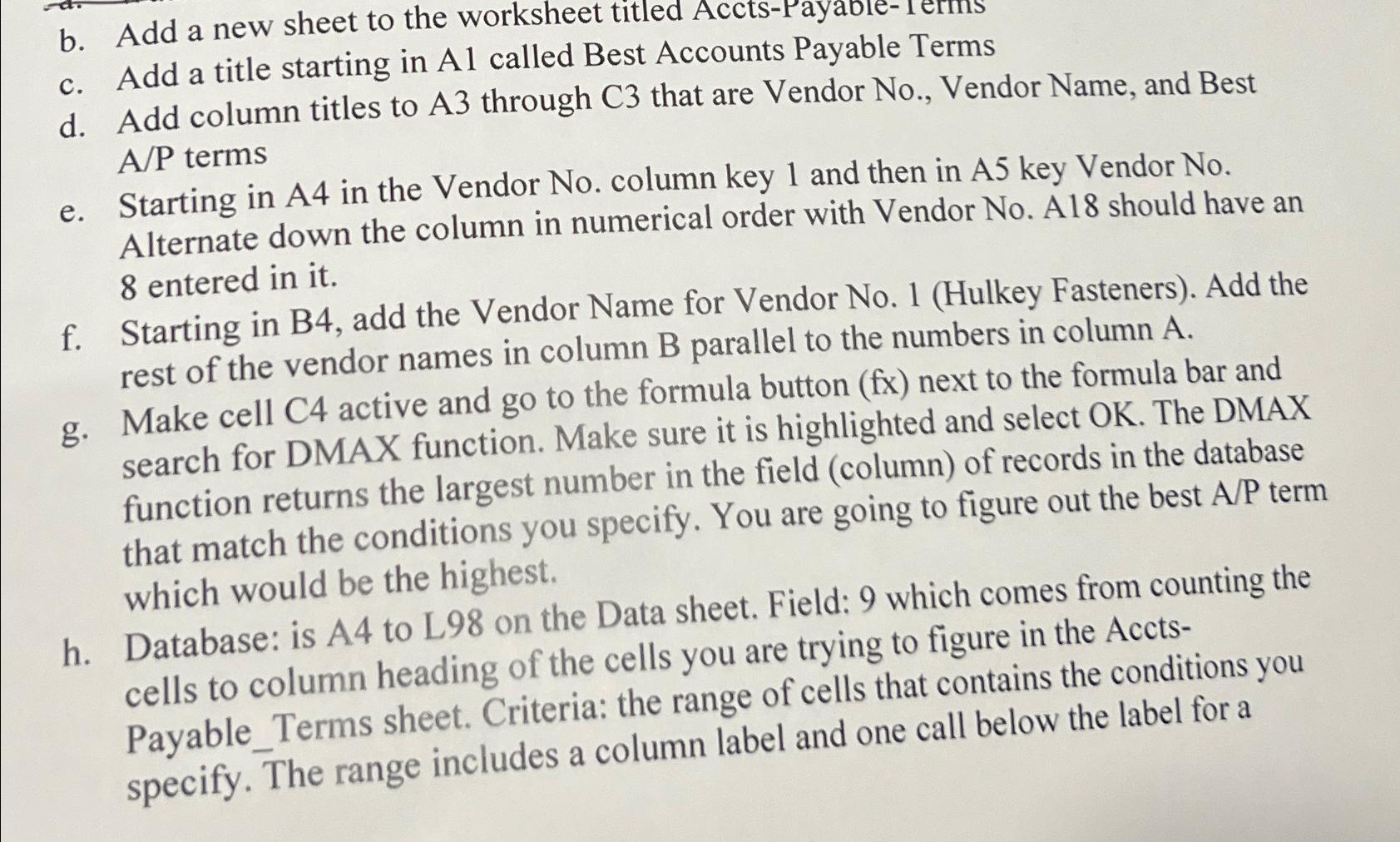
Question: b . Add a new sheet to the worksheet titled Accts - Payable - 1 erms c . Add a title starting in Al called
b Add a new sheet to the worksheet titled AcctsPayableerms
c Add a title starting in Al called Best Accounts Payable Terms
d Add column titles to A through C that are Vendor No Vendor Name, and Best terms
e Starting in A in the Vendor No column key and then in A key Vendor No Alternate down the column in numerical order with Vendor No A should have an entered in it
f Starting in B add the Vendor Name for Vendor NoHulkey Fasteners Add the rest of the vendor names in column parallel to the numbers in column
g Make cell C active and go to the formula button fx next to the formula bar and search for DMAX function. Make sure it is highlighted and select OK The DMAX function returns the largest number in the field column of records in the database that match the conditions you specify. You are going to figure out the best term which would be the highest.
h Database: is A to L on the Data sheet. Field: which comes from counting the cells to column heading of the cells you are trying to figure in the AcctsPayableTerms sheet. Criteria: the range of cells that contains the conditions you specify. The range includes a column label and one call below the label for a
Step by Step Solution
There are 3 Steps involved in it
1 Expert Approved Answer
Step: 1 Unlock

Question Has Been Solved by an Expert!
Get step-by-step solutions from verified subject matter experts
Step: 2 Unlock
Step: 3 Unlock