







Question: b) c) d) 42 it is common for network professionals to use commands for network administration and configuration. Write the commands that you would
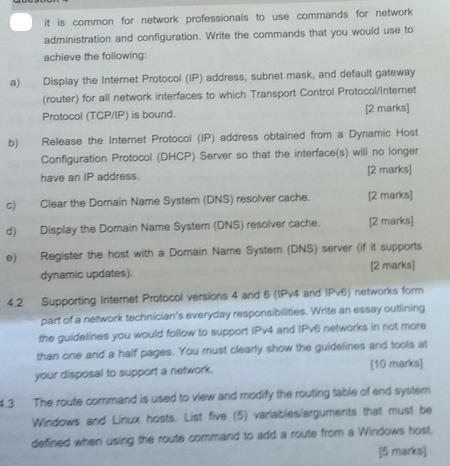
b) c) d) 42 it is common for network professionals to use commands for network administration and configuration. Write the commands that you would use to achieve the following: Display the Internet Protocol (IP) address, subnet mask, and default gateway (router) for all network interfaces to which Transport Control Protocol/Internet [2 marks] Protocol (TCP/IP) is bound. Release the Internet Protocol (IP) address obtained from a Dynamic Host Configuration Protocol (DHCP) Server so that the interface(s) will no longer have an IP address. [2 marks] Clear the Domain Name System (DNS) resolver cache. [2 marks] [2 marks] Display the Domain Name System (DNS) resolver cache. Register the host with a Domain Name System (DNS) server (if it supports [2 marks] dynamic updates). Supporting Internet Protocol versions 4 and 8 (IPv4 and IPv6) networks form part of a network technician's everyday responsibilities. Write an essay outlining the guidelines you would follow to support IPv4 and IPv6 networks in not more than one and a half pages. You must clearly show the guidelines and tools at [10 marks] your disposal to support a network The route command is used to view and modify the routing table of end system Windows and Linux hosts. List five (5) variables/arguments that must be defined when using the route command to add a route from a Windows host 15 marks]
Step by Step Solution
3.57 Rating (154 Votes )
There are 3 Steps involved in it
Commands used on windows to a To display the Internet Protocol IP address subnet mask and default gateway for all network interfaces with TCPIP ipconf... View full answer

Get step-by-step solutions from verified subject matter experts
 Study Help