







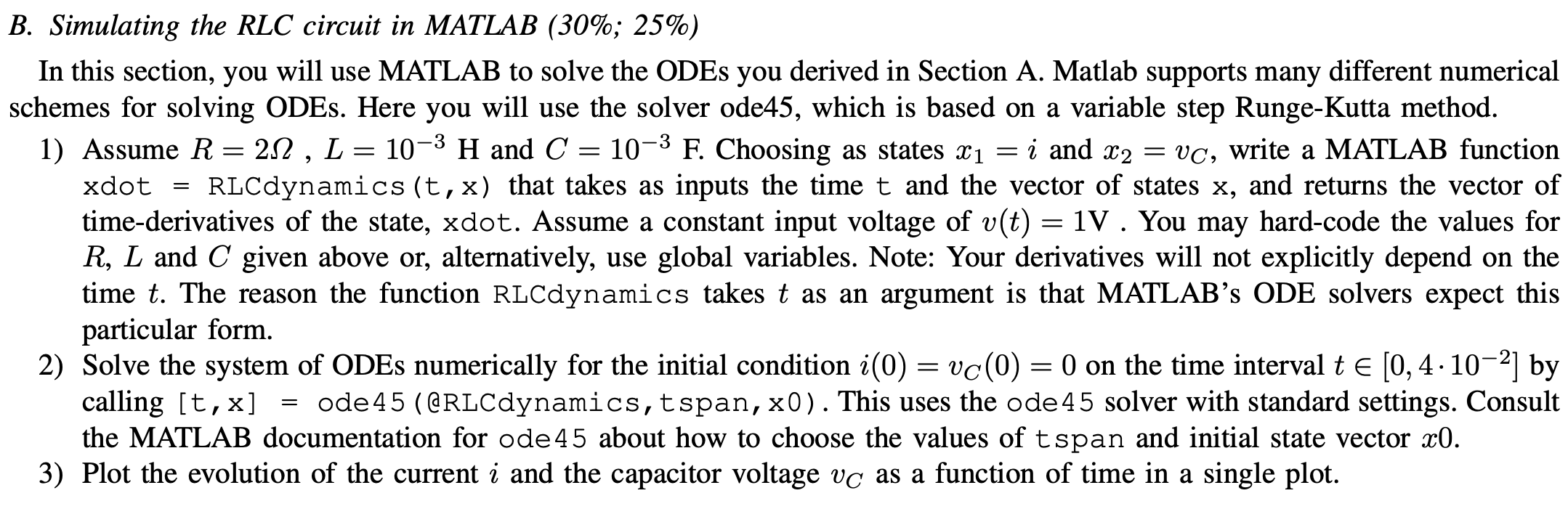
Question: B . Simulating the RLC circuit in MATLAB ( 3 0 % ; 2 5 % ) In this section, you will use MATLAB to
B Simulating the RLC circuit in MATLAB ;
In this section, you will use MATLAB to solve the ODEs you derived in Section A Matlab supports many different numerical
schemes for solving ODEs. Here you will use the solver ode which is based on a variable step RungeKutta method.
Assume and Choosing as states i and write a MATLAB function
xdot RLCdynamics that takes as inputs the time and the vector of states and returns the vector of
timederivatives of the state, xdot. Assume a constant input voltage of You may hardcode the values for
and given above or alternatively, use global variables. Note: Your derivatives will not explicitly depend on the
time The reason the function RLCdynamics takes as an argument is that MATLAB's ODE solvers expect this
particular form.
Solve the system of ODEs numerically for the initial condition on the time interval tin by
calling ode @RLCdynamics,tspan, This uses the ode solver with standard settings. Consult
the MATLAB documentation for ode about how to choose the values of tspan and initial state vector
Plot the evolution of the current i and the capacitor voltage as a function of time in a single plot.
Step by Step Solution
There are 3 Steps involved in it
1 Expert Approved Answer
Step: 1 Unlock

Question Has Been Solved by an Expert!
Get step-by-step solutions from verified subject matter experts
Step: 2 Unlock
Step: 3 Unlock
 Study Help