







Question: b. Type Transactions Data in the Title box; type your n the Author box. c. Click the Comments box, type First week of Septem and
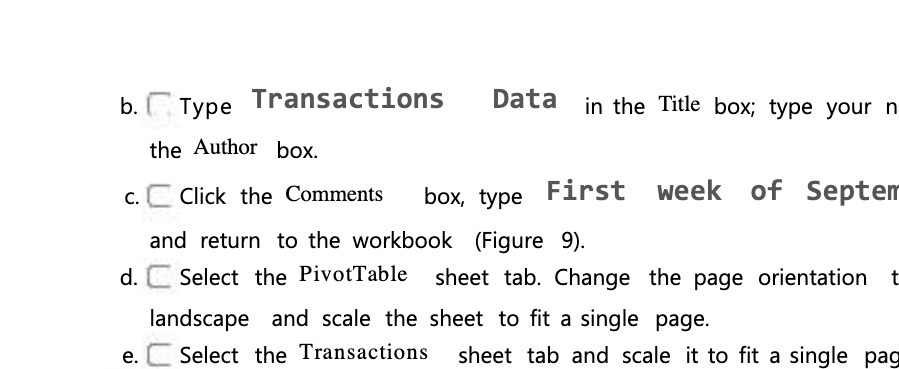
b. Type Transactions Data in the Title box; type your n the Author box. c. Click the Comments box, type First week of Septem and return to the workbook (Figure 9). d. Select the PivotTable sheet tab. Change the page orientation landscape and scale the sheet to fit a single page. e. C Select the Transactions sheet tab and scale it to fit a single pad
Step by Step Solution
There are 3 Steps involved in it
1 Expert Approved Answer
Step: 1 Unlock

Question Has Been Solved by an Expert!
Get step-by-step solutions from verified subject matter experts
Step: 2 Unlock
Step: 3 Unlock
 Study Help