







Question: b) Write code for My_UART0_Handler to implement the Interrupt Service Routine (ISR) that processes the occurrence of a UARTO received data interrupt. In addition, within
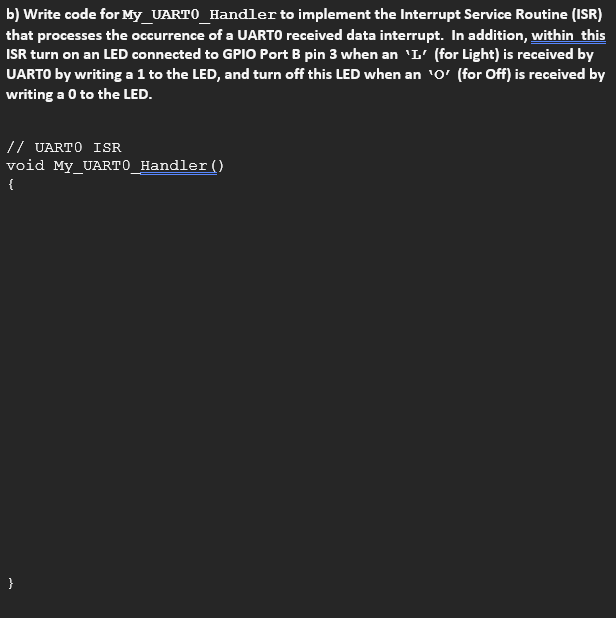
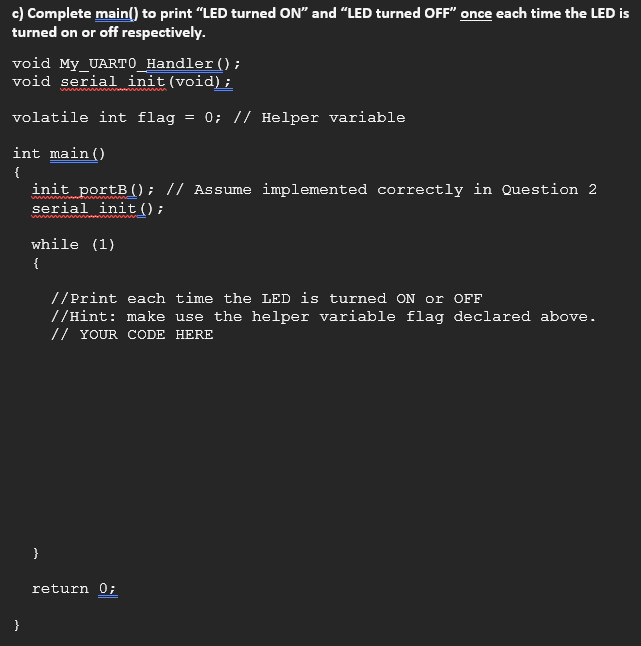
b) Write code for My_UART0_Handler to implement the Interrupt Service Routine (ISR) that processes the occurrence of a UARTO received data interrupt. In addition, within this ISR turn on an LED connected to GPIO Port B pin 3 when an ' L (for Light) is received by UARTO by writing a 1 to the LED, and turn off this LED when an ' O (for Off) is received by writing a 0 to the LED. // UARTO ISR c) Complete main() to print "LED turned ON" and "LED turned OFF" once each time the LED i turned on or off respectively. void My_UART0_Handler (); void serial init (void); volatile int flag =0;// Helper variable int main() \{ init portB (); // Assume implemented correctly in Question 2 serial init (); while (1) \{ //Print each time the LED is turned on or OFF //Hint: make use the helper variable flag declared above. // YOUR CODE HERE b) Write code for My_UART0_Handler to implement the Interrupt Service Routine (ISR) that processes the occurrence of a UARTO received data interrupt. In addition, within this ISR turn on an LED connected to GPIO Port B pin 3 when an ' L (for Light) is received by UARTO by writing a 1 to the LED, and turn off this LED when an ' O (for Off) is received by writing a 0 to the LED. // UARTO ISR c) Complete main() to print "LED turned ON" and "LED turned OFF" once each time the LED i turned on or off respectively. void My_UART0_Handler (); void serial init (void); volatile int flag =0;// Helper variable int main() \{ init portB (); // Assume implemented correctly in Question 2 serial init (); while (1) \{ //Print each time the LED is turned on or OFF //Hint: make use the helper variable flag declared above. // YOUR CODE HERE
Step by Step Solution
There are 3 Steps involved in it

Get step-by-step solutions from verified subject matter experts
 Study Help