







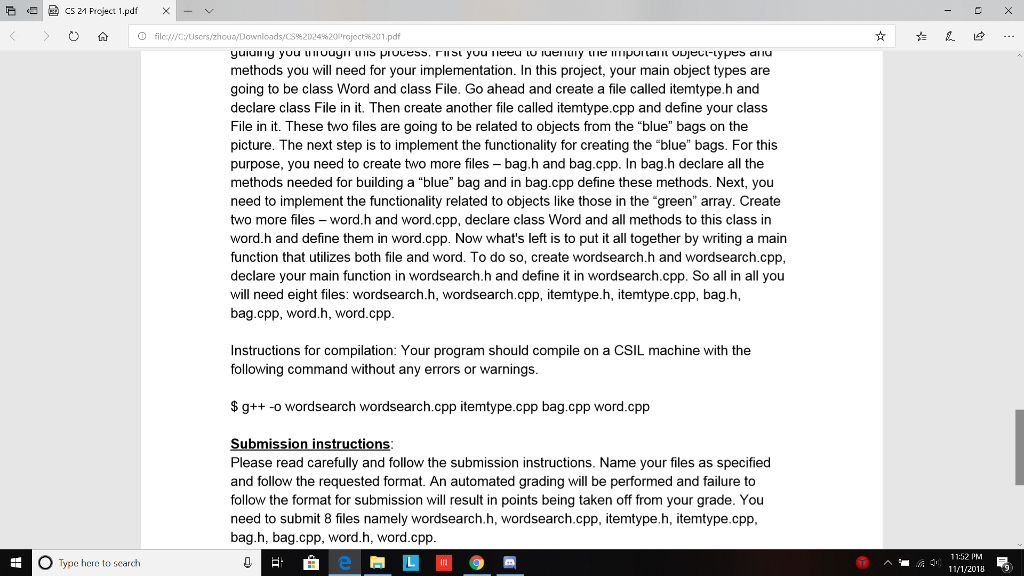
Question: Bag.cpp, Bag.h, ItemType.cpp, ItemType.h, and WordSearch.cpp skeleton code(bag.cpp and wordsearch.cpp) were provided, and WordSeach.h, Word.cpp, and Word.h is still needed. bag.h #ifndef BAG_H #define BAG_H
![size() const; void print() const; private: itemtype file_names[100]; int used; }; #endif](https://dsd5zvtm8ll6.cloudfront.net/si.experts.images/questions/2024/09/66f3c031153dc_48066f3c0308261c.jpg)
Bag.cpp, Bag.h, ItemType.cpp, ItemType.h, and WordSearch.cpp skeleton code(bag.cpp and wordsearch.cpp) were provided, and WordSeach.h, Word.cpp, and Word.h is still needed.
bag.h
#ifndef BAG_H #define BAG_H #include #include #include "itemtype.h" using namespace std;
class bag { public: // constructor bag(); // modifiers void add(string fname); // observers int size() const; void print() const; private: itemtype file_names[100]; int used; }; #endif
bag.cpp
#include "bag.h"
bag::bag(){
used = 0;
}
void bag::add(string fname){
// check if fname already exists
for (int i=0; i
if (file_names[i].filename()==fname) {
// increment count
file_names[i].set_count(file_names[i].count()+1);
return;
}
}
// exit from the loop ==> fname does not exist
// insert the file name
file_names[used].set_filename(fname);
file_names[used].set_count(1);
used = used + 1;
return;
}
int bag::size() const{
return used;
}
void bag::print() const{
for (int i=0; i
cout
}
}
itemtype.h
#ifndef ITEMTYPE_H #define ITEMTYPE_H #include #include using namespace std;
class itemtype{ public: // constructor itemtype(string fname = "", const int& num=0 ); // modifiers void set_filename(string fname); void set_count(const int& num); // observers string filename() const; int count() const; private: string file_name; int file_count; }; #endif
itemtype.cpp
#include #include #include "itemtype.h" using namespace std;
itemtype::itemtype(string fname, const int& num) { file_name=fname; file_count=num; } // modifiers void itemtype::set_filename(string fname){ file_name=fname; } void itemtype::set_count(const int& num) { file_count=num; } // observers string itemtype::filename() const { return file_name; } int itemtype::count() const { return file_count; }
wordsearch.cpp
int main(int argc, char* argv[])
{
string dir; //
vector files = vector();
if (argc
{
cout
return(-1);
}
dir = string(argv[1]);
if (getdir(dir,files)!=0)
{
cout
return(-2);
}
string slash("/");
for (unsigned int i = 0;i
if(files[i][0]=='.')continue; //skip hidden files
ifstream fin((string(argv[1])+slash+files[i]).c_str()); //open using absolute path
// ...read the file...
string word;
while(true){
fin>>word;
if(fin.eof()) {cout
else {
cout
// Now the string "word" holds the keyword, and the string "files[i]" holds the document name.
// Use these two strings to search/insert in your array/list of words.
}
}
fin.close();
}
cout
}
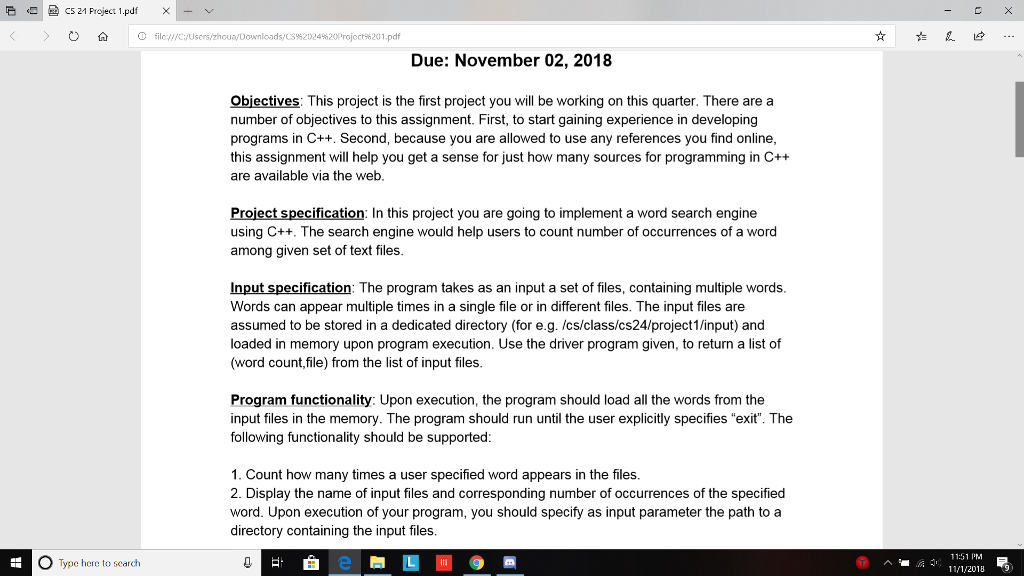
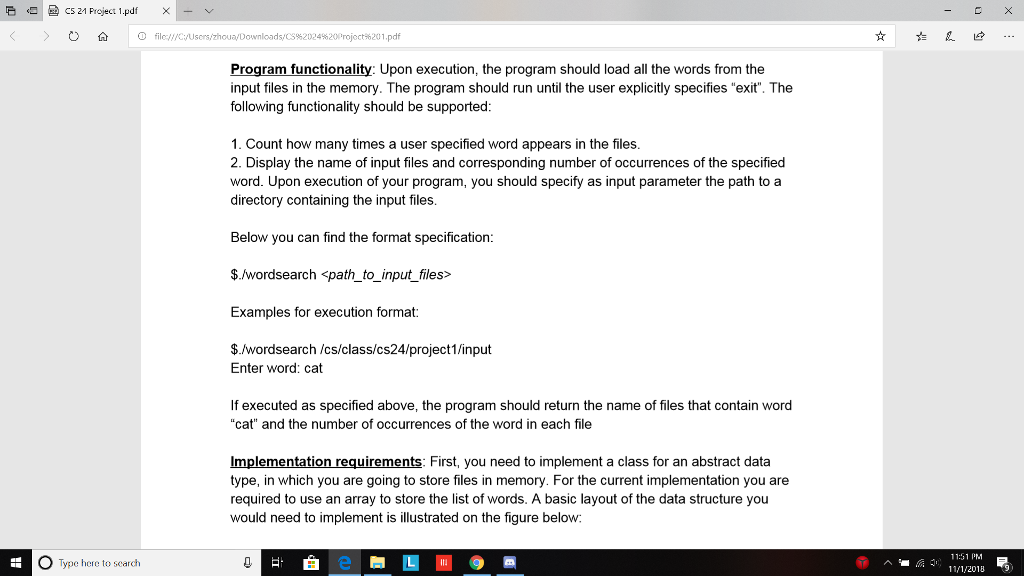
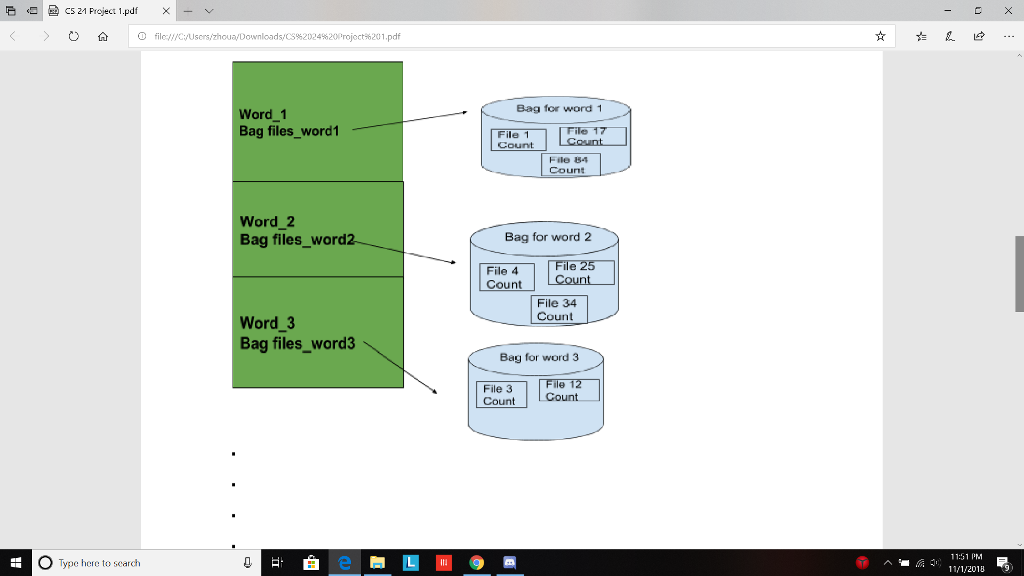
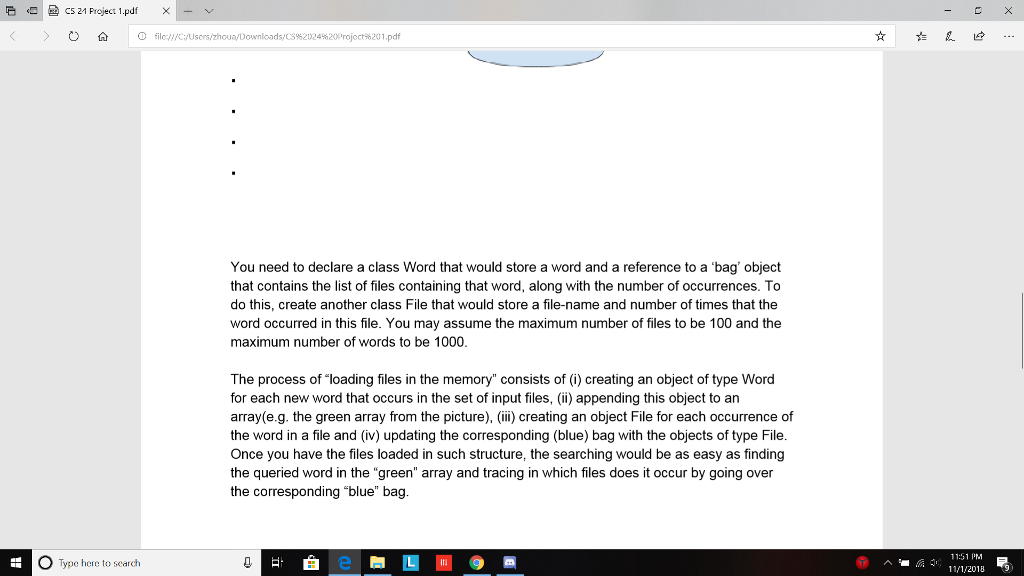
E CS 21 Project 1.pdf Due: November 02, 2018 Objectives: This project is the first project you will be working on this quarter. There are a number of objectives to this assignment. First, to start gaining experience in developing programs in C++. Second, because you are allowed to use any references you find online this assignment will help you get a sense for just how many sources for programming in C++ are available via the web Project specification: In this project you are going to implement a word search engine using C++. The search engine would help users to count number of occurrences of a word among given set of text files Input specification: The program takes as an input a set of files, containing multiple words Words can appear multiple times in a single file or in different files. The input files are assumed to be stored in a dedicated directory (for e.g. /cs/class/cs24/project1/input) and loaded in memory upon program execution. Use the driver program given, to return a list of (word count,file) from the list of input files Program functionality: Upon execution, the program should load all the words from the input files in the memory. The program should run until the user explicitly specifies "exit". The following functionality should be supported 1. Count how many times a user specified word appears in the files 2. Display the name of input files and corresponding number of occurrences of the specified word. Upon execution of your program, you should specify as input parameter the path to a directory containing the input files. O Type here to search 11:51PM E 11/1/2018
Step by Step Solution
There are 3 Steps involved in it

Get step-by-step solutions from verified subject matter experts
 Study Help