





Question: Begin establishing relationships in the database by adding the Location, Orders, Members, and Service tables to the Relationships window. Close the Show Table dialog box.
Begin establishing relationships in the database
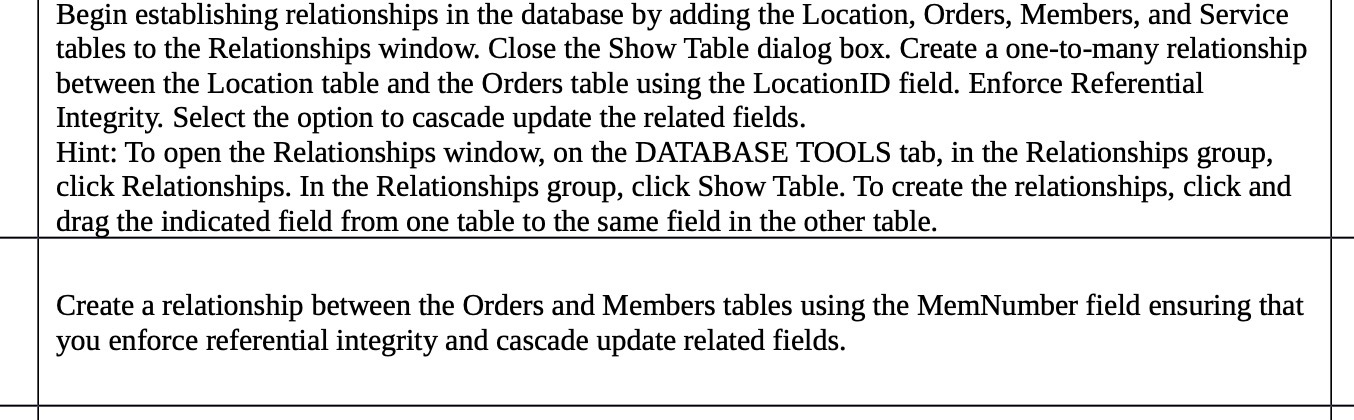
Begin establishing relationships in the database by adding the Location, Orders, Members, and Service tables to the Relationships window. Close the Show Table dialog box. Create a one-to-many relationship between the Location table and the Orders table using the LocationID field. Enforce Referential Integrity. Select the option to cascade update the related fields. Hint: To open the Relationships window, on the DATABASE TOOLS tab, in the Relationships group, click Relationships. In the Relationships group, click Show Table. To create the relationships, click and drag the indicated field from one table to the same field in the other table. Create a relationship between the Orders and Members tables using the MemNumber field ensuring that you enforce referential integrity and cascade update related fields

Step by Step Solution

There are 3 Steps involved in it

1 Expert Approved Answer
Step: 1 Unlock blur-text-image

Question Has Been Solved by an Expert!

Get step-by-step solutions from verified subject matter experts

Step: 2 Unlock
Step: 3 Unlock

Students Have Also Explored These Related Mathematics Questions!