







Question: Below is a code to create a text editor pop up in java Please read the code And answer the question Q1- does the programer
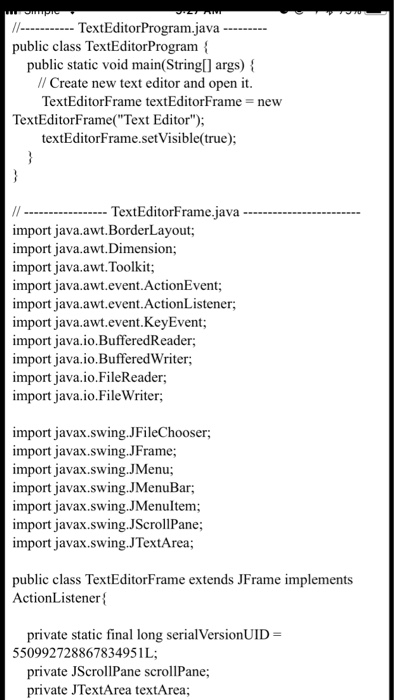
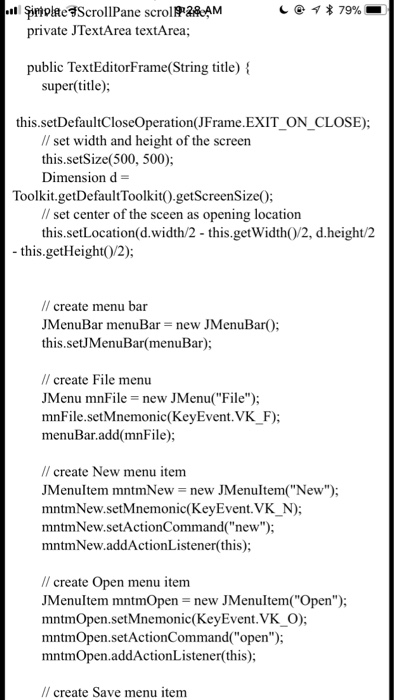
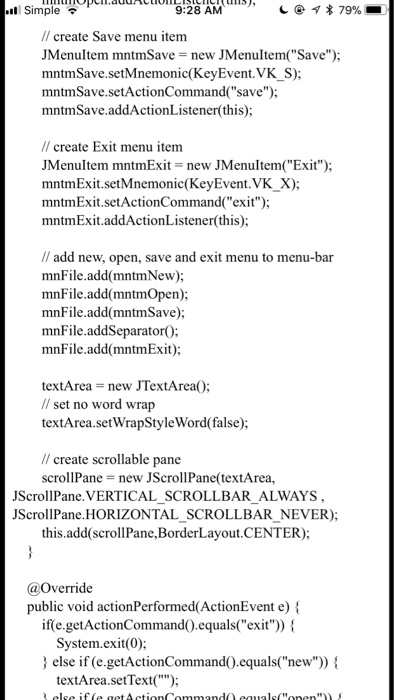
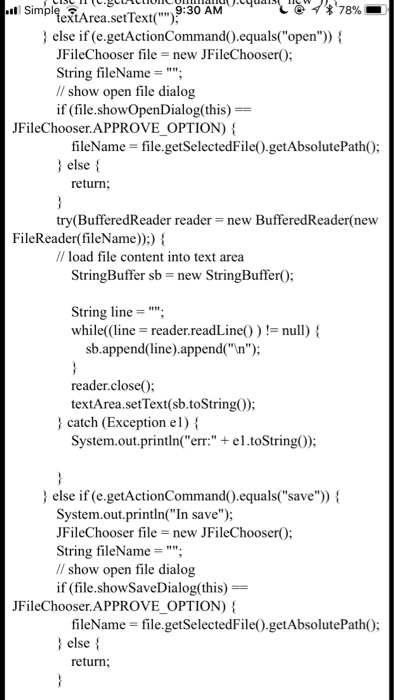
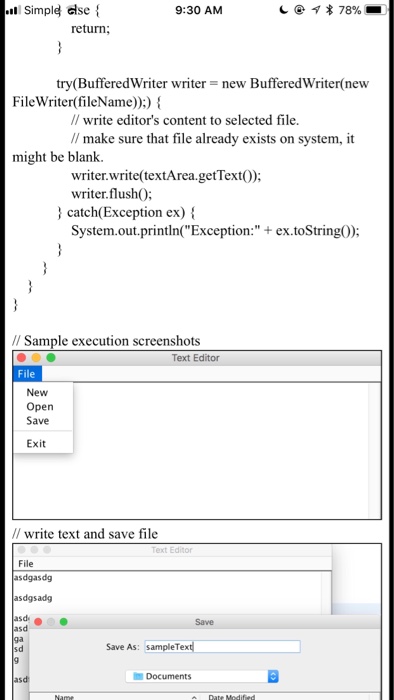
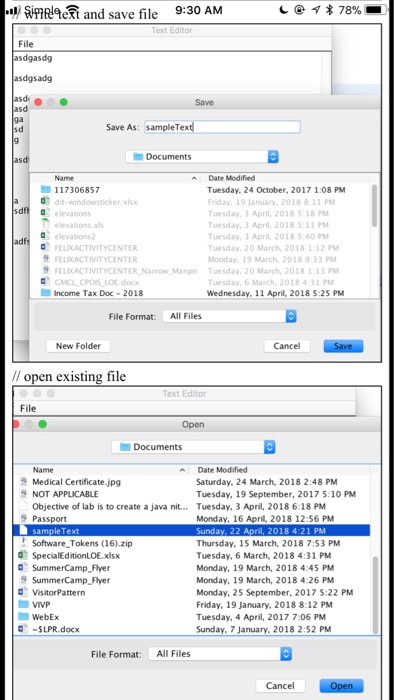
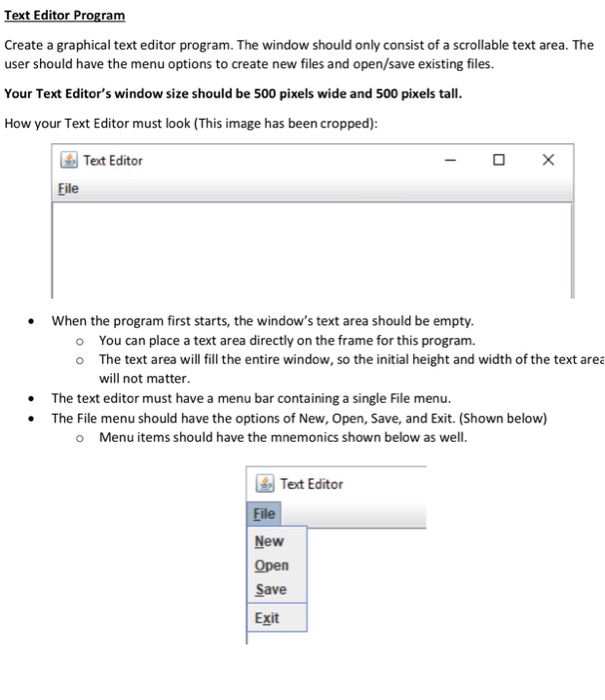
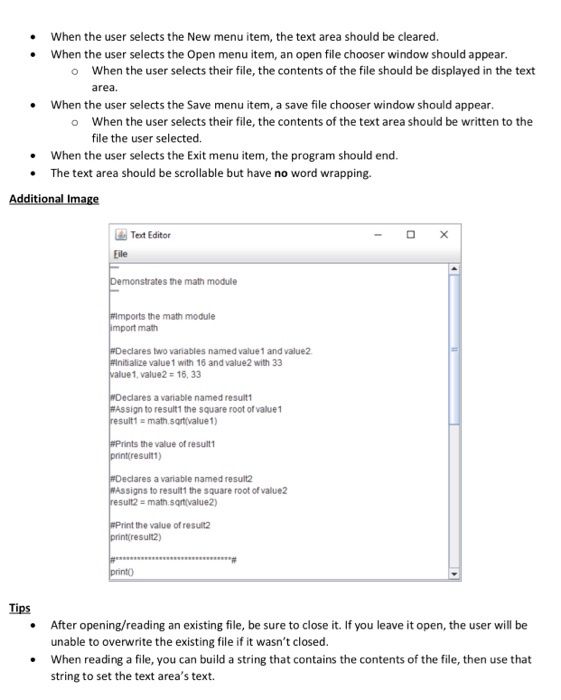
TextEditorProgram.java public class TextEditorProgram public static void main String] args) { // Create new text editor and open it TextEditorFrame textEditorFrame new TextEditorFrame("Text Editor") textEditorFrame.setVisible(true); / -TextEditorFrame.java import java.awt.BorderLayout; import java.awt.Dimension; import java.awt.Toolkit import java.awt.event.ActionEvent; import java.awt.event.ActionListener; import java.awt.event.KeyEvent import java.io.BufferedReader; import java.io.Buffered Writer; import java.io.FileReader; import java.io.FileWriter; import javax.swing.JFileChooser import javax.swing.JFrame; import javax.swing.JMenu; import javax.swing.JMenuBar; import javax.swing.JMenultem import javax.swing.JScrollPane; import javax.swing.JTextArea; public class TextEditorFrame extends JFrame implements ActionListener? private static final long serial VersionUID- 550992728867834951L; private JScrollPane scrollPane; private JTextArea textArea
Step by Step Solution
There are 3 Steps involved in it

Get step-by-step solutions from verified subject matter experts
 Study Help