







Question: Browser History You're reading this text in a web browser, a program installed on your computer that allows you to visit URLs (sometimes called
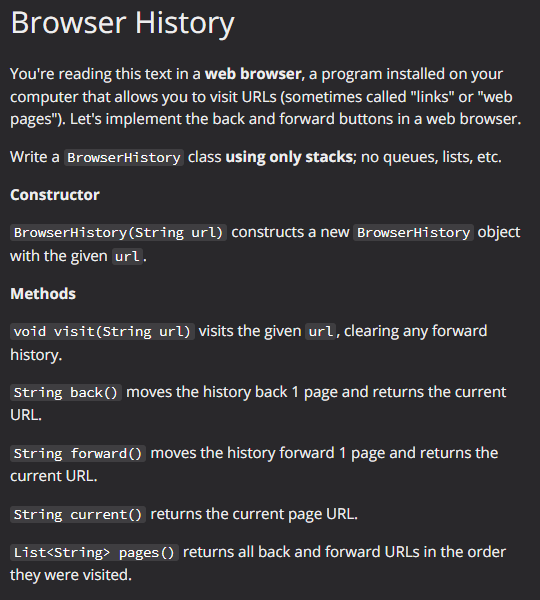
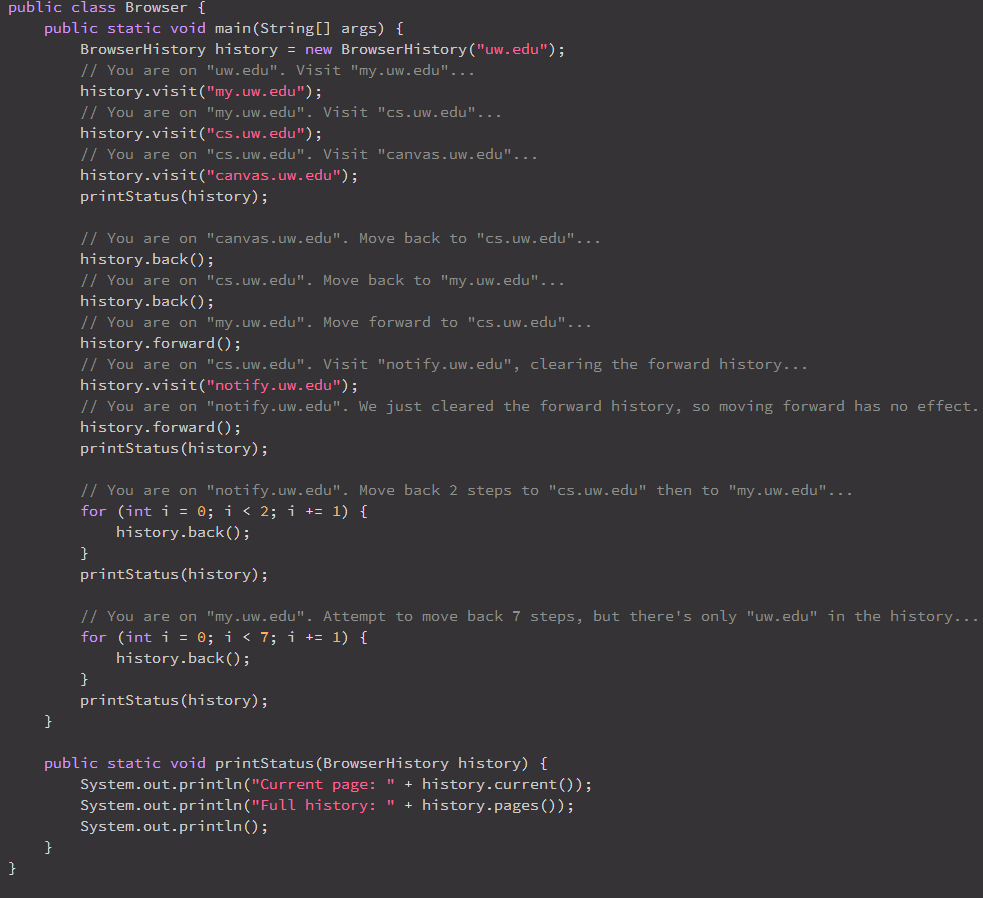
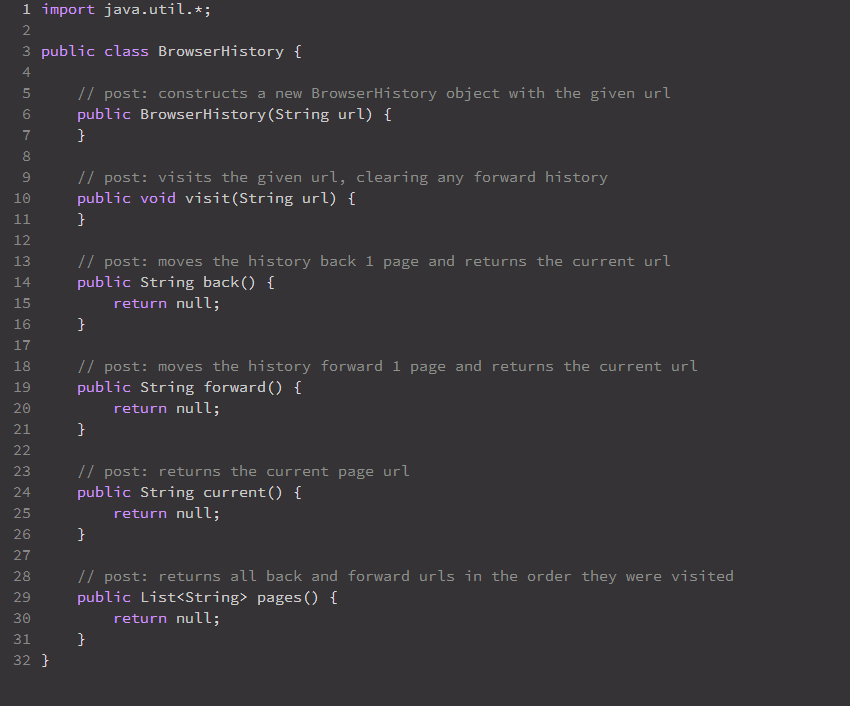
Browser History You're reading this text in a web browser, a program installed on your computer that allows you to visit URLs (sometimes called "links" or "web pages"). Let's implement the back and forward buttons in a web browser. Write a Browser History class using only stacks; no queues, lists, etc. Constructor BrowserHistory (String url) constructs a new Browser History object with the given url. Methods void visit(String url) visits the given url, clearing any forward history. String back() moves the history back 1 page and returns the current URL. String forward() moves the history forward 1 page and returns the current URL. String current() returns the current page URL. List pages () returns all back and forward URLs in the order they were visited. public class Browser { public static void main(String[] args) { Browser History history = new Browser History ("uw.edu"); // You are on "uw.edu". Visit "my.uw.edu"... history.visit("my.uw.edu"); // You are on "my.uw.edu". Visit "cs.uw.edu"... } } history.visit("cs.uw.edu"); // You are on "cs.uw.edu". Visit "canvas.uw.edu"... } history.visit("canvas.uw.edu"); printStatus (history); // You are on "canvas.uw.edu". Move back to "cs.uw.edu"... history.back(); // You are on "cs.uw.edu". Move back to "my.uw.edu"... history.back(); // You are on "my.uw.edu". Move forward to "cs.uw.edu"... history.forward(); // You are on "cs.uw.edu". Visit "notify.uw.edu", clearing the forward history... history.visit("notify.uw.edu"); // You are on "notify.uw.edu". We just cleared the forward history, so moving forward has no effect. history.forward(); printStatus (history); // You are on "notify.uw.edu". Move back 2 steps to "cs.uw.edu" then to "my.uw.edu"... for (int i = 0; i < 2; i += 1) { history.back(); } printStatus (history); // You are on "my.uw.edu". Attempt to move back 7 steps, but there's only "uw.edu" in the history... for (int i = 0; i < 7; i += 1) { history.back(); } printStatus (history); public static void printStatus (Browser History history) { System.out.println("Current page: " + history.current()); System.out.println("Full history: " + history.pages()); System.out.println(); H ~ m tin 67 1 import java.util.*; 2 3 public class Browser History { 4 5 // post: constructs a new BrowserHistory object with the given url public Browser History (String url) { } 8 a 9 10 11 12 A A A 13 14 15 16 17 18 19 20 21 22 23 24 25 26 27 28 29 30 31 32} // post: visits the given url, clearing any forward history public void visit(String url) { } // post: moves the history back 1 page and returns the current url public String back() { return null; } // post: moves the history forward 1 page and returns the current url public String forward() { return null; } // post: returns the current page url public String current() { return null; } // post: returns all back and forward urls in the order they were visited public List pages() { return null; }
Step by Step Solution
There are 3 Steps involved in it

Get step-by-step solutions from verified subject matter experts
 Study Help