







Question: build a very simple application by using Android Studio Create four activities: 1. First activity (Project a) Where (Project a) is the name of
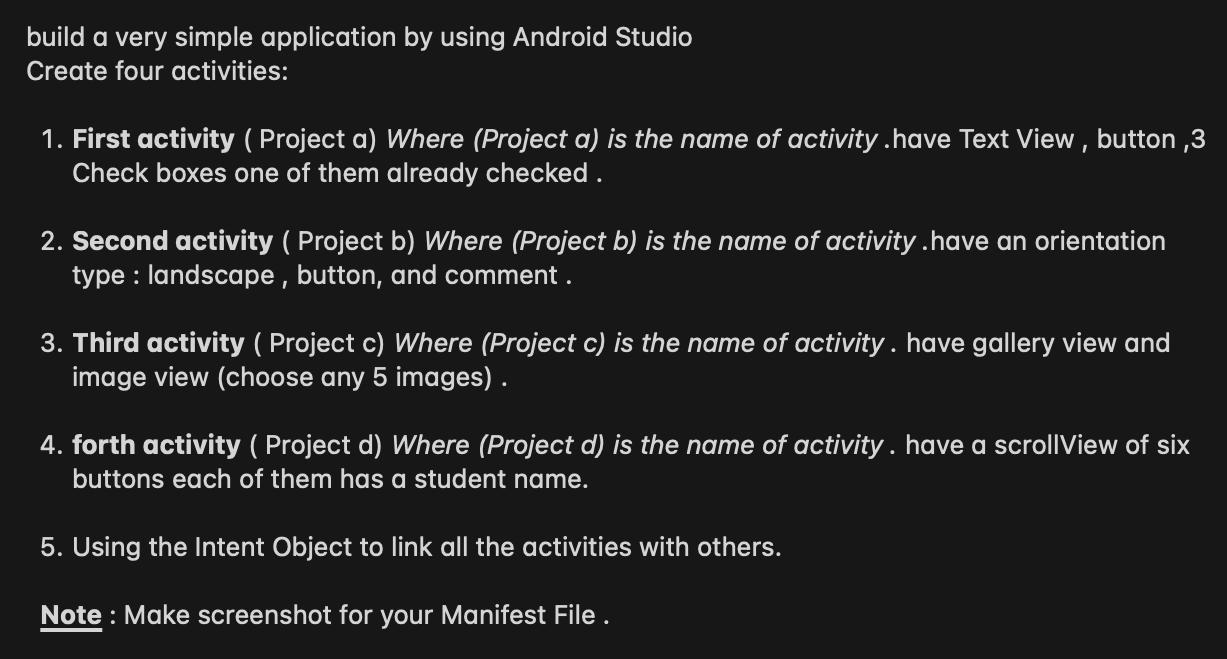
build a very simple application by using Android Studio Create four activities: 1. First activity (Project a) Where (Project a) is the name of activity.have Text View, button,3 Check boxes one of them already checked. 2. Second activity (Project b) Where (Project b) is the name of activity.have an orientation type: landscape, button, and comment. 3. Third activity (Project c) Where (Project c) is the name of activity. have gallery view and image view (choose any 5 images). 4. forth activity (Project d) Where (Project d) is the name of activity. have a scrollView of six buttons each of them has a student name. 5. Using the Intent Object to link all the activities with others. Note: Make screenshot for your Manifest File .
Step by Step Solution
3.30 Rating (153 Votes )
There are 3 Steps involved in it
Sure I can help you with that Heres a stepbystep guide to creating a simple Android application using Android Studio with four activities and linking ... View full answer

Get step-by-step solutions from verified subject matter experts
 Study Help