







Question: build android studio stopwatch Create an Android Stop Watch mobile application based on the below requirements: The Stop Watch App will display the time as:
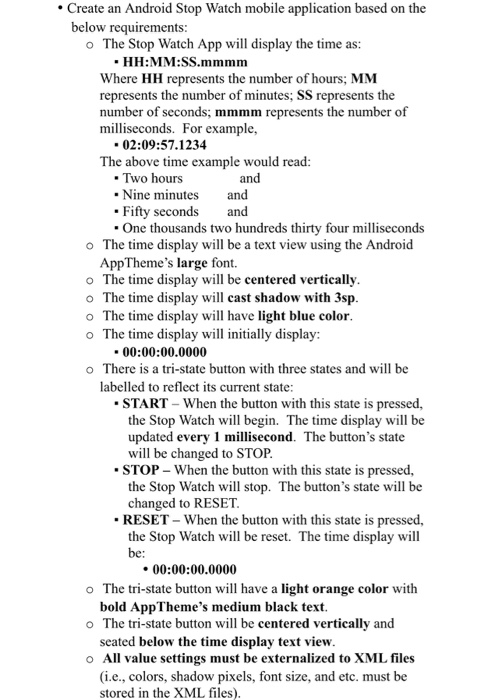
Create an Android Stop Watch mobile application based on the below requirements: The Stop Watch App will display the time as: HH:MM:SS.mmmm Where HH represents the number of hours; MM represents the number of minutes; SS represents the number of seconds; mmmm represents the number of milliseconds. For example, 02:09:57.1234 The above time example would read: Two hours and Nine minutes and Fifty seconds and One thousands two hundreds thirty four milliseconds The time display will be a text view using the Android AppTheme's large font. The time display will be centered vertically. The time display will cast shadow with 3sp. The time display will have light blue color. The time display will initially display: 00:00:00.0000 There is a tri-state button with three states and will be labelled to reflect its current state: START - When the button with this state is pressed, the Stop Watch will begin. The time display will be updated every 1 millisecond. The button's state will be changed to STOP. STOP - When the button with this state is pressed, the Stop Watch will stop. The button's state will be changed to RESET. RESET - When the button with this state is pressed, the Stop Watch will be reset. The time display will be: 00:00:00.0000 The tri-state button will have a light orange color with bold AppTheme's medium black text. The tri-state button will be centered vertically and seated below the time display text view. All value settings must be externalized to XML files (i.e., colors, shadow pixels, font size, and etc. must be stored in the XML files)
Step by Step Solution
There are 3 Steps involved in it

Get step-by-step solutions from verified subject matter experts
 Study Help