







Question: BUS 211 3. Macros and Validation Sheet (20 points, 5 points each) (Covers Learning Objectives: 7e, 7f. 79) a. Set up cell C3 so that
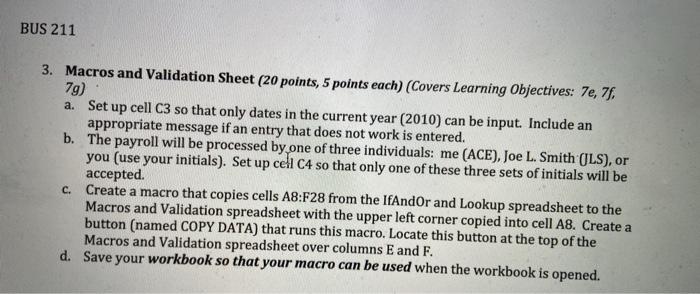
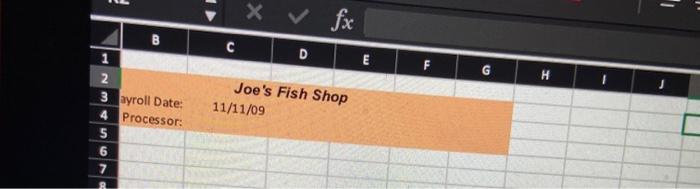
BUS 211 3. Macros and Validation Sheet (20 points, 5 points each) (Covers Learning Objectives: 7e, 7f. 79) a. Set up cell C3 so that only dates in the current year (2010) can be input. Include an appropriate message if an entry that does not work is entered. b. The payroll will be processed by one of three individuals: me (ACE), Joe L. Smith (JLS), or you (use your initials). Set up cell C4 so that only one of these three sets of initials will be accepted. Create a macro that copies cells A8:F28 from the IfAndor and Lookup spreadsheet to the Macros and Validation spreadsheet with the upper left corner copied into cell A8. Create a button (named COPY DATA) that runs this macro. Locate this button at the top of the Macros and Validation spreadsheet over columns E and F. d. Save your workbook so that your macro can be used when the workbook is opened. c. - X fx D E G Joe's Fish Shop B 1 2 3 ayroll Date: 4 Processor: 5 6 7 11/11/09
Step by Step Solution
There are 3 Steps involved in it

Get step-by-step solutions from verified subject matter experts
 Study Help