







Question: By importing csv On Python how to complete the following? On Python; Comma-separated value files (csv files) have been around for a long time and
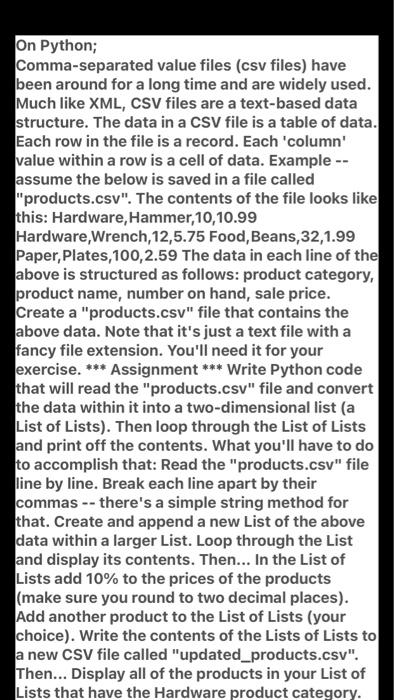
On Python; Comma-separated value files (csv files) have been around for a long time and are widely used. Much like XML, CSV files are a text-based data structure. The data in a CSV file is a table of data. Each row in the file is a record. Each 'column value within a row is a cell of data. Example -- assume the below is saved in a file called "products.csv". The contents of the file looks like this: Hardware, Hammer, 10, 10.99 Hardware,Wrench,12,5.75 Food, Beans, 32,1.99 Paper, Plates, 100,2.59 The data in each line of the above is structured as follows: product category, product name, number on hand, sale price. Create a "products.csv" file that contains the above data. Note that it's just a text file with a fancy file extension. You'll need it for your exercise. *** Assignment *** Write Python code that will read the "products.csv" file and convert the data within it into a two-dimensional list (a List of Lists). Then loop through the List of Lists and print off the contents. What you'll have to do to accomplish that: Read the "products.csv" file line by line. Break each line apart by their commas -- there's a simple string method for that. Create and append a new List of the above data within a larger List. Loop through the List and display its contents. Then... In the List of Lists add 10% to the prices of the products (make sure you round to two decimal places). Add another product to the List of Lists (your choice). Write the contents of the Lists of Lists to a new CSV file called "updated_products.csv". Then... Display all of the products in your List of Lists that have the Hardware product category
Step by Step Solution
There are 3 Steps involved in it

Get step-by-step solutions from verified subject matter experts
 Study Help