







Question: by using matlab Part 2: The problem: Code and Result Code in Editor Show the Result of Complete Plot with Shading Make a random matrix
by using matlab
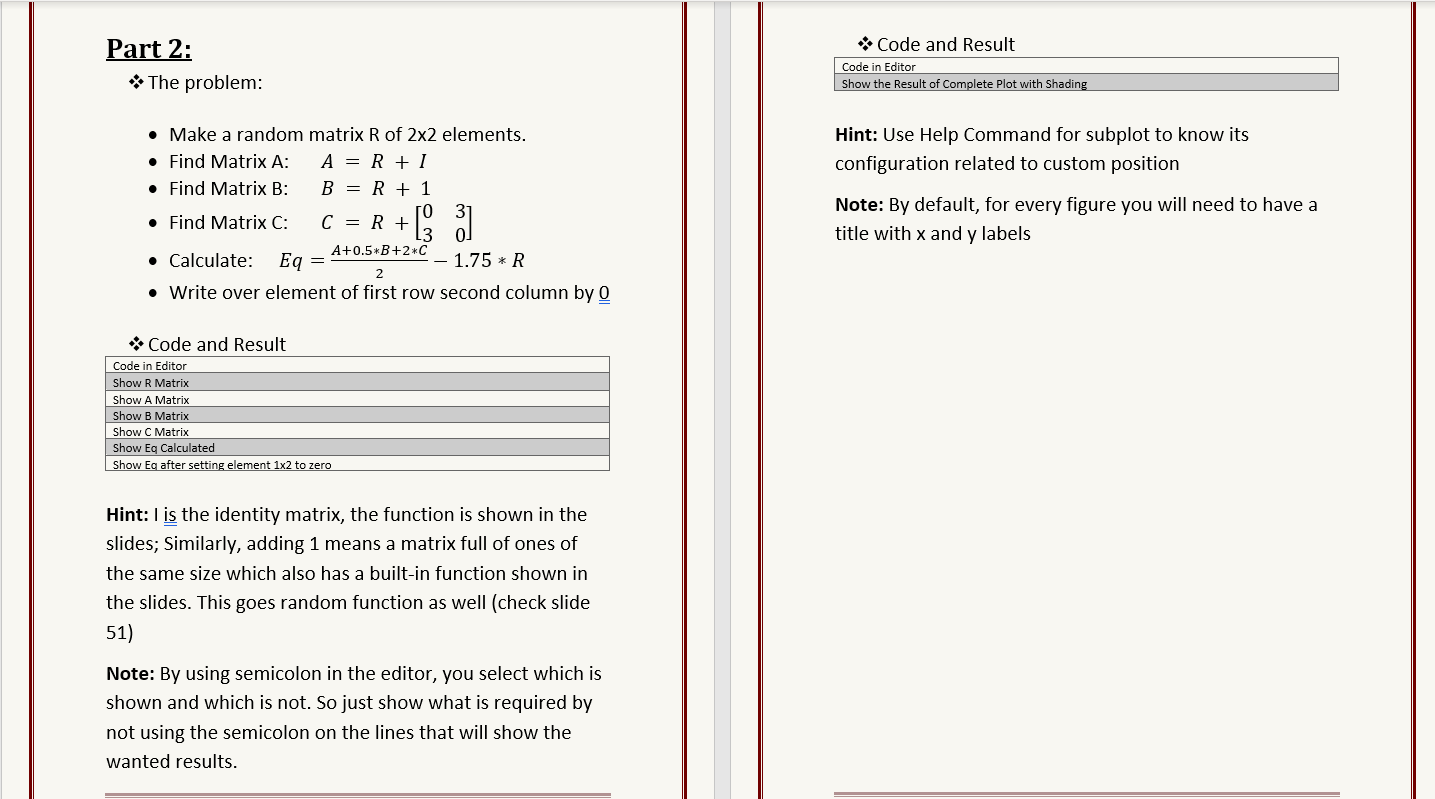
Part 2: The problem: Code and Result Code in Editor Show the Result of Complete Plot with Shading Make a random matrix R of 2x2 elements. Find Matrix A: A = R + 1 Find Matrix B: B = R + 1 Hint: Use Help Command for subplot to know its configuration related to custom position [31 Note: By default, for every figure you will need to have a title with x and y labels Find Matrix C: C = R + A+0.5*B+2*C Calculate: Eq 1.75 * R 2 Write over element of first row second column by 0 = Code and Result Code in Editor Show R Matrix Show A Matrix Show B Matrix Show C Matrix Show Eq Calculated Show Eg after setting element 1x2 to zero Hint: I is the identity matrix, the function is shown in the slides; Similarly, adding 1 means a matrix full of ones of the same size which also has a built-in function shown in the slides. This goes random function as well (check slide 51) Note: By using semicolon in the editor, you select which is shown and which is not. So just show what is required by not using the semicolon on the lines that will show the wanted results
Step by Step Solution
There are 3 Steps involved in it

Get step-by-step solutions from verified subject matter experts
 Study Help