







Question: // C++ 1. Line Justification. Study code folding in MSVS described here. As you work on the below project, demonstrate to the lab instructor code
// C++
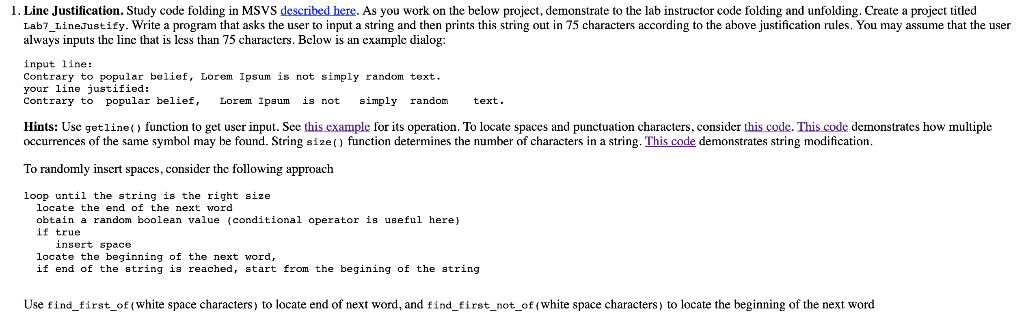
1. Line Justification. Study code folding in MSVS described here. As you work on the below project, demonstrate to the lab instructor code folding and unfolding. Create a project titled Lab7 LineJustify. Write a program that asks the user to input a string and then prints this string out in 75 characters according to the above justification rules. You may assume that the user always inputs the linc that is less than 75 characters. Bclow is an cxample dialog: input line: Contrary to popular belief, Lorem Ipsum is not simply random text your line justified: Contrary to popular belief, Lorem Ipsum is not simply randomtext Hints: Use getline) function to get user input. See this example for its operation. To locate spaces and punctuation characters, consider this code. This code demonstrates how multiple occurrences of the same symbol may be found. String size) function determines the number of characters in a string. This code demonstrates string modification To randomly insert spaces, consider the following approach loop until the string is the right size locate the end of the next word obtain a random boolean value (conditional operator is useful here) if true insert space locate the beginning of the next word, if end of the atring is reached, start from the begining of the string Use find_first_of (white space characters) to locate end of next word, and find first_not_of (white space characters) to locate the beginning of the next word
Step by Step Solution
There are 3 Steps involved in it

Get step-by-step solutions from verified subject matter experts
 Study Help