







Question: C++ Assignment . . Assignment #3 Steps to submit Complete the assignment #3 and place your work in Dropbox folder, W3- Dropbox Assignment. Make sure
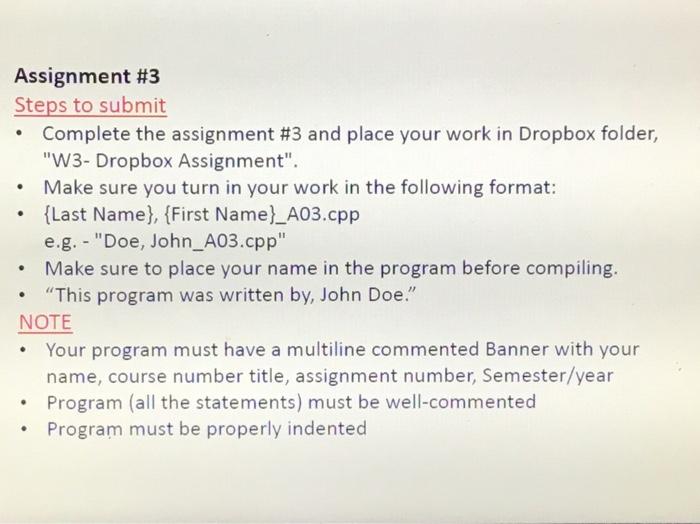
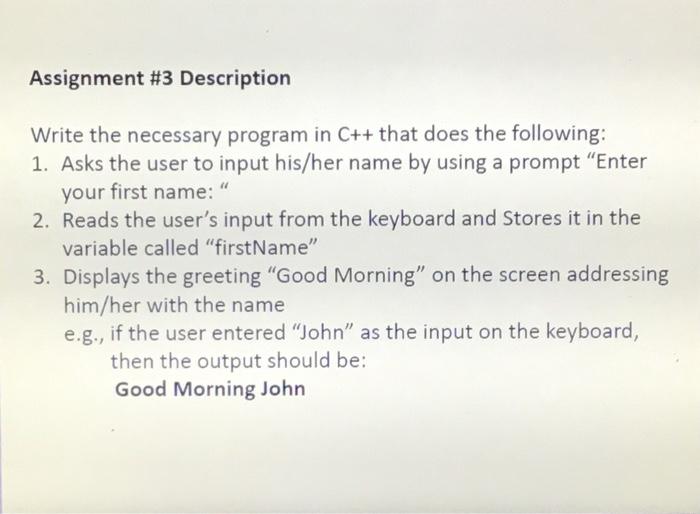
. . Assignment #3 Steps to submit Complete the assignment #3 and place your work in Dropbox folder, "W3- Dropbox Assignment". Make sure you turn in your work in the following format: {Last Name}, {First Name}_A03.cpp e.g. - "Doe, John_A03.cpp" Make sure to place your name in the program before compiling. "This program was written by, John Doe." NOTE Your program must have a multiline commented Banner with your name, course number title, assignment number, Semester/year Program (all the statements) must be well-commented Program must be properly indented . . . Assignment #3 Description Write the necessary program in C++ that does the following: 1. Asks the user to input his/her name by using a prompt "Enter your first name: 2. Reads the user's input from the keyboard and Stores it in the variable called "firstName" 3. Displays the greeting "Good Morning" on the screen addressing him/her with the name e.g., if the user entered "John" as the input on the keyboard, then the output should be: Good Morning John
Step by Step Solution
There are 3 Steps involved in it

Get step-by-step solutions from verified subject matter experts
 Study Help