







Question: c# fast 2. Create a Windows Form Application which contains a Rich TextBox control named rtbText, a TextBox named txt Word, a label named lblResult
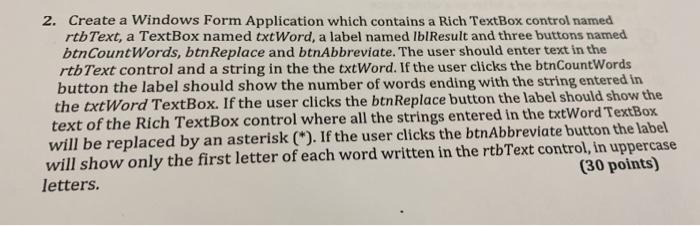
2. Create a Windows Form Application which contains a Rich TextBox control named rtbText, a TextBox named txt Word, a label named lblResult and three buttons named btnCountWords, btnReplace and btnAbbreviate. The user should enter text in the rtb Text control and a string in the the txtWord. If the user clicks the btnCountWords button the label should show the number of words ending with the string entered in the txtWord TextBox. If the user clicks the btnReplace button the label should show the text of the Rich TextBox control where all the strings entered in the txtWord TextBox will be replaced by an asterisk (). If the user clicks the btnAbbreviate button the label will show only the first letter of each word written in the rtbText control, in uppercase letters
Step by Step Solution
There are 3 Steps involved in it

Get step-by-step solutions from verified subject matter experts
 Study Help