







Question: c# using .net. thanks! For this activity, you will create a Word Occurrence Calculator. Create a Windows Forms Application that contains a multi-line TextBox control
c# using .net. thanks!
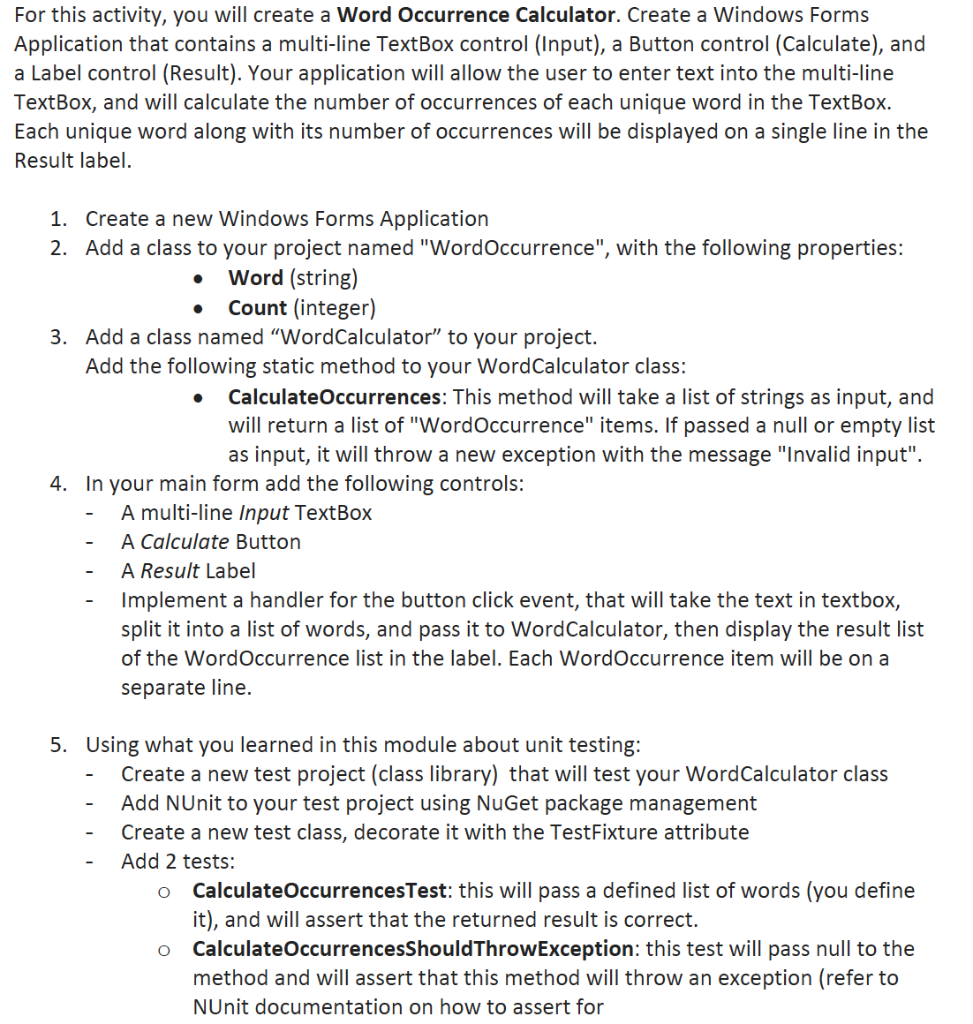
For this activity, you will create a Word Occurrence Calculator. Create a Windows Forms Application that contains a multi-line TextBox control (Input), a Button control (Calculate), and a Label control (Result). Your application will allow the user to enter text into the multi-line TextBox, and will calculate the number of occurrences of each unique word in the TextBox. Each unique word along with its number of occurrences will be displayed on a single line in the Result label. 1. Create a new Windows Forms Application 2. Add a class to your project named "WordOccurrence", with the following properties: Word (string) Count (integer) 3. Add a class named "WordCalculator to your project. Add the following static method to your WordCalculator class: Calculate Occurrences: This method will take a list of strings as input, and will return a list of "Word Occurrence" items. If passed a null or empty list as input, it will throw a new exception with the message "Invalid input". 4. In your main form add the following controls: A multi-line Input TextBox A Calculate Button A Result Label Implement a handler for the button click event, that will take the text in textbox, split it into a list of words, and pass it to WordCalculator, then display the result list of the Word Occurrence list in the label. Each Word Occurrence item will be on a separate line. 5. Using what you learned in this module about unit testing: Create a new test project (class library) that will test your WordCalculator class Add NUnit to your test project using NuGet package management Create a new test class, decorate it with the TestFixture attribute Add 2 tests: Calculate OccurrencesTest: this will pass a defined list of words (you define it), and will assert that the returned result is correct. o CalculateOccurrencesShouldThrowException: this test will pass null to the method and will assert that this method will throw an exception (refer to NUnit documentation on how to assert for O For this activity, you will create a Word Occurrence Calculator. Create a Windows Forms Application that contains a multi-line TextBox control (Input), a Button control (Calculate), and a Label control (Result). Your application will allow the user to enter text into the multi-line TextBox, and will calculate the number of occurrences of each unique word in the TextBox. Each unique word along with its number of occurrences will be displayed on a single line in the Result label. 1. Create a new Windows Forms Application 2. Add a class to your project named "WordOccurrence", with the following properties: Word (string) Count (integer) 3. Add a class named "WordCalculator to your project. Add the following static method to your WordCalculator class: Calculate Occurrences: This method will take a list of strings as input, and will return a list of "Word Occurrence" items. If passed a null or empty list as input, it will throw a new exception with the message "Invalid input". 4. In your main form add the following controls: A multi-line Input TextBox A Calculate Button A Result Label Implement a handler for the button click event, that will take the text in textbox, split it into a list of words, and pass it to WordCalculator, then display the result list of the Word Occurrence list in the label. Each Word Occurrence item will be on a separate line. 5. Using what you learned in this module about unit testing: Create a new test project (class library) that will test your WordCalculator class Add NUnit to your test project using NuGet package management Create a new test class, decorate it with the TestFixture attribute Add 2 tests: Calculate OccurrencesTest: this will pass a defined list of words (you define it), and will assert that the returned result is correct. o CalculateOccurrencesShouldThrowException: this test will pass null to the method and will assert that this method will throw an exception (refer to NUnit documentation on how to assert for O
Step by Step Solution
There are 3 Steps involved in it

Get step-by-step solutions from verified subject matter experts
 Study Help