







Question: C++ Program C++ The only information they gave me is in the photo Student Instructions: File response. You must create a program called Assigment_Mod6.cpp that
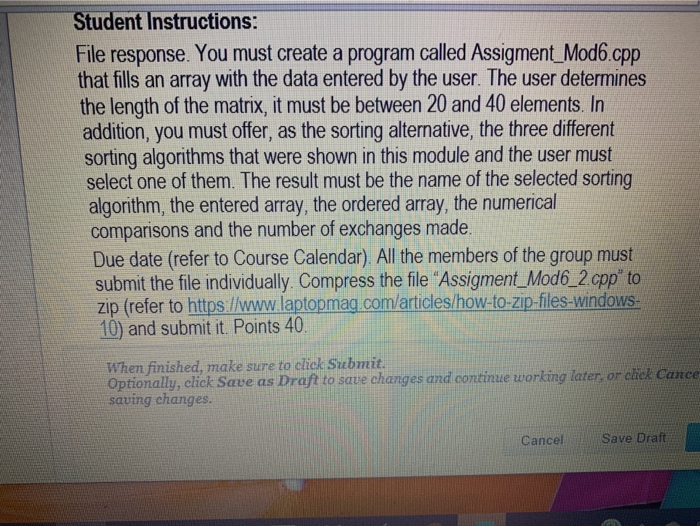
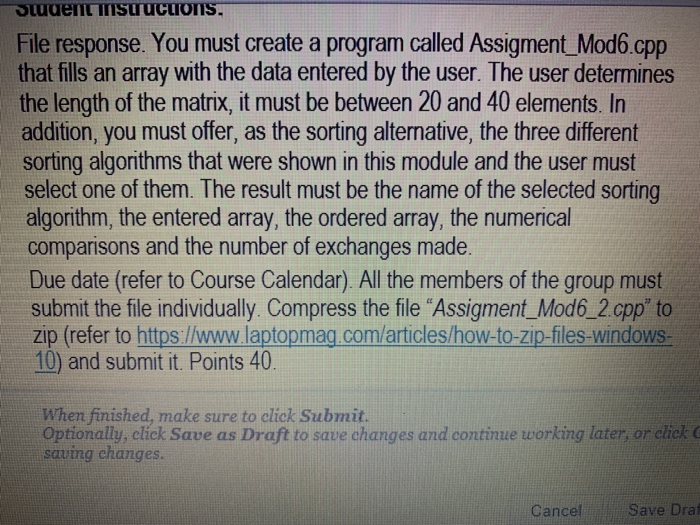
Student Instructions: File response. You must create a program called Assigment_Mod6.cpp that fills an array with the data entered by the user. The user determines the length of the matrix, it must be between 20 and 40 elements. In addition, you must offer, as the sorting alternative, the three different sorting algorithms that were shown in this module and the user must select one of them. The result must be the name of the selected sorting algorithm, the entered array, the ordered array, the numerical comparisons and the number of exchanges made. Due date (refer to Course Calendar). All the members of the group must submit the file individually. Compress the file "Assigment_Mod6_2.cpp" to zip (refer to https //www.laptopmag com/articles/how-to-zip-files-windows- 10) and submit it. Points 40. When finished, make sure to click Submit. Optionally, click Save as Draft to save changes and continue working later, or chck Cance saving changes. Save raft Cancel STudent nSuucuons. File response. You must create a program called Assigment_Mod6.cpp that fills an array with the data entered by the user. The user deternmines the length of the matrix, it must be between 20 and 40 elements. In addition, you must offer, as the sorting alternative, the three different sorting algorithms that were shown in this module and the user must select one of them. The result must be the name of the selected sorting algorithm, the entered array, the ordered array, the numerical comparisons and the number of exchanges made. Due date (refer to Course Calendar). All the members of the group must submit the file individually. Compress the file "Assigment_Mod6_2.cpp" to zip (refer to https:/www.laptopmag. com/articles/how-to-zip-files-windows- 10) and submit it. Points 40. When finished, make sure to click Submit. Optionally, click Save as Draft to save changes and continue working later, or elick C saving changes. Save Draf Cancel
Step by Step Solution
There are 3 Steps involved in it

Get step-by-step solutions from verified subject matter experts
 Study Help