







Question: C# Program Create a class called ClassCustomer.cs with the following String fields: FirstName, LastName, StreetAddress, City, State, ZipCode, and Phone. Then create a GUI (Graphical
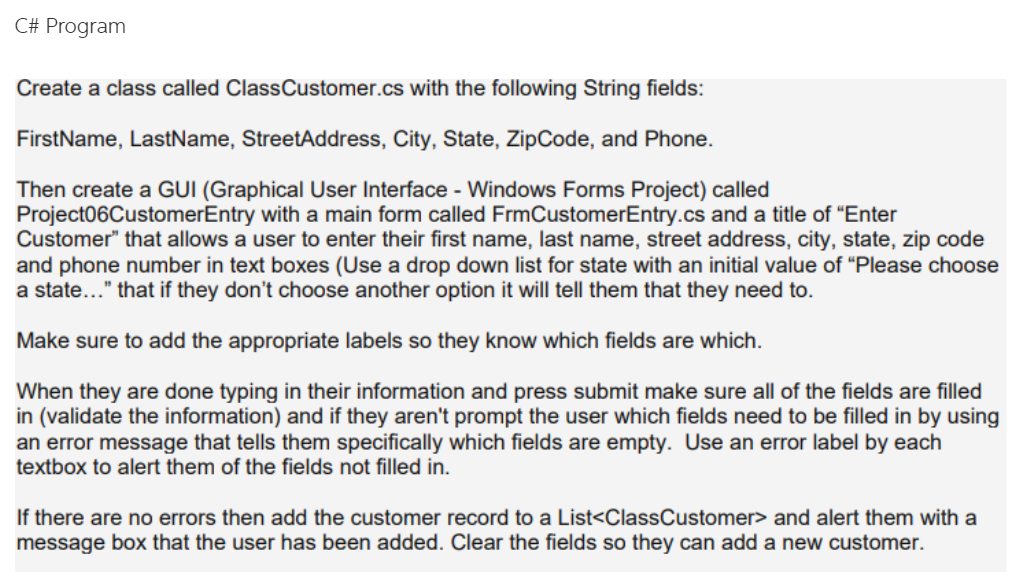
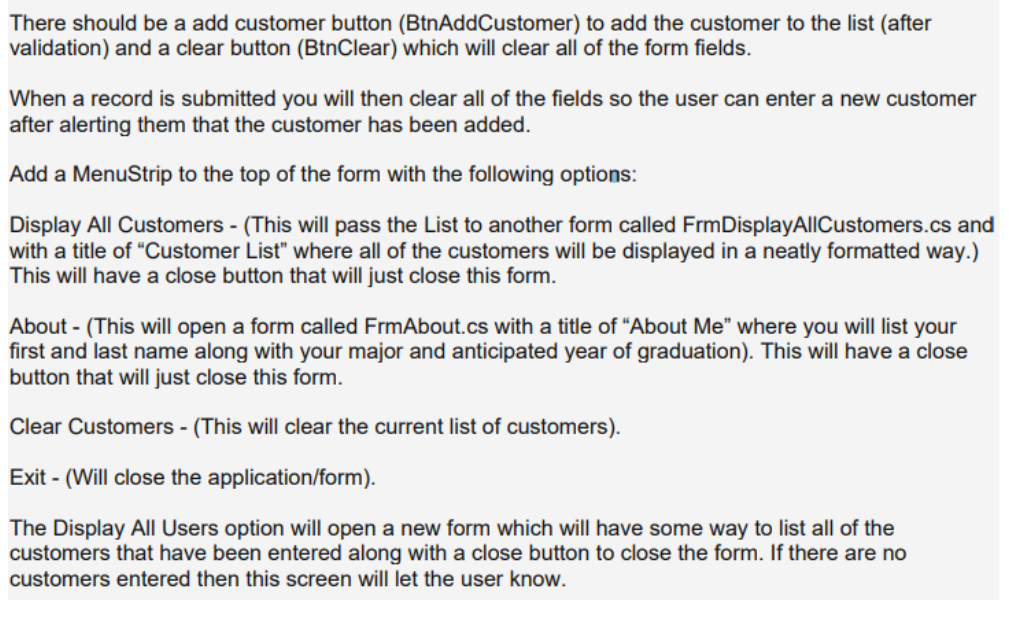
C# Program Create a class called ClassCustomer.cs with the following String fields: FirstName, LastName, StreetAddress, City, State, ZipCode, and Phone. Then create a GUI (Graphical User Interface - Windows Forms Project) called ProjectO6CustomerEntry with a main form called FrmCustomerEntry.cs and a title of Enter Customer" that allows a user to enter their first name, last name, street address, city, state, zip code and phone number in text boxes (Use a drop down list for state with an initial value of "Please choose a state..." that if they don't choose another option it will tell them that they need to. Make sure to add the appropriate labels so they know which fields are which. When they are done typing in their information and press submit make sure all of the fields are filled in (validate the information) and if they aren't prompt the user which fields need to be filled in by using an error message that tells them specifically which fields are empty. Use an error label by each textbox to alert them of the fields not filled in If there are no errors then add the customer record to a List
Step by Step Solution
There are 3 Steps involved in it

Get step-by-step solutions from verified subject matter experts
 Study Help