Question: c# visual studio CISS 233, Project 04 Add Customer Windows Forms Application Here are the requirements for project 4 Create a class called ClassCustomer.cs with
c# visual studio 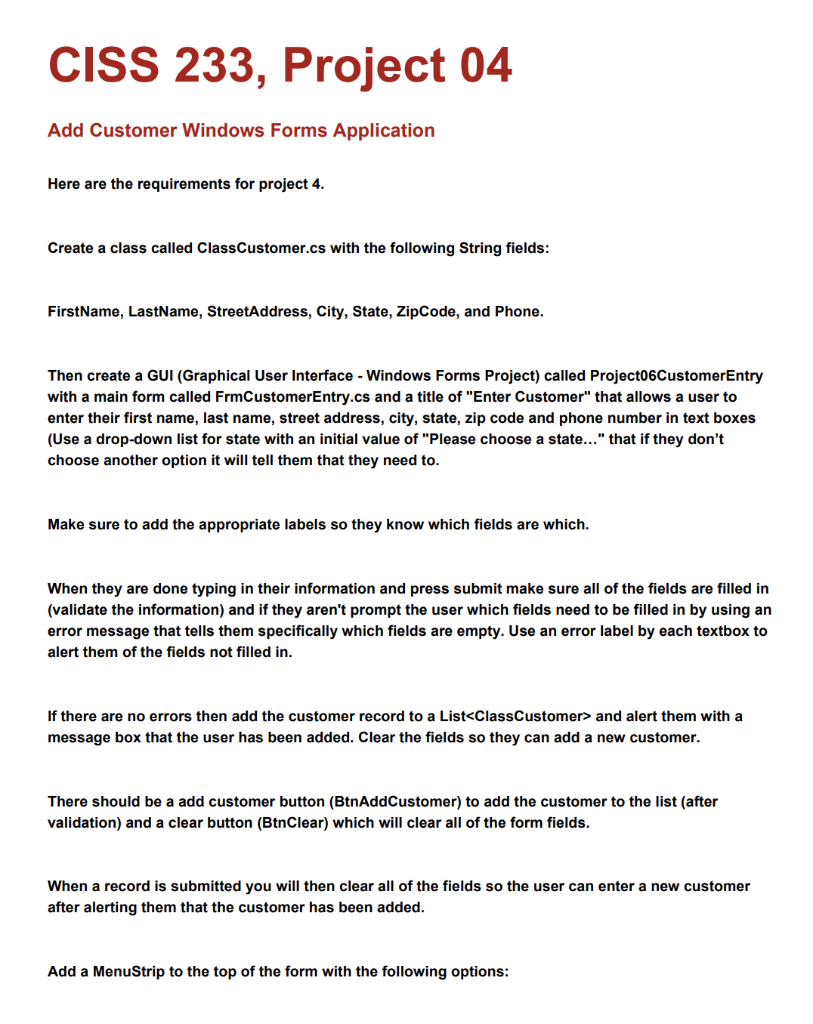
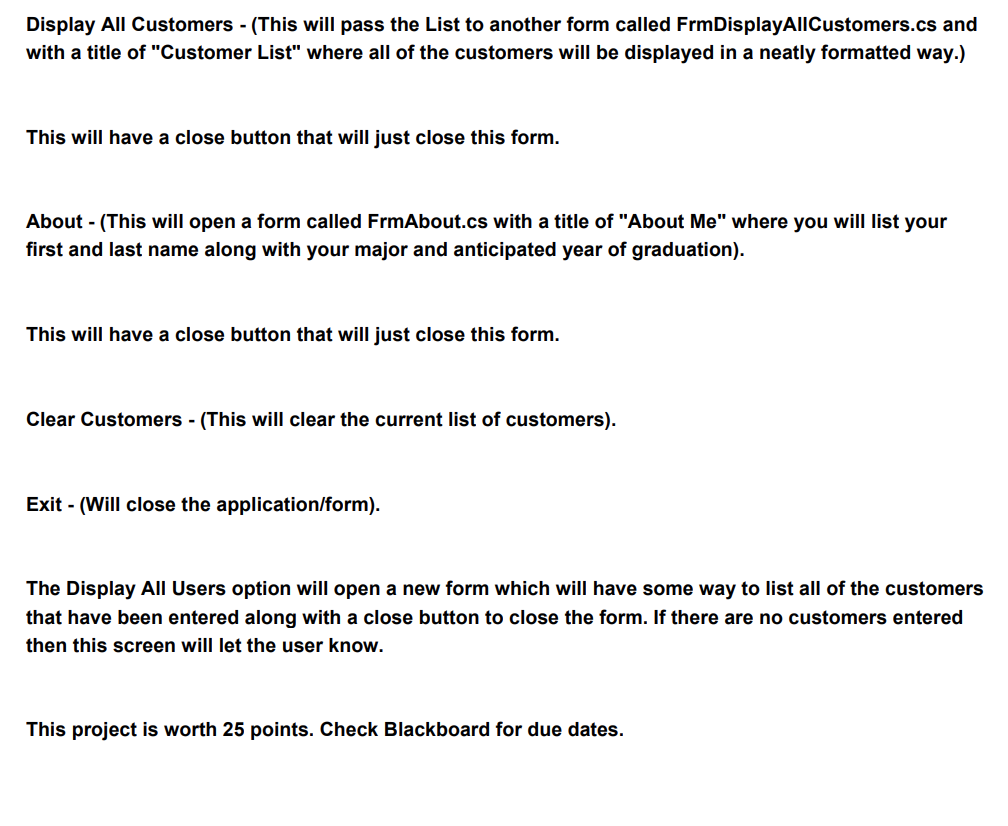
CISS 233, Project 04 Add Customer Windows Forms Application Here are the requirements for project 4 Create a class called ClassCustomer.cs with the following String fields: FirstName, LastName, StreetAddress, City, State, ZipCode, and Phone Then create a GUI (Graphical User Interface - Windows Forms Project) called Project06CustomerEntry with a main form called FrmCustomerEntry.cs and a title of "Enter Customer" that allows a user to enter their first name, last name, street address, city, state, zip code and phone number in text boxes (Use a drop-down list for state with an initial value of "Please choose a state..." that if they don't choose another option it will tell them that they need to Make sure to add the appropriate labels so they know which fields are which When they are done typing in their information and press submit make sure all of the fields are filled in (validate the information) and if they aren't prompt the user which fields need to be filled in by using an error message that tells them specifically which fields are empty. Use an error label by each textbox to alert them of the fields not filled in. If there are no errors then add the customer record to a List and alert them with a message box that the user has been added. Clear the fields so they can add a new customer There should be a add customer button (BtnAddCustomer) to add the customer to the list (after validation) and a clear button (BtnClear) which will clear all of the form fields. When a record is submitted you will then clear all of the fields so the user can enter a new customer after alerting them that the customer has been added Add a MenuStrip to the top of the form with the following options: CISS 233, Project 04 Add Customer Windows Forms Application Here are the requirements for project 4 Create a class called ClassCustomer.cs with the following String fields: FirstName, LastName, StreetAddress, City, State, ZipCode, and Phone Then create a GUI (Graphical User Interface - Windows Forms Project) called Project06CustomerEntry with a main form called FrmCustomerEntry.cs and a title of "Enter Customer" that allows a user to enter their first name, last name, street address, city, state, zip code and phone number in text boxes (Use a drop-down list for state with an initial value of "Please choose a state..." that if they don't choose another option it will tell them that they need to Make sure to add the appropriate labels so they know which fields are which When they are done typing in their information and press submit make sure all of the fields are filled in (validate the information) and if they aren't prompt the user which fields need to be filled in by using an error message that tells them specifically which fields are empty. Use an error label by each textbox to alert them of the fields not filled in. If there are no errors then add the customer record to a List and alert them with a message box that the user has been added. Clear the fields so they can add a new customer There should be a add customer button (BtnAddCustomer) to add the customer to the list (after validation) and a clear button (BtnClear) which will clear all of the form fields. When a record is submitted you will then clear all of the fields so the user can enter a new customer after alerting them that the customer has been added Add a MenuStrip to the top of the form with the following options









 Study Help