







Question: #. C programming # To write a c program containing following single files , using the example program , Defining a new type for a
 #. C programming #
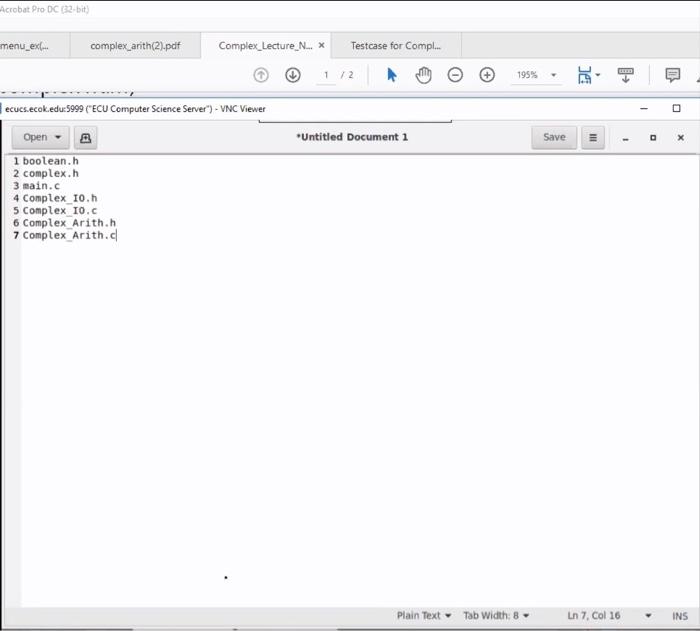
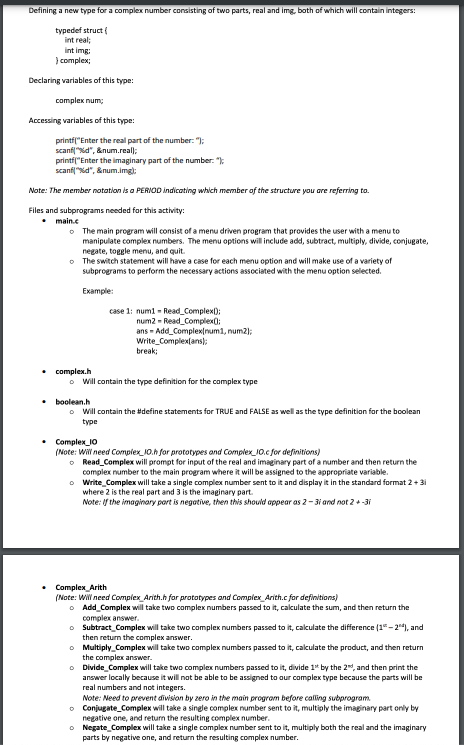
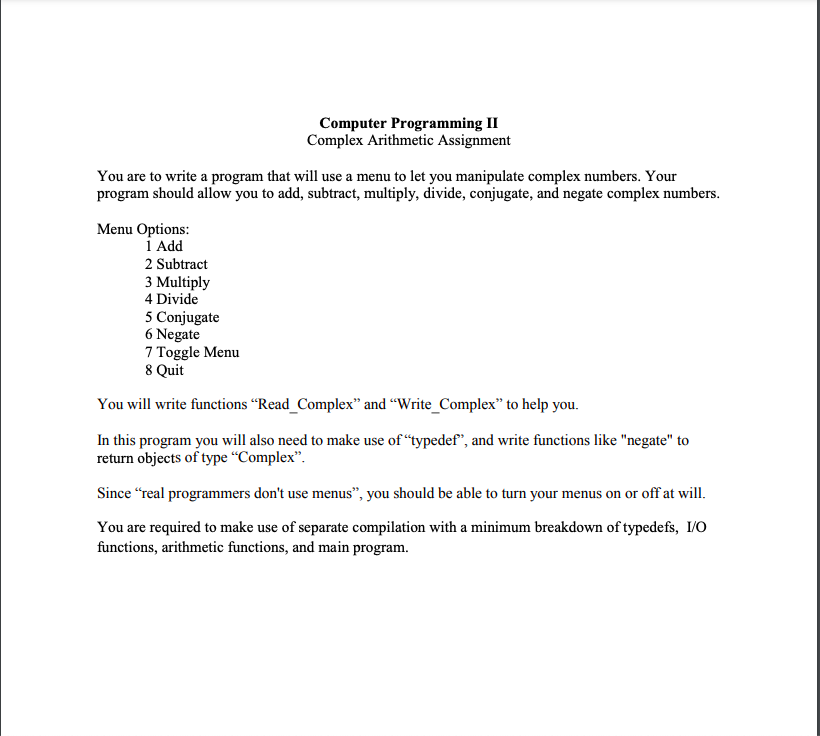
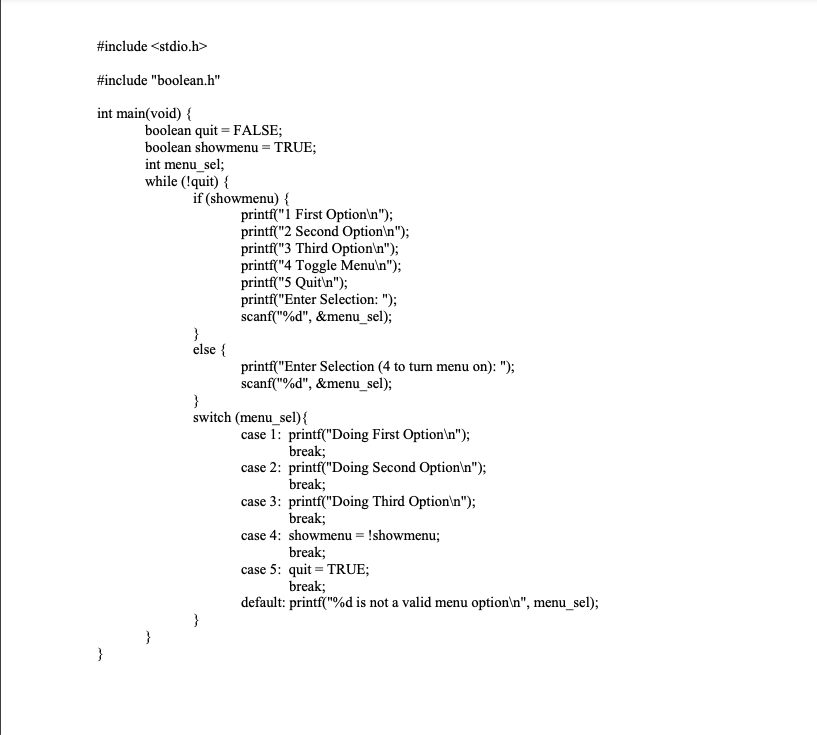
Defining a new type for a complex number consisting of two parts, real and img, both of which will contain integers: typedef struct intreal int img complex Declaring variables of this type: complex num; Accessing variables of this type: printf("Enter the real part of the number: "); scanf("%d", &num.reall: printf("Enter the imaginary part of the number scanf("%d", &num.imgi: Note: The member notation is a PERIOD indicating which member of the structure you are referring to. Files and subprograms needed for this activity: main.c The main program will consist of a menu driven program that provides the with a mer manipulate complex numbers. The menu options will include add, subtract, multiply, divide, conjugate, negate, toggle menu, and quit. The switch statement will have a case for each menu option and will make use of a variety of subprograms to perform the necessary actions associated with the menu option selected Example: case 1: numi - Read_Complex(); num2 - Read_Complex: ans - Add_Complex[num, num2); Write_Complex ans); break; complex.h Will contain the type definition for the complex type booleanh o will contain the #define statements for TRUE and FALSE as well as the type definition for the boolean type Complex_10 (Note: Will need Complex_10.h for prototypes and Complex_JO.c for definitions) Read_Complex will prompt for input of the real and imaginary part of a number and then return the complex number to the main program where it will be assigned to the appropriate variable. Write Complex will take a single complex number sent to it and display it in the standard format 2 +31 where 2 is the real part and 3 is the imaginary part. Note: If the imaginary port is negative, then this should appear as 2 31 and not 2+-3i Complex Arith (Note: Will need Complex Arith.h for prototypes and complex Arith.c for definitions) Add_Complex will take two complex numbers passed to it, calculate the sum, and then return the complex answer. Subtract_Complex will take two complex numbers passed to it, calculate the difference (14-24), and then return the complex answer. Multiply_Complex will take two complex numbers passed to it, calculate the product, and then return the complex answer. Divide_Complex will take two complex numbers passed to it, divide 1* by the 2, and then print the answer locally because it will not be able to be assigned to our complex type because the parts will be real numbers and not integers. Note: Need to prevent division by zero in the main program before calling subprogram o Conjugate_Complex will take a single complex number sent to it, multiply the imaginary part only by negative one, and return the resulting complex number. Negate_Complex will take a single complex number sent to it, multiply both the real and the imaginary parts by negative one, and return the resulting complex number. Computer Programming II Complex Arithmetic Assignment You are to write a program that will use a menu to let you manipulate complex numbers. Your program should allow you to add, subtract, multiply, divide, conjugate, and negate complex numbers. Menu Options: 1 Add 2 Subtract 3 Multiply 4 Divide 5 Conjugate 6 Negate 7 Toggle Menu 8 Quit You will write functions Read_Complex and Write_Complex to help you. In this program you will also need to make use of "typedef", and write functions like "negate" to return objects of type "Complex. Since real programmers don't use menus, you should be able to turn your menus on or off at will. You are required to make use of separate compilation with a minimum breakdown of typedefs, 1/0 functions, arithmetic functions, and main program. #include
Step by Step Solution
There are 3 Steps involved in it

Get step-by-step solutions from verified subject matter experts
 Study Help