







Question: C++ use simple overloading function for hourly pay The weekly gross pay of a regular employee is calculated as follows: If the employee works for
C++ use simple overloading function for hourly pay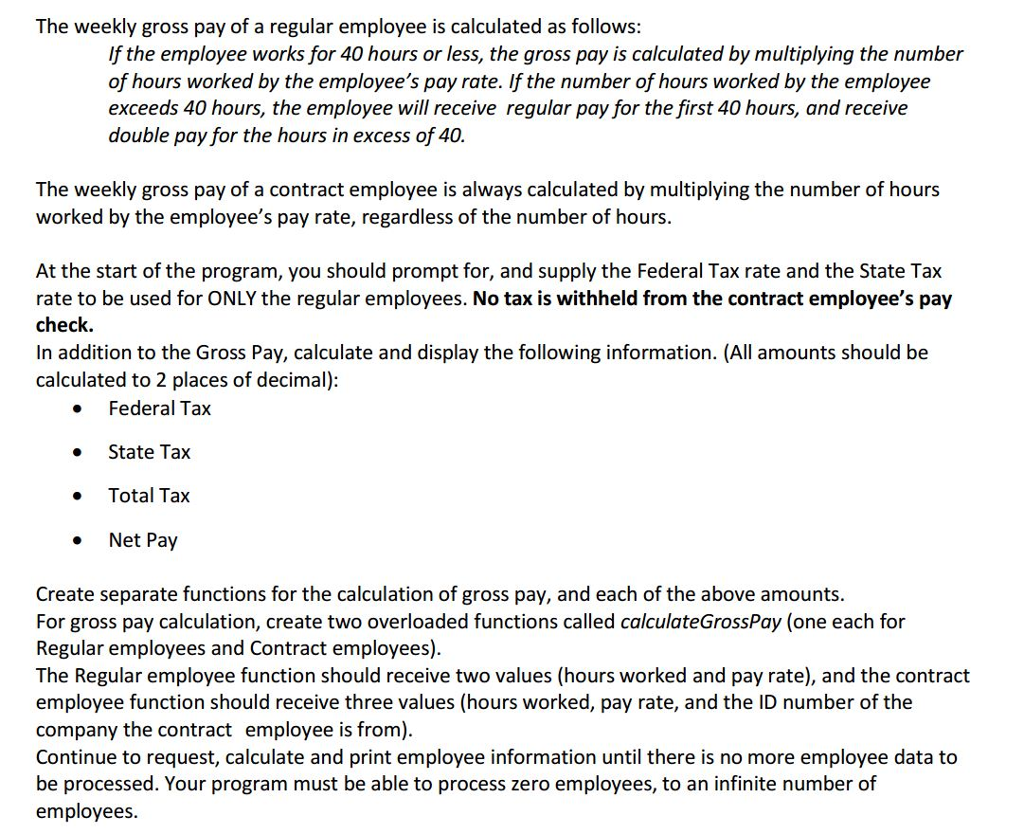
The weekly gross pay of a regular employee is calculated as follows: If the employee works for 40 hours or less, the gross pay is calculated by multiplying the number of hours worked by the employee's pay rate. If the number of hours worked by the employee exceeds 40 hours, the employee will receive regular pay for the first 40 hours, and receive double pay for the hours in excess of 40. The weekly gross pay of a contract employee is always calculated by multiplying the number of hours worked by the employee's pay rate, regardless of the number of hours. At the start of the program, you should prompt for, and supply the Federal Tax rate and the State Tax rate to be used for ONLY the regular employees. No tax is withheld from the contract employee's pay check. In addition to the Gross Pay, calculate and display the following information. (All amounts should be calculated to 2 places of decimal): Federal Tax State Tax Total Tax Net Pay Create separate functions for the calculation of gross pay, and each of the above amounts For gross pay calculation, create two overloaded functions called calculateGrossPay (one each for Regular employees and Contract employees). The Regular employee function should receive two values (hours worked and pay rate), and the contract employee function should receive three values (hours worked, pay rate, and the ID number of the company the contract employee is from). Continue to request, calculate and print employee information until there is no more employee data to be processed. Your program must be able to process zero employees, to an infinite number of employees
Step by Step Solution
There are 3 Steps involved in it

Get step-by-step solutions from verified subject matter experts
 Study Help