







Question: c# using .net framework Instructions: Throughout this course, you will incrementally build a fully functioning web browser application. You will use a three-tier architecture, covered
c# using .net framework
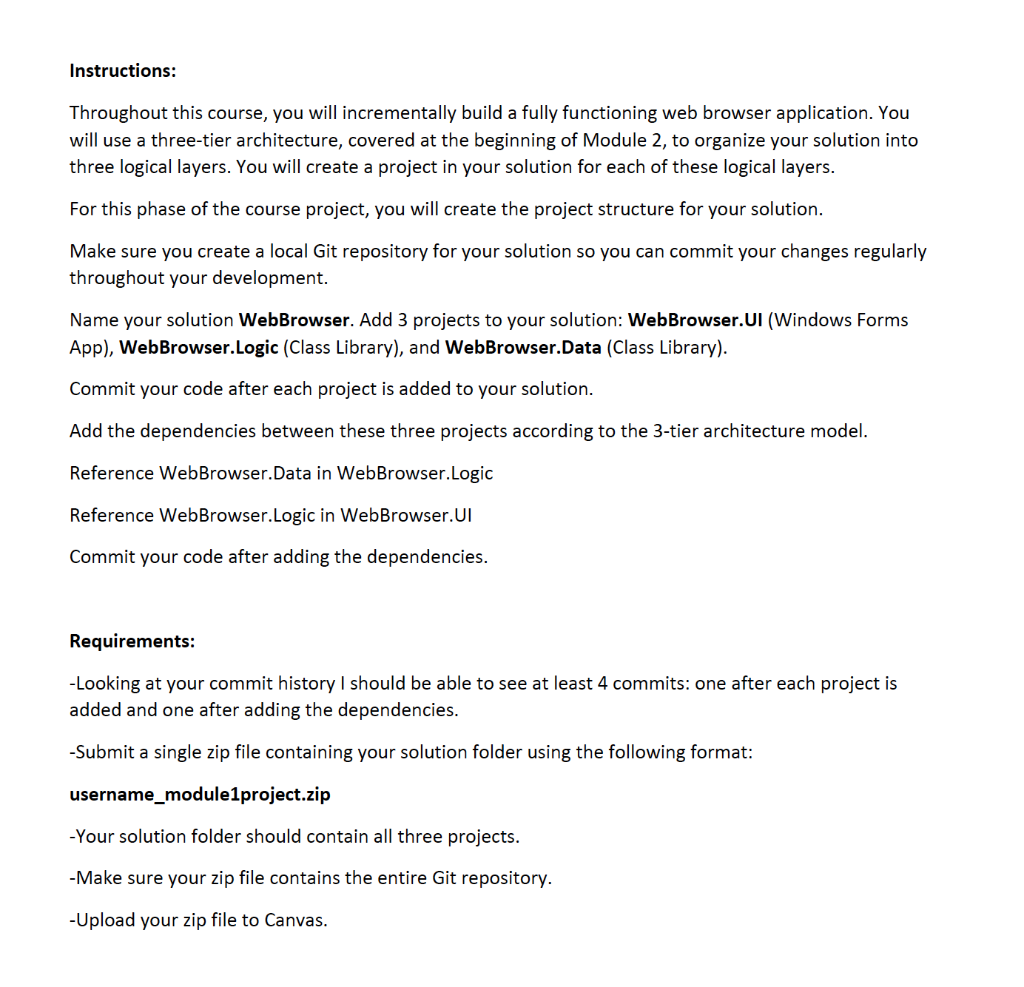
Instructions: Throughout this course, you will incrementally build a fully functioning web browser application. You will use a three-tier architecture, covered at the beginning of Module 2, to organize your solution into three logical layers. You will create a project in your solution for each of these logical layers. For this phase of the course project, you will create the project structure for your solution. Make sure you create a local Git repository for your solution so you can commit your changes regularly throughout your development. Name your solution Web Browser. Add 3 projects to your solution: Web Browser.UI (Windows Forms App), WebBrowser.Logic (Class Library), and WebBrowser.Data (Class Library). Commit your code after each project is added to your solution. Add the dependencies between these three projects according to the 3-tier architecture model. Reference Web Browser.Data in Web Browser.Logic Reference WebBrowser.Logic in Web Browser.UI Commit your code after adding the dependencies. Requirements: -Looking at your commit history I should be able to see at least 4 commits: one after each project is added and one after adding the dependencies. -Submit a single zip file containing your solution folder using the following format: username_module1project.zip -Your solution folder should contain all three projects. -Make sure your zip file contains the entire Git repository. - Upload your zip file to Canvas
Step by Step Solution
There are 3 Steps involved in it

Get step-by-step solutions from verified subject matter experts
 Study Help