







Question: C++, Using Queues to get Image Component Labeling 1) Starter Code // image component labeling #include #include make2dArray.h #include arrayQueue.h #include position.h using namespace std;
C++, Using Queues to get Image Component Labeling
1) Starter Code
// image component labeling
#include
using namespace std;
// global variables int **pixel; int size; // number of rows and columns in the image
// functions void welcome() {// Not yet implemented. }
void inputImage() {// Input the image. cout > size;
// create and input the pixel array make2dArray(pixel, size + 2, size + 2); cout > pixel[i][j]; }
void labelComponents() {// Label the components.
// // Add Your Code Here //
}
void outputImage() {// Output labeled image.
cout
void main() { welcome(); inputImage(); labelComponents(); outputImage(); }
------------------------------------------------------------------
2). Sample Input
7 0 0 1 0 0 0 0 0 0 1 1 0 0 0 0 0 0 0 1 0 0 0 0 0 1 1 0 0 1 0 0 0 1 0 0 1 1 1 0 0 0 0 1 1 1 0 0 0 0
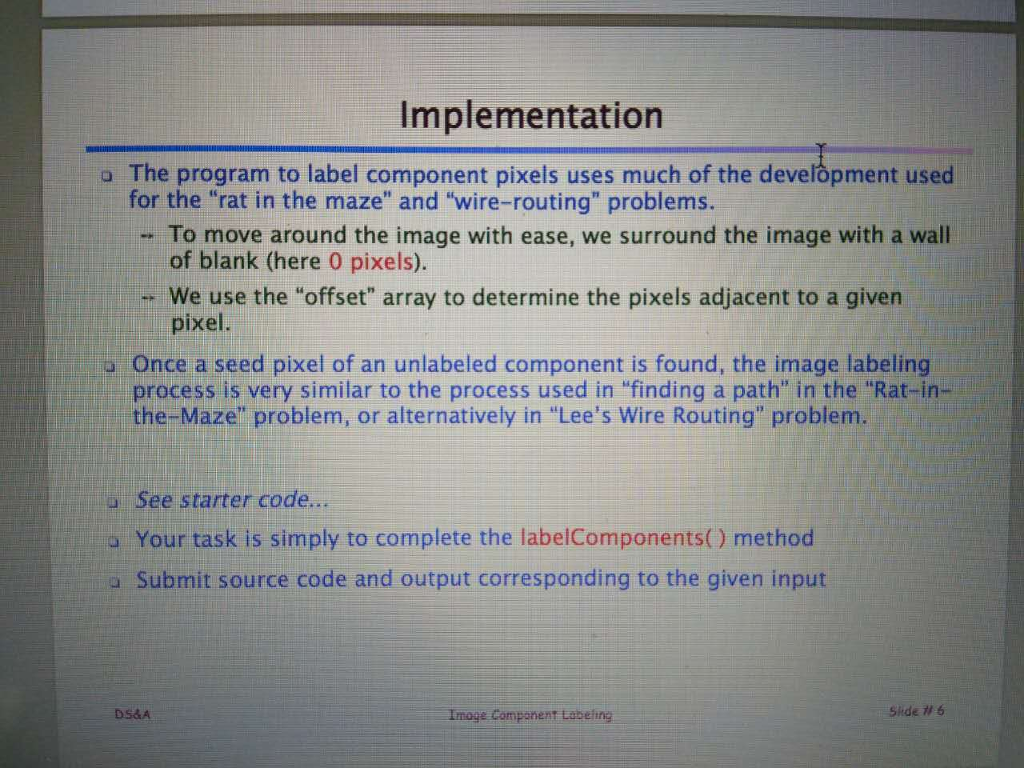
Implementation o The program to label component pixels uses much of the development used for the "rat in the maze" and "wire-routing" problems. To move around the image with ease, we surround the image with a wall of blank (here 0 pixels). We use the "offset" array to determine the pixels adjacent to a given pixel. o Once a seed pixel of an unlabeled component is found, the image labeling process is very similar to the process used in finding a path in the "Rat-in- the-Maze" problem, or alternatively in "Lee's Wire Routing" problem. o See starter code. Your task is simply to complete the labelComponents() method a Submit source code and output corresponding to the given input DS&A Imoge Component Labeling Sitde # 6
Step by Step Solution
There are 3 Steps involved in it

Get step-by-step solutions from verified subject matter experts
 Study Help