







Question: Can I please get some help with this MATLAB program? Using if-end and while-end statements, perform the following: 1) Prompt the user to enter numerical
Can I please get some help with this MATLAB program?
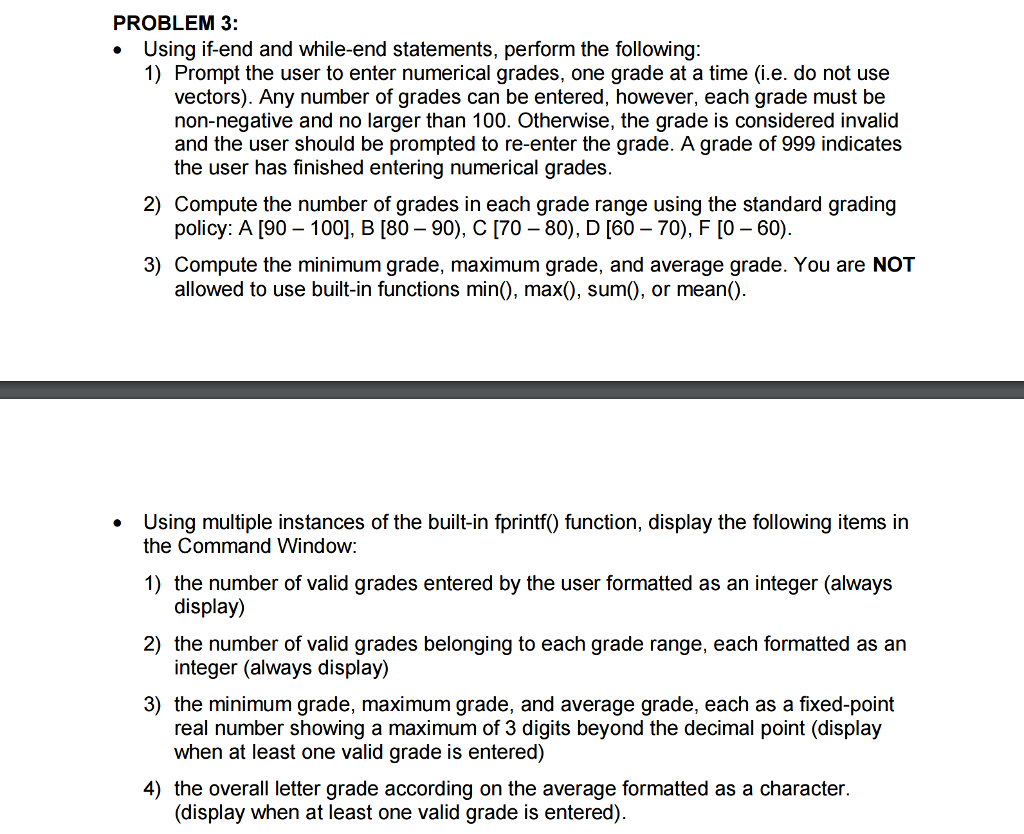
Using if-end and while-end statements, perform the following: 1) Prompt the user to enter numerical grades, one grade at a time (i.e. do not use vectors). Any number of grades can be entered, however, each grade must be non-negative and no larger than 100. Otherwise, the grade is considered invalid and the user should be prompted to re-enter the grade. A grade of 999 indicates the user has finished entering numerical grades. 2) Compute the number of grades in each grade range using the standard grading policy: A [90-100], B [80-90), C [70-80), D [60-70), F [0-60). 3) Compute the minimum grade, maximum grade, and average grade. You are NOT allowed to use built-in functions min(), max(), sum(), or mean(). Using multiple instances of the built-in fprintf() function, display the following items in the Command Window: 1) the number of valid grades entered by the user formatted as an integer (always display) 2) the number of valid grades belonging to each grade range, each formatted as an integer (always display) 3) the minimum grade, maximum grade, and average grade, each as a fixed-point real number showing a maximum of 3 digits beyond the decimal point (display when at least one valid grade is entered) 4) the overall letter grade according on the average formatted as a character. (display when at least one valid grade is entered)
Step by Step Solution
There are 3 Steps involved in it

Get step-by-step solutions from verified subject matter experts
 Study Help