







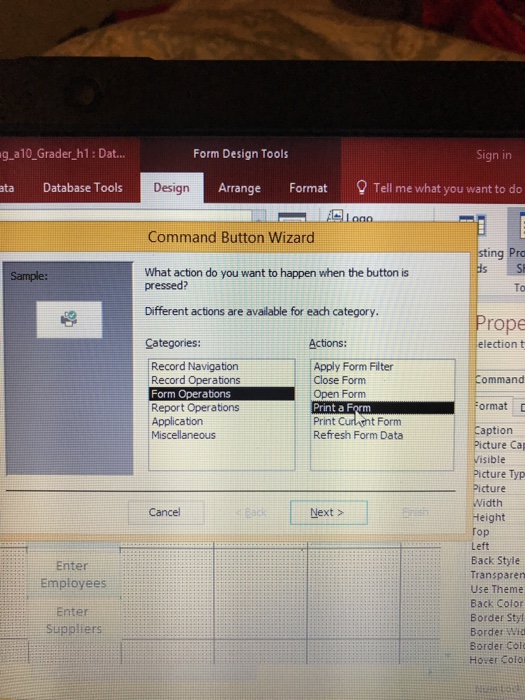
Question: Can someone help me step by step how to create a command that will print preview. I went to command button wizard and I'm not
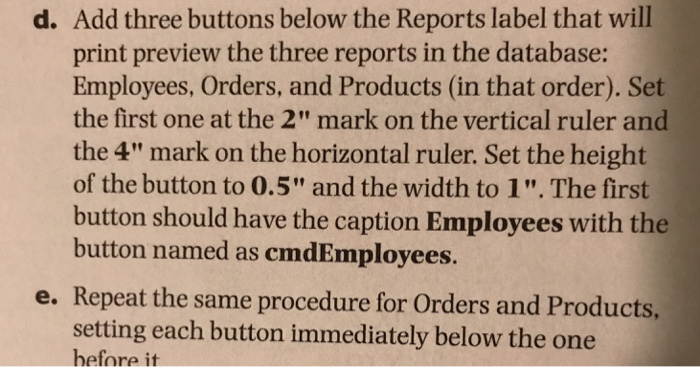
d. Add three buttons below the Reports label that will print preview the three reports in the database: Employees, Orders, and Products (in that order). Set the first one at the 2" mark on the vertical ruler and the 4" mark on the horizontal ruler. Set the height of the button to 0.5" and the width to 1". The first button should have the caption Employees with the button named as cmdEmployees. e. Repeat the same procedure for orders and Products, setting each button immediately below the one before it d. Add three buttons below the Reports label that will print preview the three reports in the database: Employees, Orders, and Products (in that order). Set the first one at the 2" mark on the vertical ruler and the 4" mark on the horizontal ruler. Set the height of the button to 0.5" and the width to 1". The first button should have the caption Employees with the button named as cmdEmployees. e. Repeat the same procedure for orders and Products, setting each button immediately below the one before it
Step by Step Solution
There are 3 Steps involved in it

Get step-by-step solutions from verified subject matter experts
 Study Help