


Question: Can someone show me the steps to do it? the fee changes. b. Use New Fees Scenario Report as the name of the worksheet containing

Can someone show me the steps to do it?Can someone show me the steps to do it? the fee
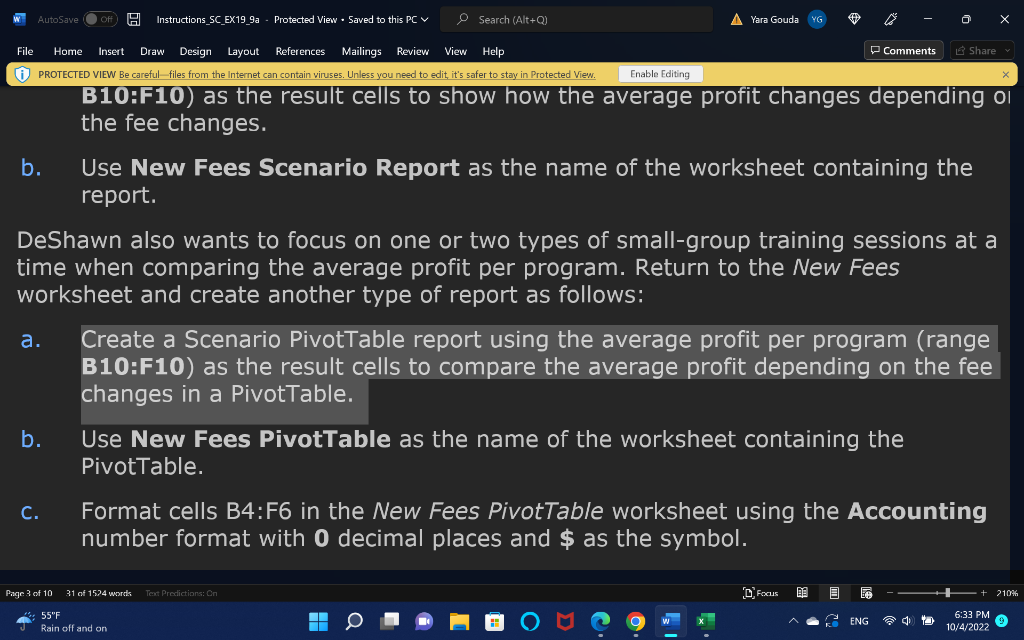
the fee changes. b. Use New Fees Scenario Report as the name of the worksheet containing the report. DeShawn also wants to focus on one or two types of small-group training sessions at a time when comparing the average profit per program. Return to the New Fees worksheet and create another type of report as follows: a. Create a Scenario PivotTable report using the average profit per program (range B10:F10) as the result cells to compare the average profit depending on the fee changes in a PivotTable. b. Use New Fees PivotTable as the name of the worksheet containing the PivotTable. c. Format cells B4:F6 in the New Fees PivotTable worksheet using the Accounting number format with 0 decimal places and $ as the symbol. the fee changes. b. Use New Fees Scenario Report as the name of the worksheet containing the report. DeShawn also wants to focus on one or two types of small-group training sessions at a time when comparing the average profit per program. Return to the New Fees worksheet and create another type of report as follows: a. Create a Scenario PivotTable report using the average profit per program (range B10:F10) as the result cells to compare the average profit depending on the fee changes in a PivotTable. b. Use New Fees PivotTable as the name of the worksheet containing the PivotTable. c. Format cells B4:F6 in the New Fees PivotTable worksheet using the Accounting number format with 0 decimal places and $ as the symbol

Step by Step Solution

There are 3 Steps involved in it

1 Expert Approved Answer
Step: 1 Unlock blur-text-image

Question Has Been Solved by an Expert!

Get step-by-step solutions from verified subject matter experts

Step: 2 Unlock
Step: 3 Unlock

Students Have Also Explored These Related General Management Questions!