







Question: can you please draw the flowchart? Part B: Pseudocode: (40 marks) Using the above explanation and sample outputs of the program execution, write the pseudocode
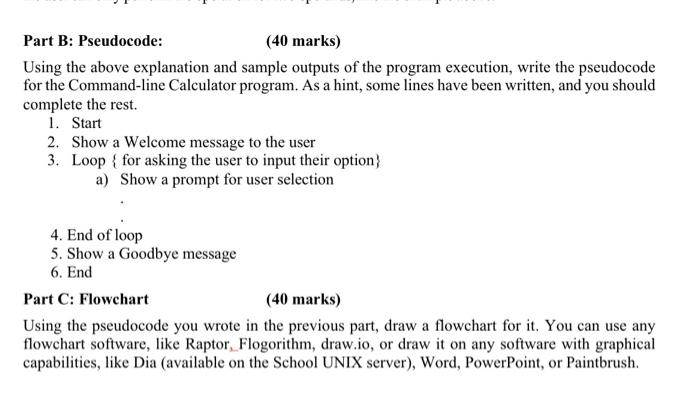
Part B: Pseudocode: (40 marks) Using the above explanation and sample outputs of the program execution, write the pseudocode for the Command-line Calculator program. As a hint, some lines have been written, and you should complete the rest. 1. Start 2. Show a Welcome message to the user 3. Loop \{for asking the user to input their option a) Show a prompt for user selection 4. End of loop 5. Show a Goodbye message 6. End Part C: Flowehart (40 marks) Using the pseudocode you wrote in the previous part, draw a flowchart for it. You can use any flowchart software, like Raptor, Flogorithm, draw.io, or draw it on any software with graphical capabilities, like Dia (available on the School UNIX server), Word, PowerPoint, or Paintbrush
Step by Step Solution
There are 3 Steps involved in it

Get step-by-step solutions from verified subject matter experts
 Study Help