







Question: Case Study STANDARD PAGES TO SUMMARY 8.10 Form XObjects 8.10.1 General A form XObject is a PDF content stream that is a self-contained description of
Case Study
STANDARD PAGES TO SUMMARY
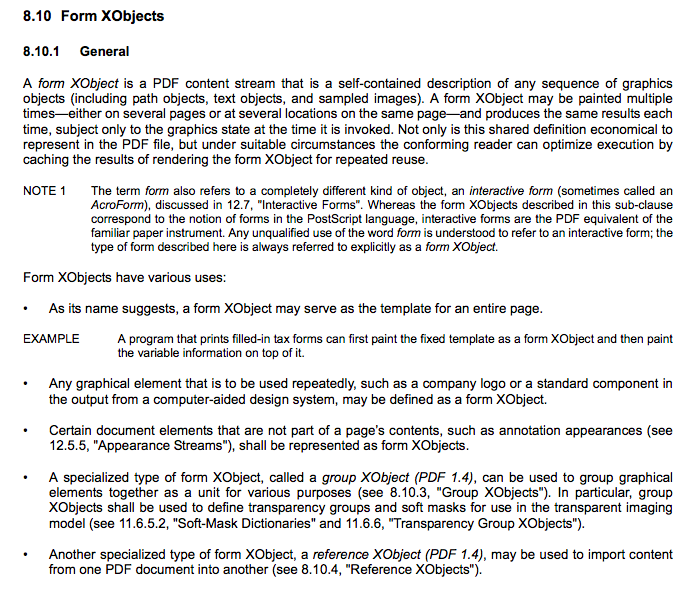
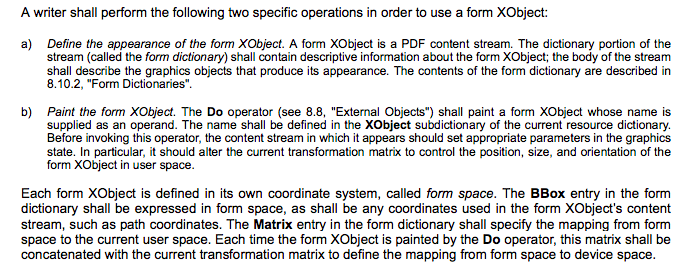
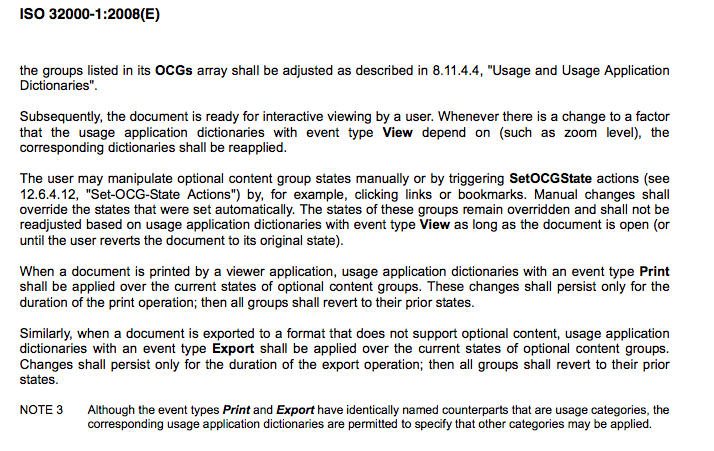
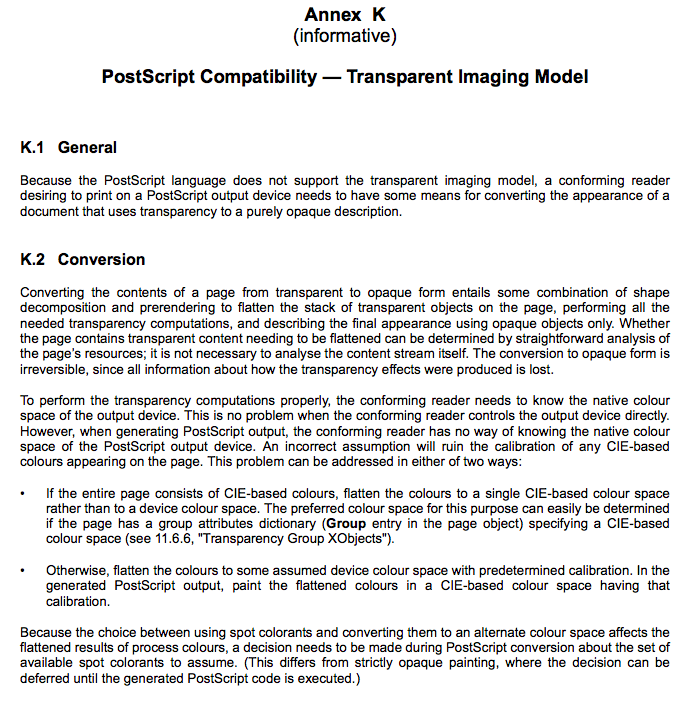
8.10 Form XObjects 8.10.1 General A form XObject is a PDF content stream that is a self-contained description of any sequence of graphics objects (including path objects, text objects, and sampled images). A form XObject may be painted multiple timeseither on several pages or at several locations on the same pageand produces the same results each time, subject only to the graphics state at the time it is invoked. Not only is this shared definition economical to represent in the PDF file, but under suitable circumstances the conforming reader can optimize execution by caching the results of rendering the form XObject for repeated reuse. NOTE 1 The term form also refers to a completely different kind of object, an interactive form (sometimes called an AcroForm), discussed in 12.7, "Interactive Forms". Whereas the form XObjects described in this sub-clause correspond to the notion of forms in the PostScript language, interactive forms are the PDF equivalent of the familiar paper instrument. Any unqualified use of the word form is understood to refer to an interactive form; the type of form described here is always referred to explicitly as a form XObject. Form XObjects have various uses: As its name suggests, a form XObject may serve as the template for an entire page. EXAMPLE A program that prints filled-in tax forms can first paint the fixed template as a form XObject and then paint the variable information on top of it. Any graphical element that is to be used repeatedly, such as a company logo or a standard component in the output from a computer-aided design system, may be defined as a form XObject. Certain document elements that are not part of a page's contents, such as annotation appearances (see 12.5.5, "Appearance Streams"), shall be represented as form XObjects. A specialized type of form XObject, called a group XObject (PDF 1.4), can be used to group graphical elements together as a unit for various purposes (see 8.10.3, "Group XObjects"). In particular, group XObjects shall be used to define transparency groups and soft masks for use in the transparent imaging model (see 11.6.5.2, "Soft-Mask Dictionaries" and 11.6.6, "Transparency Group XObjects"). Another specialized type of form XObject, a reference XObject (PDF 1.4), may be used to import content from one PDF document into another (see 8.10.4, "Reference XObjects"). . . A writer shall perform the following two specific operations in order to use a form XObject: a) Define the appearance of the form XObject. A form XObject is a PDF content stream. The dictionary portion of the stream (called the form dictionary) shall contain descriptive information about the form XObject; the body of the stream shall describe the graphics objects that produce its appearance. The contents of the form dictionary are described in 8.10.2, "Form Dictionaries". b) Paint the form XObject . The Do operator (see 8.8, "External Objects") shall paint a form XObject whose name is supplied as an operand. The name shall be defined in the XObject subdictionary of the current resource dictionary. Before invoking this operator, the content stream in which it appears should set appropriate parameters in the graphics state. In particular, it should alter the current transformation matrix to control the position, size, and orientation of the form XObject in user space. Each form XObject is defined in its own coordinate system, called form space. The BBox entry in the form dictionary shall be expressed in form space, as shall be any coordinates used in the form XObject's content stream, such as path coordinates. The Matrix entry in the form dictionary shall specify the mapping from form space to the current user space. Each time the form XObject is painted by the Do operator, this matrix shall be concatenated with the current transformation matrix to define the mapping from form space to device space. ISO 32000-1:2008(E) the groups listed in its OCGs array shall be adjusted as described in 8.11.4.4, "Usage and Usage Application Dictionaries". Subsequently, the document is ready for interactive viewing by a user. Whenever there is a change to a factor that the usage application dictionaries with event type View depend on (such as zoom level), the corresponding dictionaries shall be reapplied. The user may manipulate optional content group states manually or by triggering SetOCGState actions (see 12.6.4. 12, "Set-OCG-State Actions") by, for example, clicking links or bookmarks. Manual changes shall override the states that were set automatically. The states of these groups remain overridden and shall not be readjusted based on usage application dictionaries with event type View as long as the document is open (or until the user reverts the document to its original state). When a document is printed by a viewer application, usage application dictionaries with an event type Print shall be applied over the current states of optional content groups. These changes shall persist only for the duration of the print operation; then all groups shall revert to their prior states. Similarly, when a document is exported to a format that does not support optional content, usage application dictionaries with an event type Export shall be applied over the current states of optional content groups. Changes shall persist only for the duration of the export operation; then all groups shall revert to their prior states. NOTE 3 Although the event types Print and Export have identically named counterparts that are usage categories, the corresponding usage application dictionaries are permitted to specify that other categories may be applied. Annex K (informative) PostScript Compatibility - Transparent Imaging Model K.1 General Because the PostScript language does not support the transparent imaging model, a conforming reader desiring to print on a PostScript output device needs to have some means for converting the appearance of a document that uses transparency to a purely opaque description. K.2 Conversion Converting the contents of a page from transparent to opaque form entails some combination of shape decomposition and prerendering to flatten the stack of transparent objects on the page, performing all the needed transparency computations, and describing the final appearance using opaque objects only. Whether the page contains transparent content needing to be flattened can be determined by straightforward analysis of the page's resources; it is not necessary to analyse the content stream itself. The conversion to opaque form is irreversible, since all information about how the transparency effects were produced is lost. To perform the transparency computations properly, the conforming reader needs to know the native colour space of the output device. This is no problem when the conforming reader controls the output device directly. However, when generating PostScript output, the conforming reader has no way of knowing the native colour space of the PostScript output device. An incorrect assumption will ruin the calibration of any CIE-based colours appearing on the page. This problem can be addressed in either of two ways: If the entire page consists of CIE-based colours, flatten the colours to a single CIE-based colour space rather than to a device colour space. The preferred colour space for this purpose can easily be determined if the page has a group attributes dictionary (Group entry in the page object) specifying a CIE-based colour space (see 11.6.6, "Transparency Group XObjects"). Otherwise, flatten the colours to some assumed device colour space with predetermined calibration. In the generated PostScript output, paint the flattened colours in a CIE-based colour space having that calibration. Because the choice between using spot colorants and converting them to an alternate colour space affects the flattened results of process colours, a decision needs to be made during PostScript conversion about the set of available spot colorants to assume. (This differs from strictly opaque painting, where the decision can be deferred until the generated PostScript code is executed.) 8.10 Form XObjects 8.10.1 General A form XObject is a PDF content stream that is a self-contained description of any sequence of graphics objects (including path objects, text objects, and sampled images). A form XObject may be painted multiple timeseither on several pages or at several locations on the same pageand produces the same results each time, subject only to the graphics state at the time it is invoked. Not only is this shared definition economical to represent in the PDF file, but under suitable circumstances the conforming reader can optimize execution by caching the results of rendering the form XObject for repeated reuse. NOTE 1 The term form also refers to a completely different kind of object, an interactive form (sometimes called an AcroForm), discussed in 12.7, "Interactive Forms". Whereas the form XObjects described in this sub-clause correspond to the notion of forms in the PostScript language, interactive forms are the PDF equivalent of the familiar paper instrument. Any unqualified use of the word form is understood to refer to an interactive form; the type of form described here is always referred to explicitly as a form XObject. Form XObjects have various uses: As its name suggests, a form XObject may serve as the template for an entire page. EXAMPLE A program that prints filled-in tax forms can first paint the fixed template as a form XObject and then paint the variable information on top of it. Any graphical element that is to be used repeatedly, such as a company logo or a standard component in the output from a computer-aided design system, may be defined as a form XObject. Certain document elements that are not part of a page's contents, such as annotation appearances (see 12.5.5, "Appearance Streams"), shall be represented as form XObjects. A specialized type of form XObject, called a group XObject (PDF 1.4), can be used to group graphical elements together as a unit for various purposes (see 8.10.3, "Group XObjects"). In particular, group XObjects shall be used to define transparency groups and soft masks for use in the transparent imaging model (see 11.6.5.2, "Soft-Mask Dictionaries" and 11.6.6, "Transparency Group XObjects"). Another specialized type of form XObject, a reference XObject (PDF 1.4), may be used to import content from one PDF document into another (see 8.10.4, "Reference XObjects"). . . A writer shall perform the following two specific operations in order to use a form XObject: a) Define the appearance of the form XObject. A form XObject is a PDF content stream. The dictionary portion of the stream (called the form dictionary) shall contain descriptive information about the form XObject; the body of the stream shall describe the graphics objects that produce its appearance. The contents of the form dictionary are described in 8.10.2, "Form Dictionaries". b) Paint the form XObject . The Do operator (see 8.8, "External Objects") shall paint a form XObject whose name is supplied as an operand. The name shall be defined in the XObject subdictionary of the current resource dictionary. Before invoking this operator, the content stream in which it appears should set appropriate parameters in the graphics state. In particular, it should alter the current transformation matrix to control the position, size, and orientation of the form XObject in user space. Each form XObject is defined in its own coordinate system, called form space. The BBox entry in the form dictionary shall be expressed in form space, as shall be any coordinates used in the form XObject's content stream, such as path coordinates. The Matrix entry in the form dictionary shall specify the mapping from form space to the current user space. Each time the form XObject is painted by the Do operator, this matrix shall be concatenated with the current transformation matrix to define the mapping from form space to device space. ISO 32000-1:2008(E) the groups listed in its OCGs array shall be adjusted as described in 8.11.4.4, "Usage and Usage Application Dictionaries". Subsequently, the document is ready for interactive viewing by a user. Whenever there is a change to a factor that the usage application dictionaries with event type View depend on (such as zoom level), the corresponding dictionaries shall be reapplied. The user may manipulate optional content group states manually or by triggering SetOCGState actions (see 12.6.4. 12, "Set-OCG-State Actions") by, for example, clicking links or bookmarks. Manual changes shall override the states that were set automatically. The states of these groups remain overridden and shall not be readjusted based on usage application dictionaries with event type View as long as the document is open (or until the user reverts the document to its original state). When a document is printed by a viewer application, usage application dictionaries with an event type Print shall be applied over the current states of optional content groups. These changes shall persist only for the duration of the print operation; then all groups shall revert to their prior states. Similarly, when a document is exported to a format that does not support optional content, usage application dictionaries with an event type Export shall be applied over the current states of optional content groups. Changes shall persist only for the duration of the export operation; then all groups shall revert to their prior states. NOTE 3 Although the event types Print and Export have identically named counterparts that are usage categories, the corresponding usage application dictionaries are permitted to specify that other categories may be applied. Annex K (informative) PostScript Compatibility - Transparent Imaging Model K.1 General Because the PostScript language does not support the transparent imaging model, a conforming reader desiring to print on a PostScript output device needs to have some means for converting the appearance of a document that uses transparency to a purely opaque description. K.2 Conversion Converting the contents of a page from transparent to opaque form entails some combination of shape decomposition and prerendering to flatten the stack of transparent objects on the page, performing all the needed transparency computations, and describing the final appearance using opaque objects only. Whether the page contains transparent content needing to be flattened can be determined by straightforward analysis of the page's resources; it is not necessary to analyse the content stream itself. The conversion to opaque form is irreversible, since all information about how the transparency effects were produced is lost. To perform the transparency computations properly, the conforming reader needs to know the native colour space of the output device. This is no problem when the conforming reader controls the output device directly. However, when generating PostScript output, the conforming reader has no way of knowing the native colour space of the PostScript output device. An incorrect assumption will ruin the calibration of any CIE-based colours appearing on the page. This problem can be addressed in either of two ways: If the entire page consists of CIE-based colours, flatten the colours to a single CIE-based colour space rather than to a device colour space. The preferred colour space for this purpose can easily be determined if the page has a group attributes dictionary (Group entry in the page object) specifying a CIE-based colour space (see 11.6.6, "Transparency Group XObjects"). Otherwise, flatten the colours to some assumed device colour space with predetermined calibration. In the generated PostScript output, paint the flattened colours in a CIE-based colour space having that calibration. Because the choice between using spot colorants and converting them to an alternate colour space affects the flattened results of process colours, a decision needs to be made during PostScript conversion about the set of available spot colorants to assume. (This differs from strictly opaque painting, where the decision can be deferred until the generated PostScript code is executed.)
Step by Step Solution
There are 3 Steps involved in it
1 Expert Approved Answer
Step: 1 Unlock

Question Has Been Solved by an Expert!
Get step-by-step solutions from verified subject matter experts
Step: 2 Unlock
Step: 3 Unlock
 Study Help