



Question: CCIWEN 11.6.1: Operator overloading Modify the existing vector's contents, by erasing 200, then inserting 100 and 102 in the shown locations. Use Vector ADTs erase0
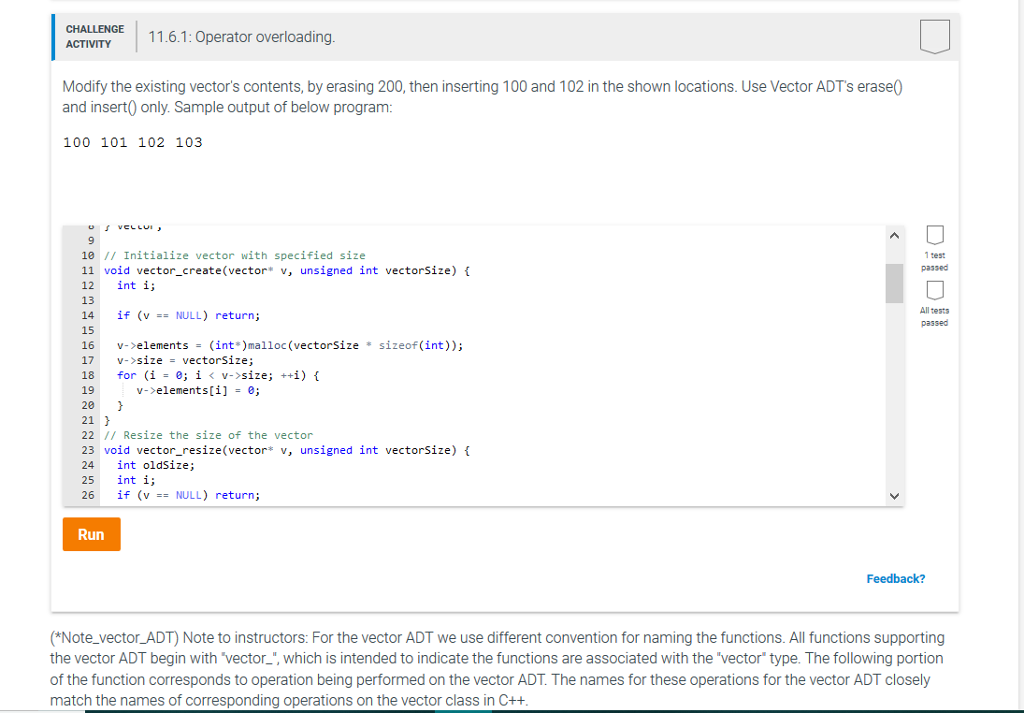
CCIWEN 11.6.1: Operator overloading Modify the existing vector's contents, by erasing 200, then inserting 100 and 102 in the shown locations. Use Vector ADTs erase0 and insert0 only. Sample output of below program: 100 101 102 103 9 10 Initialize vector with specified size 11 void vector create(vector* v, unsigned int vectorSize) t 12 int i; 13 14 if (v== NULL) return; 15 16 v-elements -(int*)malloc (vectorSize * sizeof (int)); 17 v->size= vectorSize; 18 for (i = e; i size; ++i) { 19 20 21 22 // Resize the size of the vector 23 void vector_resize(vector* v, unsigned int vectorSize) f 24 int oldSize; 25 int i; 26 if (v == NULL) return; 1 sest passed All tests passed v->elements[i-e Run Feedback? *Note_vector_ADT) Note to instructors: For the vector ADT we use different convention for naming the functions. All functions supporting the vector ADT begin with vector_', which is intended to indicate the functions are associated with the 'vector type. The following portion of the function corresponds to operation being performed on the vector ADT. The names for these operations for the vector ADT closely match the names of corresponding operations on the vector class in C++
Step by Step Solution
There are 3 Steps involved in it

Get step-by-step solutions from verified subject matter experts