







Question: CENGAGE | MINDTAP Using a Counter-Controlled while Loop in C++ Using a Counter- Multiply.cp Controlled while Loop 1 / / Mu Instructions 3 // In
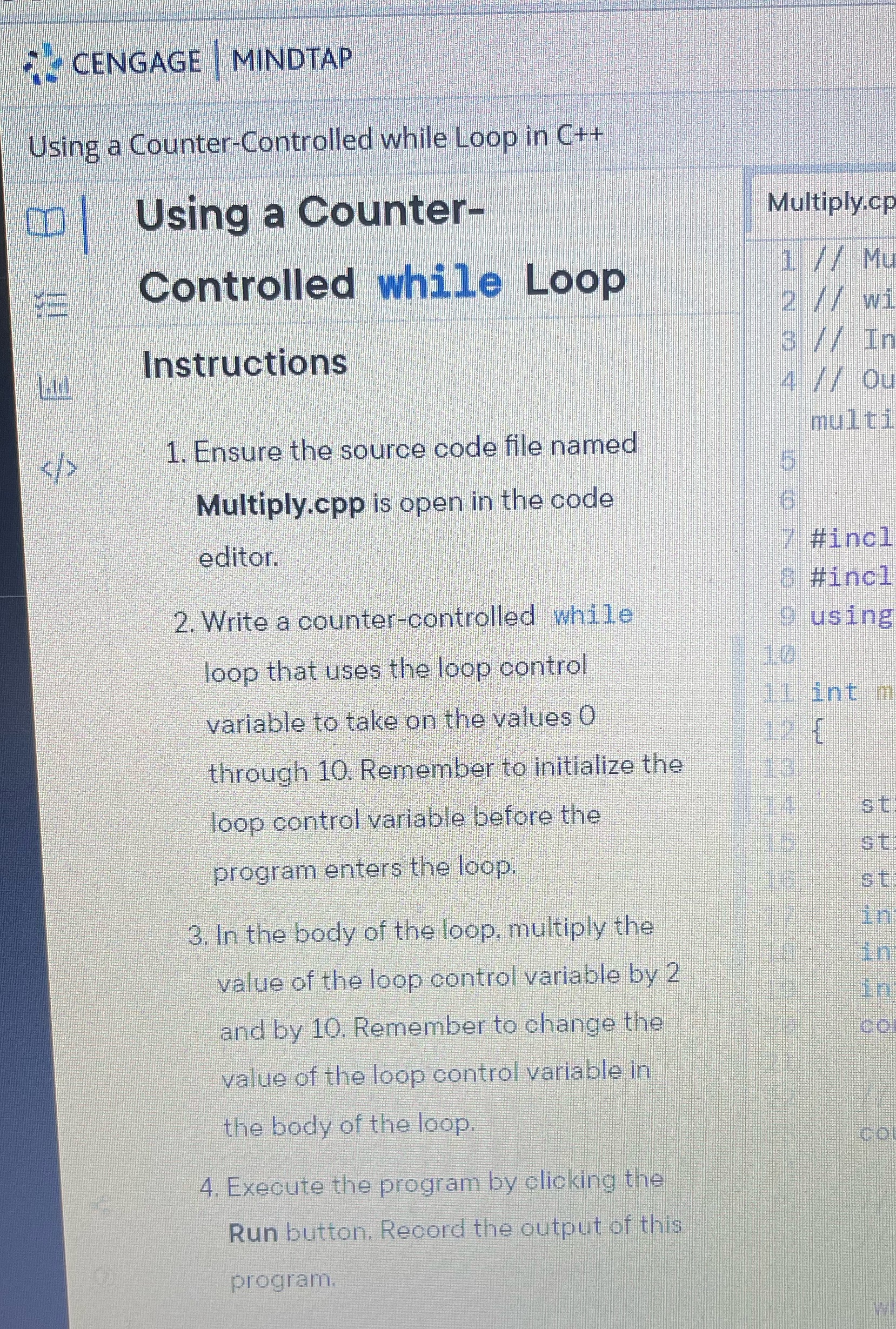
CENGAGE | MINDTAP Using a Counter-Controlled while Loop in C++ Using a Counter- Multiply.cp Controlled while Loop 1 / / Mu Instructions 3 // In // Ou multi > 1. Ensure the source code file named Multiply.cpp is open in the code editor. #incl & #incl 2. Write a counter-controlled while O using loop that uses the loop control variable to take on the values 0 int m through 10. Remember to initialize the loop control variable before the st st program enters the loop. st 3. In the body of the loop, multiply the in value of the loop control variable by 2 and by 10. Remember to change the value of the loop control variable in the body of the loop. CO 4. Execute the program by clicking the Run button. Record the output of this program
Step by Step Solution
There are 3 Steps involved in it

Get step-by-step solutions from verified subject matter experts
 Study Help