







Question: CHALLENGE ACTIVITY 4 . 3 . 1 : Exceptions with files. 5 2 2 5 6 2 . 3 5 7 8 1 9 4
CHALLENGE
ACTIVITY
: Exceptions with files.
qxizqy
Jump to level
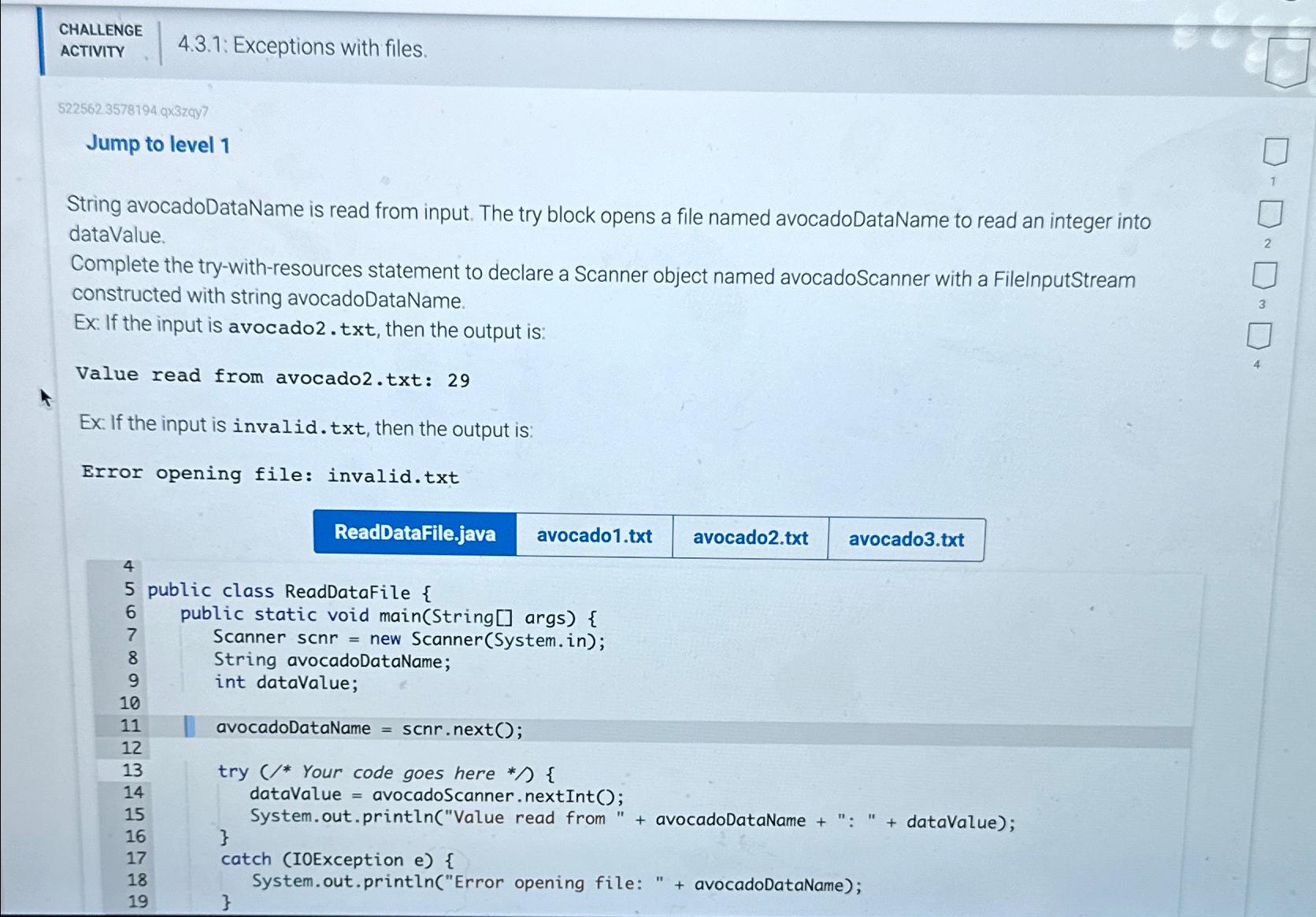
String avocadoDataName is read from input. The try block opens a file named avocadoDataName to read an integer into dataValue.
Complete the trywithresources statement to declare a Scanner object named avocadoScanner with a FilelnputStream constructed with string avocadoDataName.
Ex If the input is avocadotxt then the output is:
Value read from avocadotxt:
Ex: If the input is invalid.txt then the output is:
Error opening file: invalid.txt
avocadotxt
public class ReadDatafile
public static void mainString args
Scanner scnr new Scanner
System.in;
String avocadoDataName;
int dataValue;
avocadoDataName ;
try Your code goes here
dataValue avocadoScanner nextInt ;
System.out.printlnValue read from avocadoDataName : dataValue;
catch IOException e
System.out.printlnError opening file: avocadoDataName;
Step by Step Solution
There are 3 Steps involved in it
1 Expert Approved Answer
Step: 1 Unlock

Question Has Been Solved by an Expert!
Get step-by-step solutions from verified subject matter experts
Step: 2 Unlock
Step: 3 Unlock
 Study Help