







Question: Chapter 5 - Case 2 Sales Commission Calculator Common Calculator Commission Calculator Figure 1 Instructions In this case, you will create a Visual Basic 2008
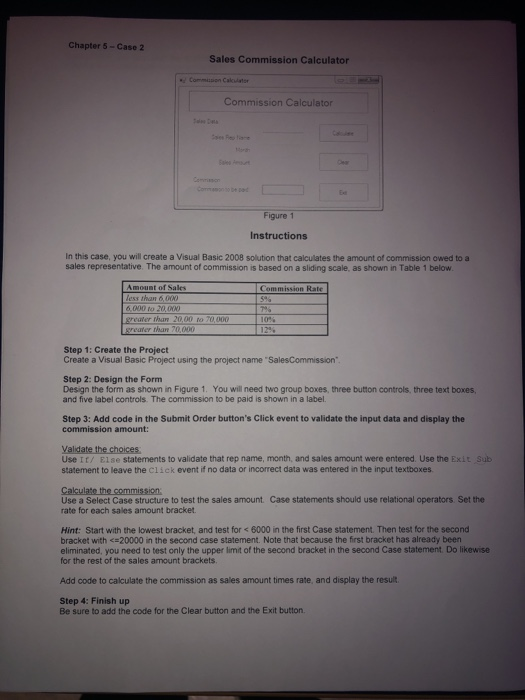
Chapter 5 - Case 2 Sales Commission Calculator Common Calculator Commission Calculator Figure 1 Instructions In this case, you will create a Visual Basic 2008 solution that calculates the amount of commission owed to a sales representative. The amount of commission is based on a sliding scale, as shown in Table 1 below Commission Rate 596 Amount of Sales less than 600 6.NO LO 200 greater than 20,00 marter than 70.000 70.000 Step 1: Create the Project Create a Visual Basic Project using the project name Sales Commission", Step 2: Design the Form Design the form as shown in Figure 1. You will need two group boxes, three button controls, three text boxes, and five label controls. The commission to be paid is shown in a label. Step 3: Add code in the Submit Order button's Click event to validate the input data and display the commission amount: Validate the choices Use It! Else statements to validate that rep name, month, and sales amount were entered. Use the Exit Sub statement to leave the click event if no data or incorrect data was entered in the input textboxes Calculate the commission Use a Select Case structure to test the sales amount Case statements should use relational operators Set the rate for each sales amount bracket Hint: Start with the lowest bracket and test for
Step by Step Solution
There are 3 Steps involved in it

Get step-by-step solutions from verified subject matter experts
 Study Help