







Question: Class Diagram - Shape Modification System Imagine a graphics drawing application designed to provide a seamless experience for users creating, modifying, and managing various shapes.
Class DiagramShape Modification System
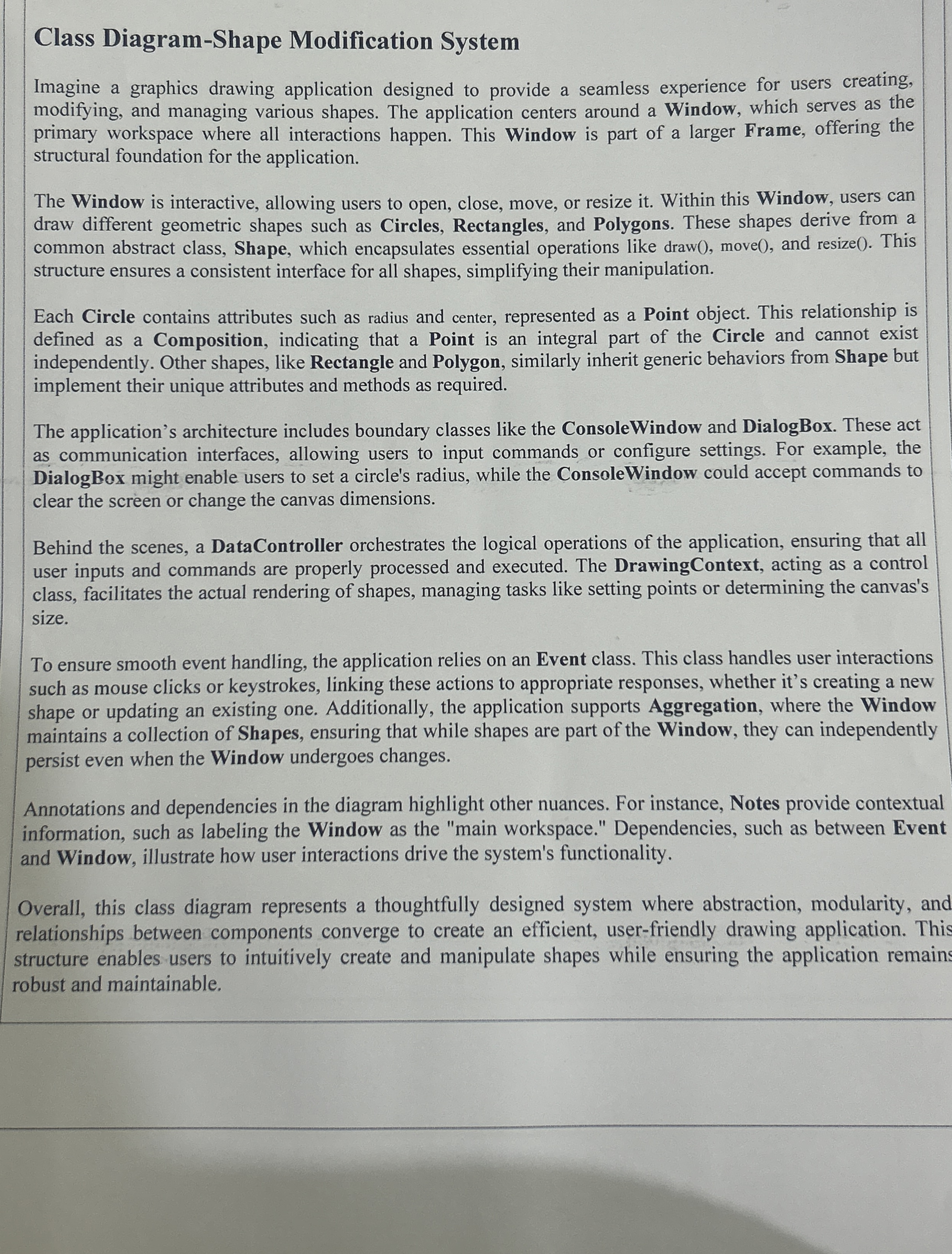
Imagine a graphics drawing application designed to provide a seamless experience for users creating, modifying, and managing various shapes. The application centers around a Window, which serves as the primary workspace where all interactions happen. This Window is part of a larger Frame, offering the structural foundation for the application.
The Window is interactive, allowing users to open, close, move, or resize it Within this Window, users can draw different geometric shapes such as Circles, Rectangles, and Polygons. These shapes derive from a common abstract class, Shape, which encapsulates essential operations like draw move and resize This structure ensures a consistent interface for all shapes, simplifying their manipulation.
Each Circle contains attributes such as radius and center, represented as a Point object. This relationship is defined as a Composition, indicating that a Point is an integral part of the Circle and cannot exist independently. Other shapes, like Rectangle and Polygon, similarly inherit generic behaviors from Shape but implement their unique attributes and methods as required.
The application's architecture includes boundary classes like the ConsoleWindow and DialogBox. These act as communication interfaces, allowing users to input commands or configure settings. For example, the DialogBox might enable users to set a circle's radius, while the ConsoleWindow could accept commands to clear the screen or change the canvas dimensions.
Behind the scenes, a DataController orchestrates the logical operations of the application, ensuring that all user inputs and commands are properly processed and executed. The DrawingContext, acting as a control class, facilitates the actual rendering of shapes, managing tasks like setting points or determining the canvas's size.
To ensure smooth event handling, the application relies on an Event class. This class handles user interactions such as mouse clicks or keystrokes, linking these actions to appropriate responses, whether it's creating a new shape or updating an existing one. Additionally, the application supports Aggregation, where the Window maintains a collection of Shapes, ensuring that while shapes are part of the Window, they can independently persist even when the Window undergoes changes.
Annotations and dependencies in the diagram highlight other nuances. For instance, Notes provide contextual information, such as labeling the Window as the "main workspace." Dependencies, such as between Event and Window, illustrate how user interactions drive the system's functionality.
Overall, this class diagram represents a thoughtfully designed system where abstraction modularity, and relationships between components converge to create an efficient, userfriendly drawing application. This structure enables users to intuitively create and manipulate shapes while ensuring the application remains robust and maintainable.
Drow it in paper
Step by Step Solution
There are 3 Steps involved in it
1 Expert Approved Answer
Step: 1 Unlock

Question Has Been Solved by an Expert!
Get step-by-step solutions from verified subject matter experts
Step: 2 Unlock
Step: 3 Unlock
 Study Help