



Question: Class Project - Saved to this PC AutoSave on mitesh hirpara File Home Insert Draw Design LayoutReferencesMailings Review View Help Nitro Pro 10 Tell me
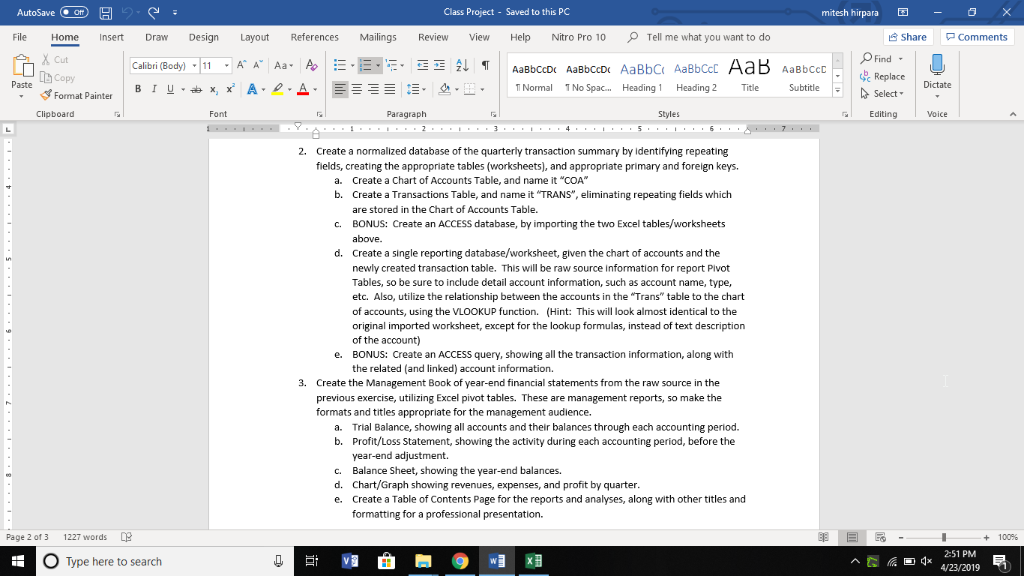
Class Project - Saved to this PC AutoSave on mitesh hirpara File Home Insert Draw Design LayoutReferencesMailings Review View Help Nitro Pro 10 Tell me what you want to do Share Comments Find Replace Select Cut .111 ." A" Calibri (Body) Aa- AaBbCcDc AaBbCcD AaBbC AaBbCc ETNormal 1 No Spac.. Heading1 Heading2 e Subtile hCopy Paste Dictate Format Painter Clipboard Font Paragraph Styles Editing Voice 2. Create a normalized database of the quarterly transaction summary by identifying repeating fields, creating the appropriate tables (worksheets), and appropriate primary and foreign keys. Create a Chart of Accounts Table, and name it "COA" Create a Transactions Table, and name it "TRANS", eliminating repeating fields which are stored in the Chart of Accounts Table BONUS: Create an ACCESS database, by importing the two Excel tables/worksheets above. Create a single reporting database/worksheet, given the chart of accounts and the newly created transaction table. This will be raw source information for report Pivot Tables, so be sure to include detail account information, such as account name, type, etc. Also, utilize the relationship between the accounts in the Trans" table to the chart of accounts, using the VLOOKUP function. (Hint: This will look almost identical to the original imported worksheet, except for the lookup formulas, instead of text description of the account) BONUS: Create an ACCESS query, showing all the transaction information, along with the related (and linked) account information. a. b. c. d. e. 3. Create the Management Book of year-end financial statements from the raw source in the previous exercise, utilizing Excel pivot tables. These are management reports, so make the formats and titles appropriate for the management audience. a. Trial Balance, showing all accounts and their balances through each accounting period. b. Profit/Loss Statement, showing the activity during each accounting period, before the year-end adjustment. Balance Sheet, showing the year-end balances. Chart/Graph showing revenues, expenses, and profit by quarter. Create a Table of Contents Page for the reports and analyses, along with other titles and formatting for a professional presentation. c. d. e. - Page 2 of 3 1227 words + 100% 2-51 PM A/23/2019 O Type here to search Class Project - Saved to this PC AutoSave on mitesh hirpara File Home Insert Draw Design LayoutReferencesMailings Review View Help Nitro Pro 10 Tell me what you want to do Share Comments Find Replace Select Cut .111 ." A" Calibri (Body) Aa- AaBbCcDc AaBbCcD AaBbC AaBbCc ETNormal 1 No Spac.. Heading1 Heading2 e Subtile hCopy Paste Dictate Format Painter Clipboard Font Paragraph Styles Editing Voice 2. Create a normalized database of the quarterly transaction summary by identifying repeating fields, creating the appropriate tables (worksheets), and appropriate primary and foreign keys. Create a Chart of Accounts Table, and name it "COA" Create a Transactions Table, and name it "TRANS", eliminating repeating fields which are stored in the Chart of Accounts Table BONUS: Create an ACCESS database, by importing the two Excel tables/worksheets above. Create a single reporting database/worksheet, given the chart of accounts and the newly created transaction table. This will be raw source information for report Pivot Tables, so be sure to include detail account information, such as account name, type, etc. Also, utilize the relationship between the accounts in the Trans" table to the chart of accounts, using the VLOOKUP function. (Hint: This will look almost identical to the original imported worksheet, except for the lookup formulas, instead of text description of the account) BONUS: Create an ACCESS query, showing all the transaction information, along with the related (and linked) account information. a. b. c. d. e. 3. Create the Management Book of year-end financial statements from the raw source in the previous exercise, utilizing Excel pivot tables. These are management reports, so make the formats and titles appropriate for the management audience. a. Trial Balance, showing all accounts and their balances through each accounting period. b. Profit/Loss Statement, showing the activity during each accounting period, before the year-end adjustment. Balance Sheet, showing the year-end balances. Chart/Graph showing revenues, expenses, and profit by quarter. Create a Table of Contents Page for the reports and analyses, along with other titles and formatting for a professional presentation. c. d. e. - Page 2 of 3 1227 words + 100% 2-51 PM A/23/2019 O Type here to search
Step by Step Solution
There are 3 Steps involved in it

Get step-by-step solutions from verified subject matter experts