Question: Click to view content (https://openstax.org/r/Money_Using_Excel) 3. Where within the Excel spreadsheet and its different menus (under what menu button option) can you find the different
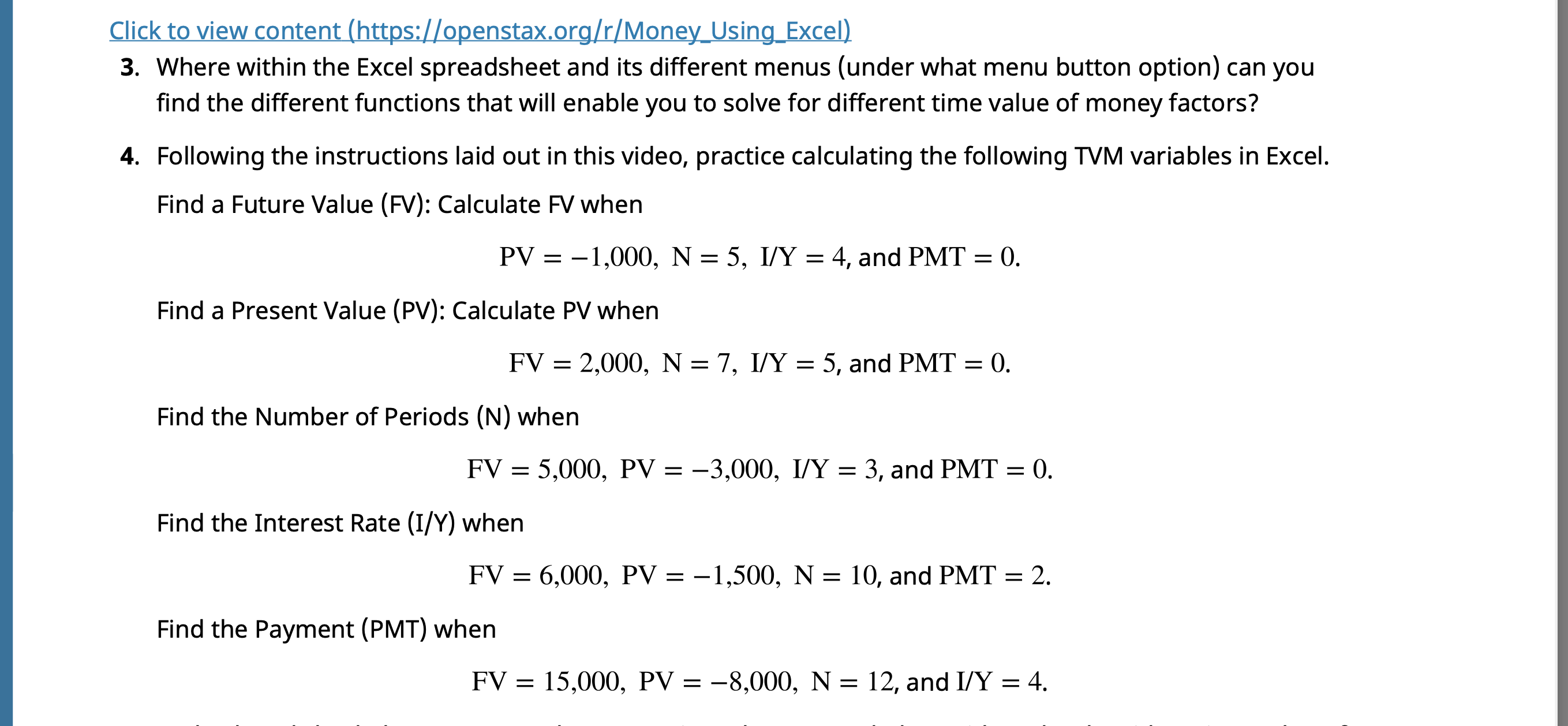
Click to view content (https://openstax.org/r/Money_Using_Excel) 3. Where within the Excel spreadsheet and its different menus (under what menu button option) can you find the different functions that will enable you to solve for different time value of money factors? 4. Following the instructions laid out in this video, practice calculating the following TVM variables in Excel. Find a Future Value (FV): Calculate FV when PV = -1,000, N = 5, I/Y = 4, and PMT = 0. Find a Present Value (PV): Calculate PV when FV = 2,000, N = 7, I/Y = 5, and PMT = 0. Find the Number of Periods (N) when FV = 5,000, PV = -3,000, I/Y = 3, and PMT = 0. Find the Interest Rate (I/Y) when FV = 6,000, PV = -1,500, N = 10, and PMT = 2. Find the Payment (PMT) when FV = 15,000, PV = -8,000, N = 12, and I/Y = 4
Step by Step Solution
There are 3 Steps involved in it
1 Expert Approved Answer
Step: 1 Unlock
Question Has Been Solved by an Expert!
Get step-by-step solutions from verified subject matter experts
Step: 2 Unlock
Step: 3 Unlock
Students Have Also Explored These Related Finance Questions!









 Study Help