







Question: Code needed for last two pages using primary and foreign key Creating a Relational Database Schema from ER Diagram and Populating the Database 1. BEFORE
Code needed for last two pages using primary and foreign key
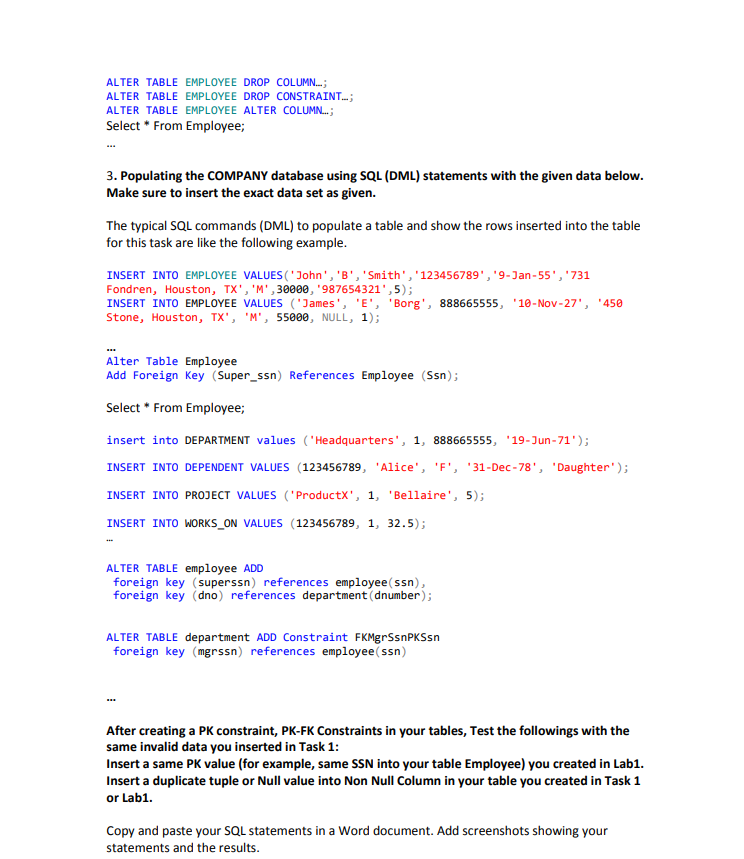
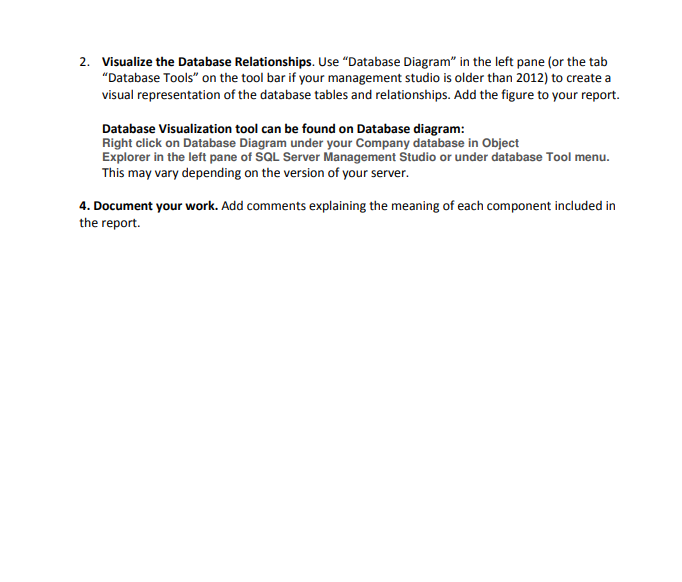
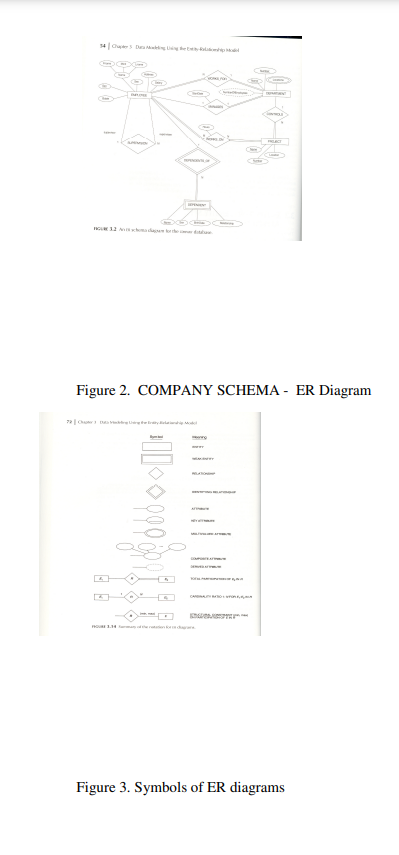
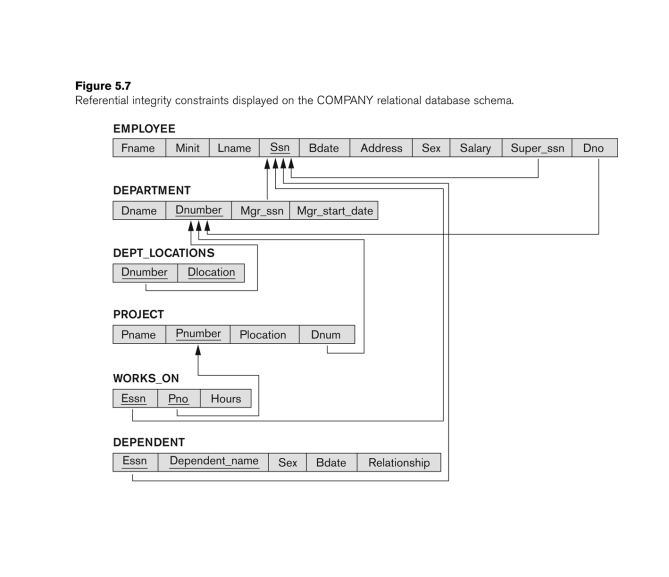
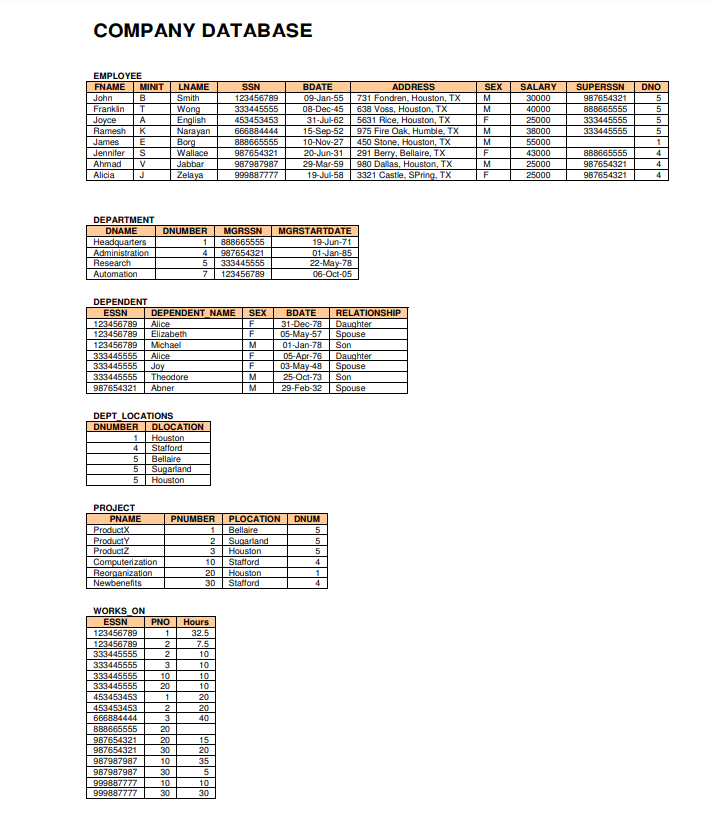
Creating a Relational Database Schema from ER Diagram and Populating the Database 1. BEFORE adding any PK Constraint or PK-FK Constraints in your tables, do the following test. If you already added PK, then drop it using Alter Table Drop (See Part2 for the Alter command) or Create another table with different name but with the same schema Emp_Test without PK, FK or NotNull declared for this task 1 part. Test with the followings: - Insert a few tuples to your Employee table with the given data set below. - Insert invalid PK column values - a duplicate SSN value, Null value into SSN column or Null values into LName, FName of your table Employee that you created in Lab1 (or Emp_Test you just created). - Insert any invalid data like a space ", all Null values for a tuple, or a duplicate tuple into your the Employee table you created in Lab1 or your Emp_Test. Copy and paste the screen captures that show how the server responses with your SQL statements in a Word document. Add screenshots showing your statements and the results Together in one window of SQL management studio. 2. Creating the COMPANY database schema using SQL (DDL) statements. The COMPANY database schema is depicted from ER Diagram in Figure 7.15 (in the slide 30 of Elmasri Chapter 7). Core data for this database is given below (at the last page of this lab). Make sure insert all four tuples into Department tables. Delete all the invalid data you inserted in Task 1 first before starting this main Task 2. 2-1) Identify all the relationships in the given ERD for Company Database 2-2) Transform them into a logical Company Database schema: Write the corresponding DDL to create Company Database Schema by Creating (or Altering each table if already created) all 6 Relations by defining all the PK-FK Constraints and NotNull constraint as shown in Figure 7.15 or Figure5-7 below. ALTER TABLE EMPLOYEE ALTER COLUMN...; Select * From Employee; 3. Populating the COMPANY database using SQL (DML) statements with the given data below. Make sure to insert the exact data set as given. The typical SQL commands (DML) to populate a table and show the rows inserted into the table for this task are like the following example. INSERT INTO EMPLOYEE VALUES('John', 'B ', 'Smith ', '123456789 ', '9- Jan-55 ', ' 731 Fondren, Houston, TX', 'M', 30000, '987654321' , 5); INSERT INTO EMPLOYEE VALUES ('James', 'E', 'Borg', 888665555, '10-Nov-27', '450 Stone, Houston, TX', 'M', 55000, NULL, 1); Alter Table Employee Add Foreign Key (Super_ssn) References Employee (Ssn); Select * From Employee; insert into DEPARTMENT values ('Headquarters', 1, 888665555, '19-Jun-71'); INSERT INTO DEPENDENT VALUES (123456789, 'Alice', 'F', '31-Dec-78', 'Daughter'); INSERT INTO PROJECT VALUES ('ProductX', 1, 'Bellaire', 5); INSERT INTO WORKS_ON VALUES (123456789, 1, 32.5); ALTER TABLE employee ADD foreign key (superssn) references employee(ssn), foreign key (dno) references department (dnumber); ALTER TABLE department ADD Constraint FKMgrSsnPKSsn foreign key (mgrssn) references employee(ssn) After creating a PK constraint, PK-FK Constraints in your tables, Test the followings with the same invalid data you inserted in Task 1: Insert a same PK value (for example, same SSN into your table Employee) you created in Lab1. Insert a duplicate tuple or Null value into Non Null Column in your table you created in Task 1 or Lab1. Copy and paste your SQL statements in a Word document. Add screenshots showing your statements and the results. 2. Visualize the Database Relationships. Use "Database Diagram" in the left pane (or the tab "Database Tools" on the tool bar if your management studio is older than 2012) to create a visual representation of the database tables and relationships. Add the figure to your report. Database Visualization tool can be found on Database diagram: Right click on Database Diagram under your Company database in Object Explorer in the left pane of SQL Server Management Studio or under database Tool menu. This may vary depending on the version of your server. 4. Document your work. Add comments explaining the meaning of each component included in the report. Figure 2. COMPANY SCHEMA - ER Diagram Figure 3. Symbols of ER diagrams Figure 5.7 Referential integrity constraints displayed on the COMPANY relational database schema. COMPANY DATABASE nen anrancar EDEMINMT nEDT I AR ATInMe men iert
Step by Step Solution
There are 3 Steps involved in it

Get step-by-step solutions from verified subject matter experts
 Study Help