







Question: code should be written in java AddressBook again. Your task is to modify the classes that we have created AddressBook exercise) and save it in
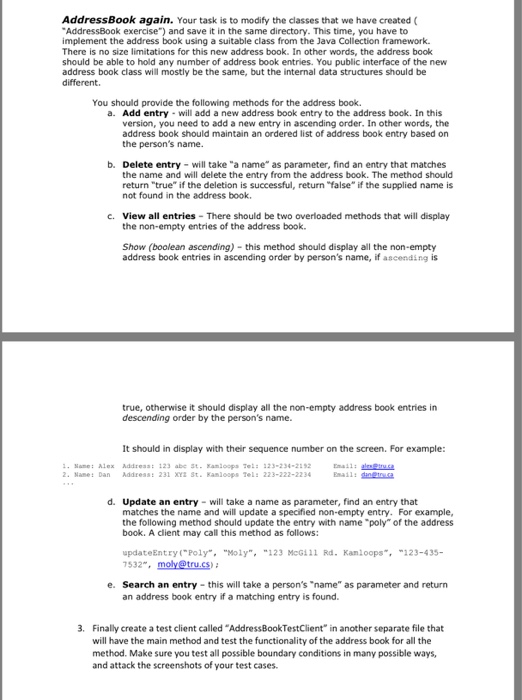
AddressBook again. Your task is to modify the classes that we have created AddressBook exercise") and save it in the same directory. This time, you have to implement the address book using a suitable class from the Java Collection framework. There is no size limitations for this new address book. In other words, the address book should be able to hold any number of address book entries. You public interface of the new address book class will mostly be the same, but the internal data structures should be different. You should provide the following methods for the address book. a. Add entry-will add a new address book entry to the address book. In this version, you need to add a new entry in ascending order. In other words, the address book should maintain an ordered list of address book entry based on the person's name. b. Delete entry- will take "a name" as parameter, find an entry that matches the name and will delete the entry from the address book. The method should return "true" if the deletion is successful, return "false" if the supplied name is not found in the address book. c. View all entries There should be two overloaded methods that will display the non-empty entries of the address book. Show (boolean ascending) - this method should display all the non-empty address book entries in ascending order by person's name, if ascending is true, otherwise it should display all the non-empty address book entries in descending order by the person's name. It should in display with their sequence number on the screen. For example: Name: Alex Addreas: 123 abe St- amioops Tel: 323-234-212 2 Name: Dan Address: 231 x2 St. Kanloops Tel: 223-222-2234 d. Update an entry- will take a name as parameter, find an entry that matches the name and will update a specified non-empty entry. For example, the following method should update the entry with name poly" of the address book. A client may call this method as follows: updateEntry ("Poly""Mol",123 McG111 Rd. Kamloops 123-435- e. Search an entry- this will take a person's "name" as parameter and return an address book entry if a matching entry is found. . Finally create a test client called "AddressBookTestClient in another separate file that will have the main method and test the functionality of the address book for all the method. Make sure you test all possible boundary conditions in many possible ways, and attack the screenshots of your test cases
Step by Step Solution
There are 3 Steps involved in it

Get step-by-step solutions from verified subject matter experts
 Study Help