







Question: Collapse Exercises Exercise 4: Simple Math II UE Prouten Stales LU use a prump Sunds, Cher your numriver here.. then you have to use the
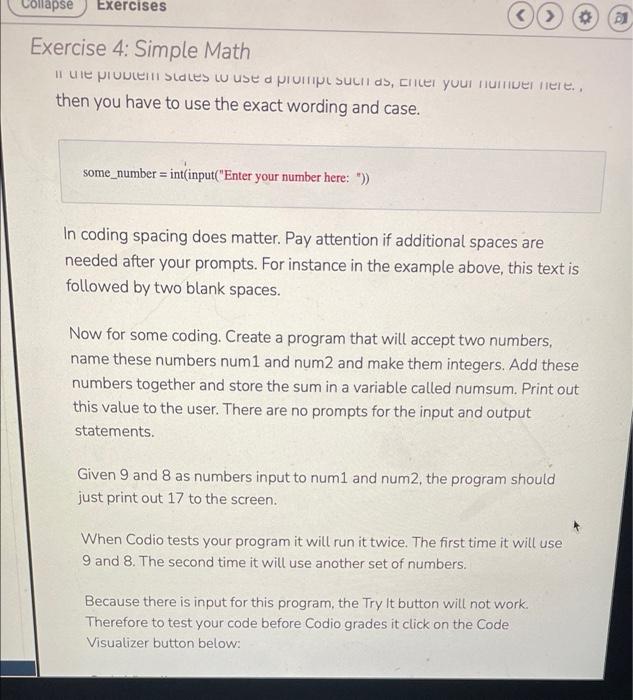
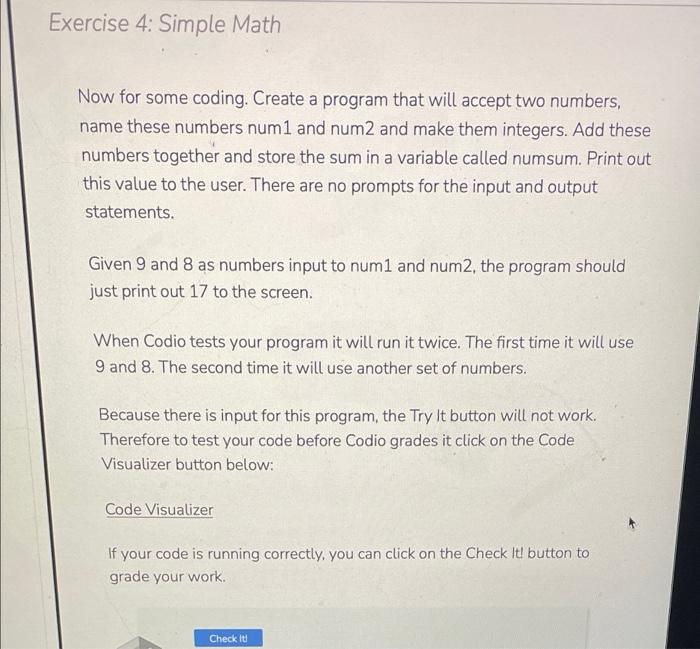
Collapse Exercises Exercise 4: Simple Math II UE Prouten Stales LU use a prump Sunds, Cher your numriver here.. then you have to use the exact wording and case. some_number = int(input("Enter your number here: ")) In coding spacing does matter. Pay attention if additional spaces are needed after your prompts. For instance in the example above, this text is followed by two blank spaces. Now for some coding. Create a program that will accept two numbers, name these numbers num1 and num2 and make them integers. Add these numbers together and store the sum in a variable called numsum. Print out this value to the user. There are no prompts for the input and output statements. Given 9 and 8 as numbers input to num1 and num2, the program should just print out 17 to the screen. When Codio tests your program it will run it twice. The first time it will use 9 and 8. The second time it will use another set of numbers. Because there is input for this program, the Try it button will not work. Therefore to test your code before Codio grades it click on the Code Visualizer button below: Exercise 4: Simple Math Now for some coding. Create a program that will accept two numbers, name these numbers num1 and num2 and make them integers. Add these numbers together and store the sum in a variable called numsum. Print out this value to the user. There are no prompts for the input and output statements. Given 9 and 8 as numbers input to num1 and num2, the program should just print out 17 to the screen. When Codio tests your program it will run it twice. The first time it will use 9 and 8. The second time it will use another set of numbers. Because there is input for this program, the Try it button will not work. Therefore to test your code before Codio grades it click on the Code Visualizer button below: Code Visualizer If your code is running correctly, you can click on the Check It! button to grade your work Check it
Step by Step Solution
There are 3 Steps involved in it

Get step-by-step solutions from verified subject matter experts
 Study Help