







Question: Column Styles Next, you'll format the grid columns. Go to the Column Styles section. Create a style rule to float all div elements whose class
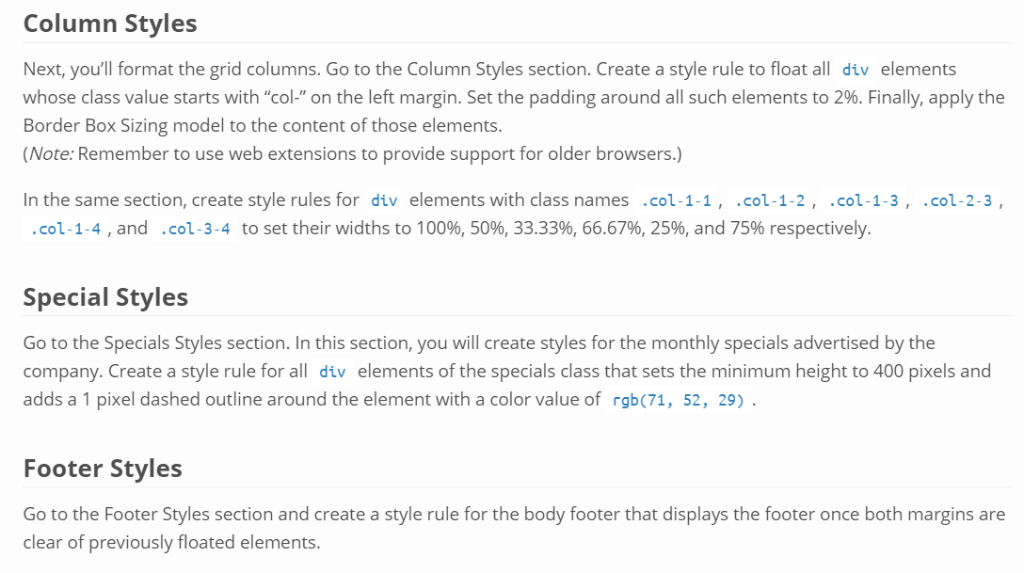
Column Styles Next, you'll format the grid columns. Go to the Column Styles section. Create a style rule to float all div elements whose class value starts with "col-" on the left margin. Set the padding around all such elements to 2%. Finally, apply the Border Box Sizing model to the content of those elements. (Note: Remember to use web extensions to provide support for older browsers.) In the same section, create style rules for div elements with class names .col-1-1, .col-1-2, .col-1-3, .col. 1.4 , and . co, 3-4 to set their widths to 100%, 50%, 33.33%, 66.67%, 25%, and 75% respectively .col-2-3, Special Styles Go to the Specials Styles section.In this section, you will create styles for the monthly specials advertised by the company.Create a style rule for all div elements of the specials class that sets the minimum height to 400 pixels and adds a 1 pixel dashed outline around the element with a color value of rgb(71, 52, 29) Footer Styles Go to the Footer Styles section and create a style rule for the body footer that displays the footer once both margins are clear of previously floated elements
Step by Step Solution
There are 3 Steps involved in it

Get step-by-step solutions from verified subject matter experts
 Study Help