







Question: COMP 1 0 0 6 2 : Assignment 1 Nicholas Moore, Mohawk College, 2 0 2 3 , with acknowledgements to Sam Scott The Assignment:
COMP: Assignment
Nicholas Moore, Mohawk College, with acknowledgements to Sam Scott
The Assignment: Arkanoid Screen
This assignment is about using variables, data types, loops, if statements, and FX Graphics to draw a
single screen from the game "Arkanoid" using parameters from the user.
Setup
Use the FXGraphicsTemplate for this assignment. Change the class name to something meaningful and
change the window title, and size of the stage to whatever you want.
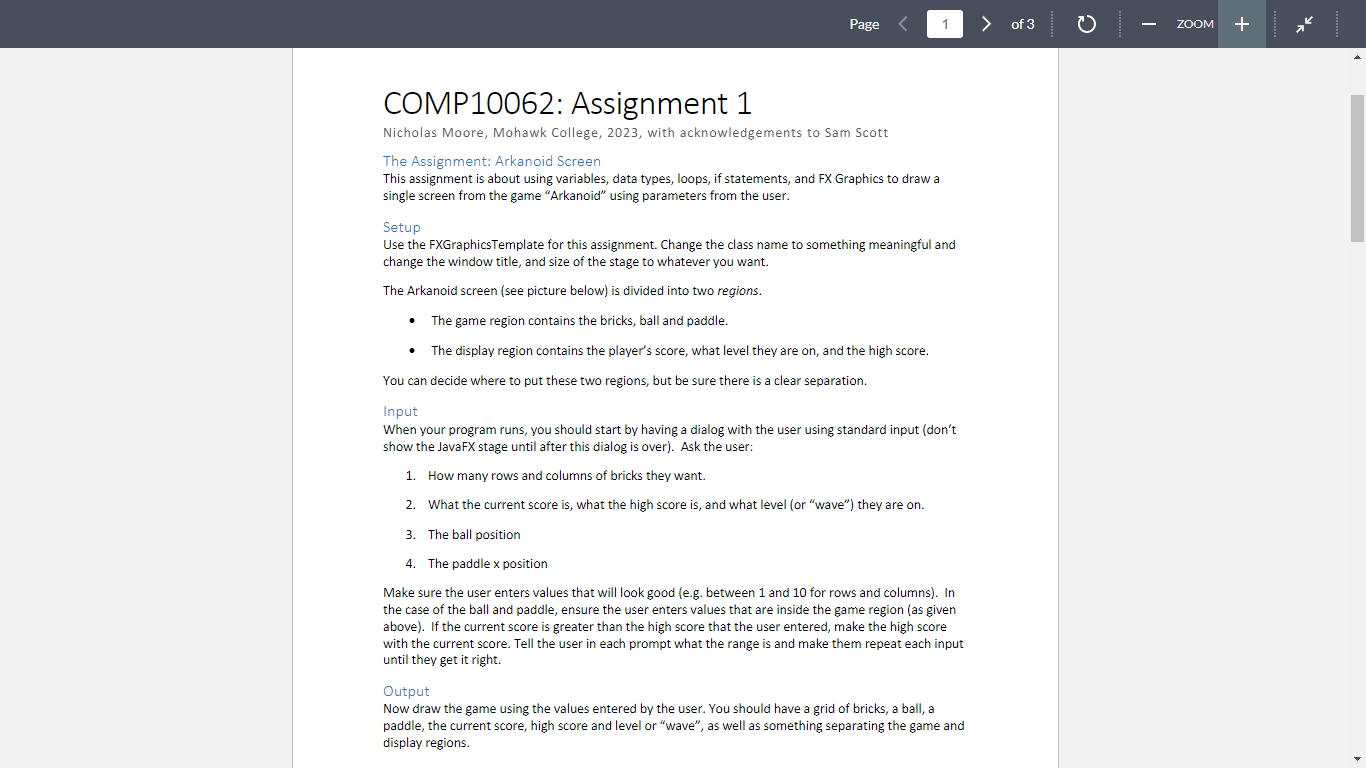
The Arkanoid screen see picture below is divided into two regions.
The game region contains the bricks, ball and paddle.
The display region contains the player's score, what level they are on and the high score.
You can decide where to put these two regions, but be sure there is a clear separation.
Input
When your program runs, you should start by having a dialog with the user using standard input dont
show the JavaFX stage until after this dialog is over Ask the user:
How many rows and columns of bricks they want.
What the current score is what the high score is and what level or "wave" they are on
The ball position
The paddle position
Make sure the user enters values that will look good eg between and for rows and columns In
the case of the ball and paddle, ensure the user enters values that are inside the game region as given
above If the current score is greater than the high score that the user entered, make the high score
with the current score. Tell the user in each prompt what the range is and make them repeat each input
until they get it right.
Output
Now draw the game using the values entered by the user. You should have a grid of bricks, a ball, a
paddle, the current score, high score and level or "wave", as well as something separating the game and
display regions.
Step by Step Solution
There are 3 Steps involved in it
1 Expert Approved Answer
Step: 1 Unlock

Question Has Been Solved by an Expert!
Get step-by-step solutions from verified subject matter experts
Step: 2 Unlock
Step: 3 Unlock
 Study Help